Detect Citrix NetScaler Vulnerabilities: Logs, Tools, and Hidden Blind Spots
Most Citrix NetScaler breaches succeed because defenders monitor application logs while the actual compromise occurs in the underlying operating system kernel.

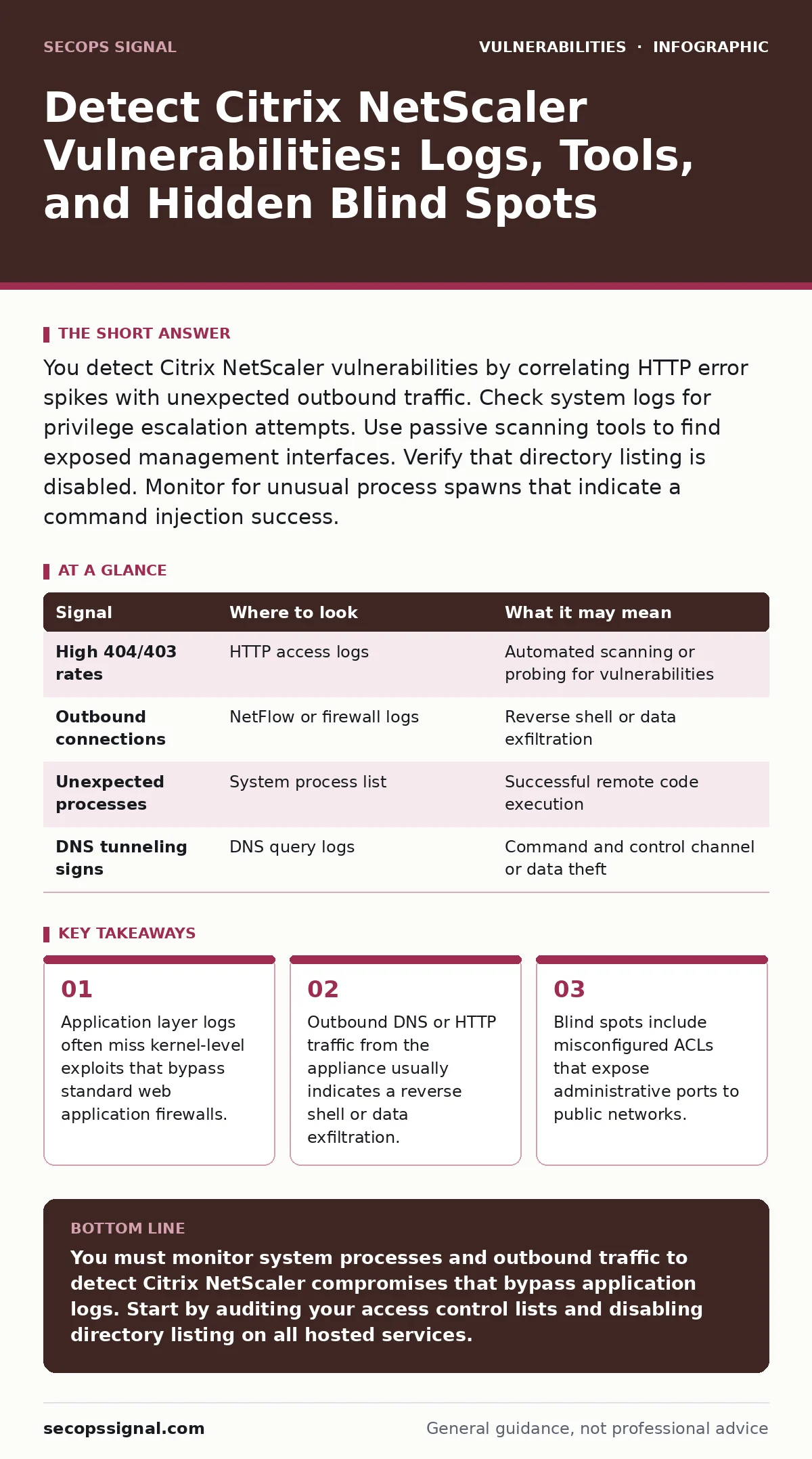
You detect Citrix NetScaler vulnerabilities by correlating HTTP error spikes with unexpected outbound traffic. Check system logs for privilege escalation attempts. Use passive scanning tools to find exposed management interfaces. Verify that directory listing is disabled. Monitor for unusual process spawns that indicate a command injection success.
Identify Anomalies in Web Traffic Logs
Citrix NetScaler acts as an application delivery controller. It sits between users and internal services. You must examine HTTP access logs for patterns that indicate exploitation. Look for unusual spikes in 404 or 403 status codes. These errors often precede a successful exploit attempt. Attackers probe for known vulnerable endpoints before executing code.
Check for requests containing encoded characters. URL encoding can hide malicious payloads. Decoded parameters might reveal command injection attempts. The NetScaler logs the encoded string, but the decoded payload executes on the system. You need to correlate these logs with system-level events. A spike in high-status errors followed by normal traffic often signals a successful bypass.
Monitor System-Level Process Activity
The NetScaler runs on a Linux-based operating system. Many vulnerabilities allow remote code execution at the kernel level. Application logs will not show these events. You must monitor system process lists for unexpected binaries. Look for processes spawned by the web server user. These processes should not exist in a stable configuration.
Common indicators include shell processes running under the context of the web service. You should also watch for new network connections initiated by system processes. A web server should not initiate outbound connections to unknown IP addresses. If you see this, investigate immediately. This behavior often indicates a reverse shell. The attacker has gained control and is connecting back to their machine.
Analyze Network Flow and Port Usage
Citrix NetScaler exposes many ports for management and traffic handling. You must verify which ports are accessible from untrusted networks. The management interface should never be reachable from the internet. Check your firewall rules and access control lists. Ensure that only trusted IPs can reach administrative ports.
Monitor outbound traffic from the appliance. NetScaler devices should not generate significant outbound data flows. Large transfers might indicate data exfiltration. DNS queries can also reveal compromise. Attackers use DNS tunneling to exfiltrate data or receive commands. Look for high volumes of DNS requests with long subdomain names. This pattern is distinct from normal resolution behavior.
| Signal | Where to look | What it may mean |
|---|---|---|
| High 404/403 rates | HTTP access logs | Automated scanning or probing for vulnerabilities |
| Outbound connections | NetFlow or firewall logs | Reverse shell or data exfiltration |
| Unexpected processes | System process list | Successful remote code execution |
| DNS tunneling signs | DNS query logs | Command and control channel or data theft |
Use Passive and Active Scanning Tools
Active scanning can trigger alerts or disrupt services. Use passive tools first. These tools analyze traffic without sending requests. They can identify exposed versions of software. Version information often reveals known vulnerabilities. You can map these versions to public vulnerability databases. This helps with vulnerability prioritization before you engage in active testing.
When you use active scanners, be careful. Aggressive scanning can crash the appliance. Start with low-intensity checks. Look for missing HTTP security headers. These headers help protect against clickjacking and data leaks. While not a direct exploit, their absence indicates poor configuration. You can also check for directory listing exposure. This allows attackers to browse sensitive files.
Check for Misconfigured Access Controls
Access control lists define who can access what. Misconfigurations here are common. You must review the ACLs regularly. Ensure that administrative interfaces are restricted. Do not rely on default settings. Defaults often allow broader access than necessary. Tighten these rules to match your actual operational needs.
Check for bypasses in the ACL logic. Complex rules can have unintended interactions. An attacker might find a path that skips authentication. You should test these rules. Simulate requests from unauthorized IPs. Verify that the system blocks them. If the system allows access, you have a critical gap. This gap can allow unauthorized configuration changes.
See also: Detect QR Code Phishing: Log Analysis and Blind Spots · Data Extortion Warning Signs: Spotting the Threat Before Paying
Validate Patch Levels and Configuration Drift
Vendors release patches for known vulnerabilities. You must apply these patches promptly. Delaying updates leaves the system exposed. Check the current version against the latest stable release. Do not use beta versions in production. They may contain instability or new bugs.
Configuration drift occurs when settings change over time. You might have secured the system initially, but changes accumulate. Regular audits prevent this. Compare the current configuration against a baseline. Look for new users, changed permissions, or disabled security features. Document any changes. This helps in forensic analysis if a breach occurs.
Understand the Limits of Detection
No single tool detects all threats. You must combine multiple sources. Logs, network flows, and process lists provide different perspectives. Correlating these sources reduces false positives. It also helps you spot sophisticated attacks. An attacker might hide their tracks in one log source. They will likely leave traces in another.
Be aware of your blind spots. Encrypted traffic can hide malicious payloads. You cannot inspect the content of TLS-encrypted streams without decryption. This is a trade-off for privacy and security. You must rely on metadata analysis in these cases. Look for unusual connection patterns or timing anomalies.
Integrate with Broader Security Practices
Detection is only one part of security. You must also prevent and respond. Regular penetration testing helps find weaknesses before attackers do. It simulates real-world attacks. This reveals gaps in your detection logic. You can then adjust your monitoring rules.
Ensure your development practices are secure. If you host applications behind the NetScaler, they must be secure too. Use parameterized queries to prevent SQL injection. This stops attackers from manipulating database queries. Secure coding practices reduce the attack surface. This makes the NetScaler's job easier. It only needs to protect the infrastructure, not fix application flaws.
Key takeaways
- Application layer logs often miss kernel-level exploits that bypass standard web application firewalls.
- Outbound DNS or HTTP traffic from the appliance usually indicates a reverse shell or data exfiltration.
- Blind spots include misconfigured ACLs that expose administrative ports to public networks.
You must monitor system processes and outbound traffic to detect Citrix NetScaler compromises that bypass application logs. Start by auditing your access control lists and disabling directory listing on all hosted services.
Frequently asked questions
How do I know if my NetScaler is compromised?
Look for unexpected outbound connections, unusual process activity, and spikes in HTTP error codes. Correlate these signals to confirm a breach.
Can I detect attacks without active scanning?
Yes, passive monitoring of network flows and system logs can reveal anomalies. Look for DNS tunneling signs and unauthorized process spawns.
What is the biggest blind spot in NetScaler security?
The underlying Linux operating system is often overlooked. Attacks targeting the kernel bypass web application logs entirely.
How often should I review NetScaler configurations?
Review configurations after every change and at least quarterly. Regular audits prevent configuration drift and ensure access controls remain tight.
How this guide was produced: written by the SecOps Signal editorial team with AI assistance, checked against the public references listed below, and reviewed when the facts change. See our editorial policy or report an error.