Vulnerability Prioritization: Fix What Actually Matters First
Most patches waste time because teams fix low-risk flaws first; context determines which holes actually endanger your business.

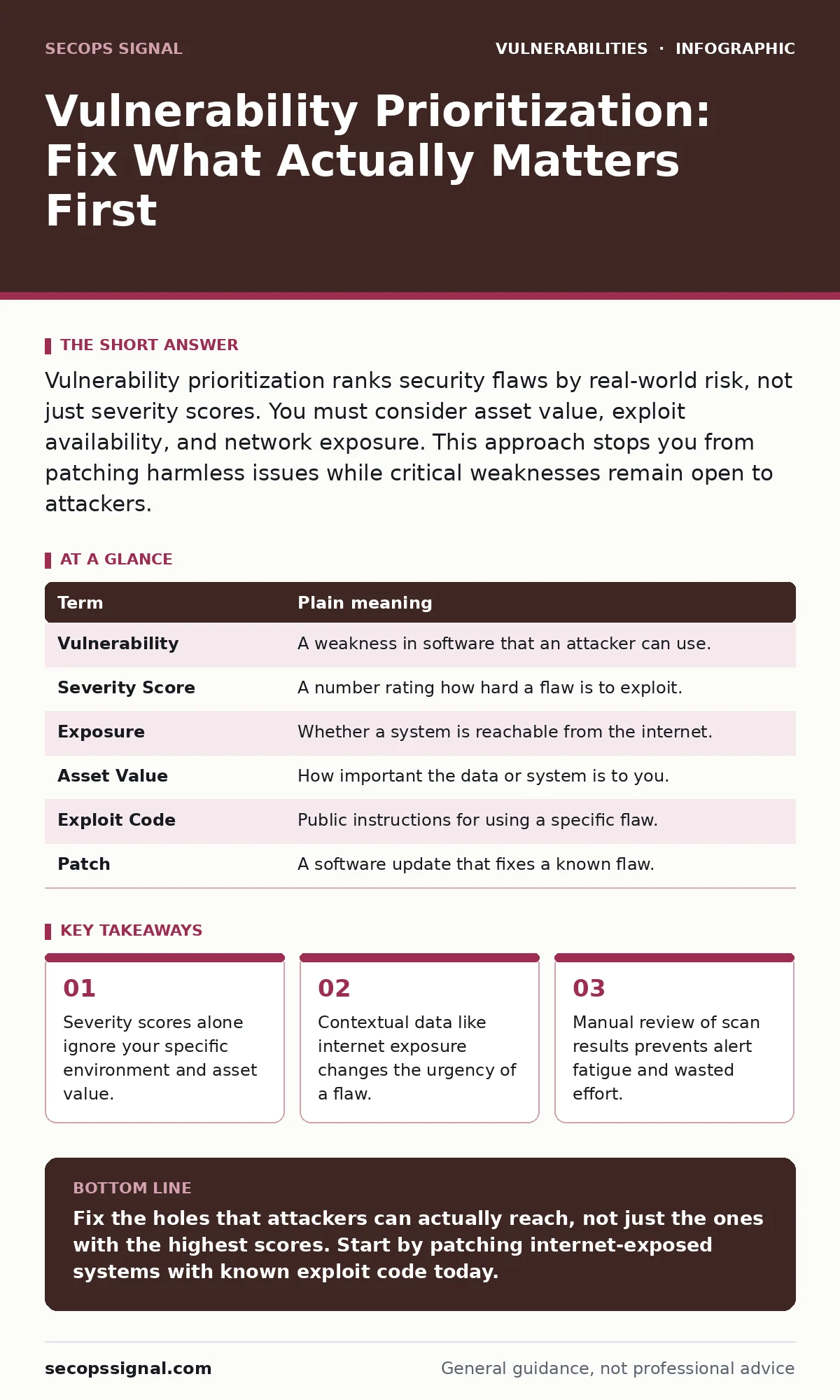
Vulnerability prioritization ranks security flaws by real-world risk, not just severity scores. You must consider asset value, exploit availability, and network exposure. This approach stops you from patching harmless issues while critical weaknesses remain open to attackers.
The Leaky Roof Analogy
Imagine your business is a house. A vulnerability scanner is like an inspector who finds every crack, loose shingle, and drafty window. The inspector marks them all with the same bright red sticker. If you fix every sticker in alphabetical order, you might patch a tiny crack in the attic while a hole in the front door lets rain flood the living room.
Prioritization is the act of deciding which hole to patch first. It is not about fixing everything at once. It is about stopping the water that actually damages your belongings. You cannot seal every gap instantly, so you must choose the ones that threaten your core operations.
Why Scores Fail You
Most tools assign a numerical score to each flaw. This score comes from a standard framework. It tells you how hard it is to exploit the code. It does not tell you if an attacker can reach that code.
Suppose a server in your basement has a high-score flaw. That server has no internet connection. An attacker cannot reach it from outside. Meanwhile, a web server with a medium-score flaw sits on the front porch. That flaw allows remote access. The medium-score flaw is far more dangerous to your house.
The Hidden Cost of Context
A flaw is only dangerous if it meets certain conditions. These conditions are called context. Context includes where the software runs, who can access it, and what data it holds.
A vulnerability in a public-facing login page is urgent. A vulnerability in an internal report generator is less so. You must weigh the likelihood of an attack against the impact of a breach. If a flaw requires physical access to your office, the risk is low. If it requires only a web browser, the risk is high.
Key Terms for Clarity
| Term | Plain meaning |
|---|---|
| Vulnerability | A weakness in software that an attacker can use. |
| Severity Score | A number rating how hard a flaw is to exploit. |
| Exposure | Whether a system is reachable from the internet. |
| Asset Value | How important the data or system is to you. |
| Exploit Code | Public instructions for using a specific flaw. |
| Patch | A software update that fixes a known flaw. |
The First Practical Step
Start by separating your assets into two groups. Group one includes systems that talk to the internet. Group two includes systems that stay inside your network.
Look at your scan results. Ignore Group two for now. Focus only on Group one. Within Group one, find flaws that have public exploit code. These are the holes where attackers already have a ladder. Fix these first. This single filter removes most noise.
When Standard Advice Fails
You might hear that you should patch everything within thirty days. This advice fails when you have hundreds of flaws. You cannot fix them all. You must accept some risk.
Imagine a flaw in a legacy system that runs a critical but isolated process. Patching it might break the system. Leaving it open might be safer if the system cannot be reached. You must balance stability against security. Sometimes, isolating the system is better than patching it.
Integrating Your Workflow
Prioritization is not a one-time task. It is a continuous cycle. You scan, you prioritize, you patch, and you repeat.
Many teams use automated tools to help. These tools can flag internet-exposed assets automatically. They can also check for known exploit code. However, you must verify the results. Automation can make mistakes. Human judgment is still required for complex decisions.
Moving Beyond Basic Scanning
Once you master prioritization, you can look deeper. You might explore how vulnerability scanning feeds into broader risk-based vulnerability management. This approach looks at business impact, not just technical flaws.
You may also encounter specific flaw types. For example, file upload vulnerabilities often appear in public forms. Session fixation attacks target user login states. Parameterized queries prevent database attacks. Understanding these specific mechanisms helps you prioritize correctly.
Some flaws are subtle. DLL hijacking occurs when a program loads the wrong helper file. Subdomain takeover happens when you lose control of a web address. These require specific checks. Backported security fixes allow older systems to get patches without full updates. Knowing these terms helps you talk to your team.
Try This Now
- Run a scan on your internet-facing servers only.
- Filter the results to show only flaws with public exploit code.
- Patch the top three most severe flaws from that filtered list.
This process takes minutes. It gives you immediate risk reduction. It teaches you to look for context, not just numbers.
Key takeaways
- Severity scores alone ignore your specific environment and asset value.
- Contextual data like internet exposure changes the urgency of a flaw.
- Manual review of scan results prevents alert fatigue and wasted effort.
Fix the holes that attackers can actually reach, not just the ones with the highest scores. Start by patching internet-exposed systems with known exploit code today.
Frequently asked questions
How often should I prioritize vulnerabilities?
You should prioritize after every scan. If you scan weekly, prioritize weekly. New flaws appear constantly, so your list changes daily.
Can I automate prioritization completely?
No. Automation can flag exposure and exploits. It cannot judge business impact or legacy system stability. You must review the final list.
What if I have no internet-facing systems?
Then focus on internal lateral movement. Prioritize flaws that allow an attacker to move from one internal machine to another.
How this guide was produced: written by the SecOps Signal editorial team with AI assistance, checked against the public references listed below, and reviewed when the facts change. See our editorial policy or report an error.