7 Remote Access Tool Mistakes That Invite Unauthorized Control
Most remote access breaches start with a single configuration error that bypasses standard defenses and grants attackers persistent, invisible control over your network.

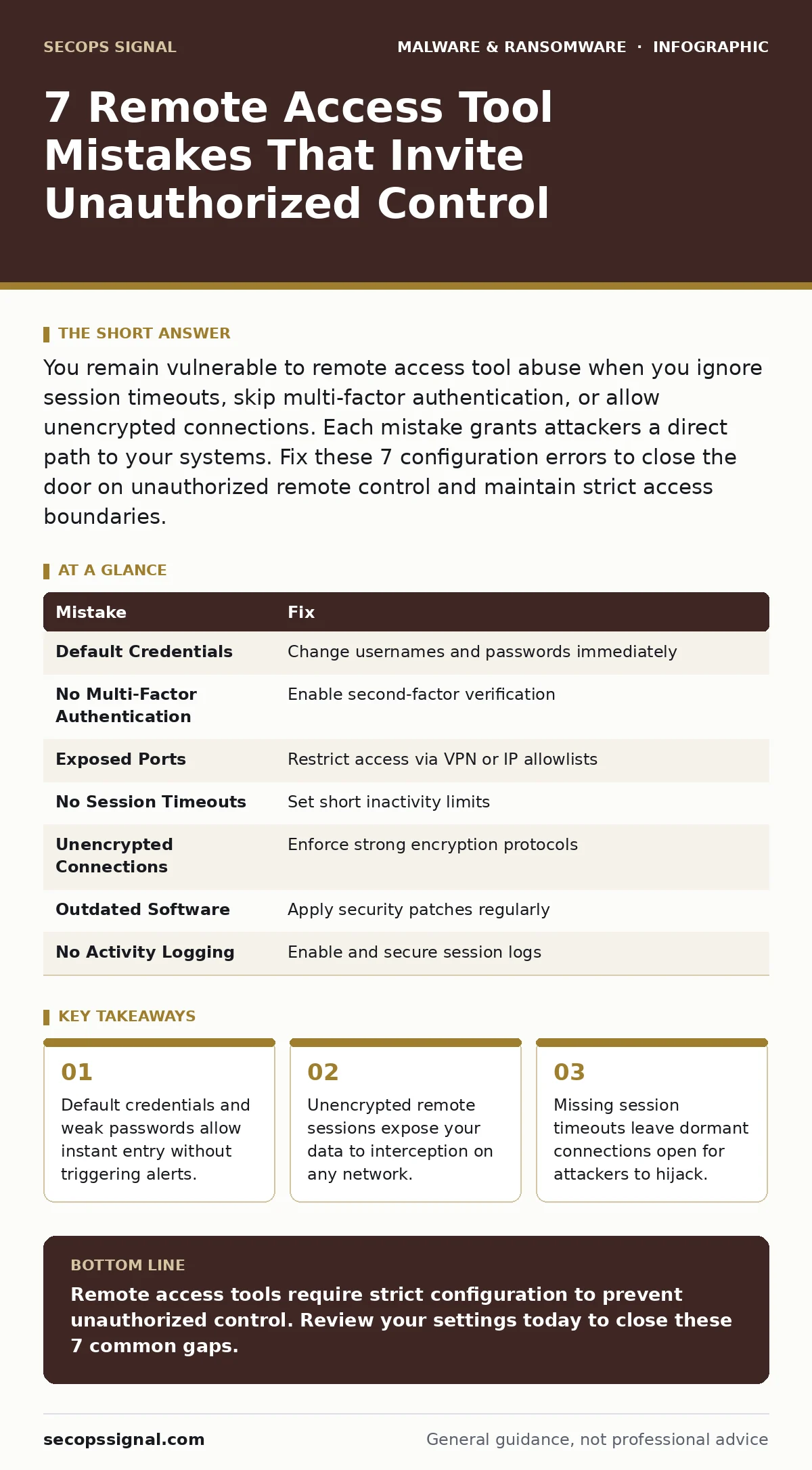
You remain vulnerable to remote access tool abuse when you ignore session timeouts, skip multi-factor authentication, or allow unencrypted connections. Each mistake grants attackers a direct path to your systems. Fix these 7 configuration errors to close the door on unauthorized remote control and maintain strict access boundaries.
Mistake 1: Using Default or Weak Credentials
Remote access tools often ship with default usernames and passwords that are publicly documented. You leave the back door open when you install software and skip the credential change step. Attackers scan the internet for these known combinations. They gain immediate access because the system accepts the default login. This happens before any complex exploit is needed.
Why it hurts:
Attackers use automated bots to test default credentials against thousands of ports. Your system fails the check instantly. The attacker gains full administrative control. They move laterally through your network without detection. This initial access is the hardest to trace because it looks like a legitimate login.
The fix:
Change the default username and password during installation. Use a unique password for each remote access service. Never reuse credentials from other accounts. This forces attackers to guess or steal your specific password. It breaks the automation that relies on known defaults.
Mistake 2: Skipping Multi-Factor Authentication
Passwords alone are insufficient for remote access. You rely on a single secret that can be phished, guessed, or stolen. Without multi-factor authentication, a compromised password grants immediate entry. Attackers do not need to break into your firewall. They simply use the stolen credentials to log in from anywhere.
Why it hurts:
Phishing campaigns target your email to steal login details. Once an attacker has your password, they bypass the first layer of defense. They access your remote tool instantly. You lose the ability to verify the user's identity. The system cannot distinguish between you and an impostor.
The fix:
Enable multi-factor authentication on all remote access services. Require a second form of verification, such as an authenticator app or hardware key. This adds a layer that passwords cannot provide. Even if your password is stolen, the attacker cannot log in without the second factor.
Mistake 3: Leaving Ports Exposed to the Internet
You open specific ports on your firewall to allow remote connections. Exposing these ports directly to the internet increases your attack surface. Scanners constantly probe for open ports associated with remote access tools. Your system becomes visible to anyone looking for it. You invite unsolicited connection attempts from malicious actors.
Why it hurts:
Open ports act as a beacon for attackers. They identify your remote access service by the port number. They attempt to exploit known vulnerabilities in that service. You cannot control who tries to connect. The volume of attempts increases the chance of a successful breach.
The fix:
Restrict remote access ports to specific IP addresses. Use a virtual private network to create a secure tunnel. This hides your ports from public scanners. Only authorized devices can initiate a connection. You reduce the visibility of your remote access infrastructure.
Mistake 4: Disabling Session Timeouts
Remote sessions remain active until the user manually disconnects. You leave connections open when you disable session timeouts. An attacker who gains access can maintain control indefinitely. They use the existing session to perform malicious actions. You lose the ability to force a re-authentication.
Why it hurts:
Dormant sessions are invisible to monitoring tools. Attackers wait for the user to step away. They use the active session to access sensitive data. The session does not expire, so no alert triggers. You cannot detect the unauthorized activity until damage occurs.
The fix:
Set a short session timeout, such as 15 minutes. Force users to re-authenticate after inactivity. This limits the window for session hijacking. Attackers must maintain active control to stay connected. You increase the difficulty of persistent access.
Mistake 5: Allowing Unencrypted Connections
Remote access tools can transmit data in plain text. You expose your credentials and data when you disable encryption. Attackers on the same network can intercept the traffic. They capture usernames, passwords, and commands. You lose confidentiality and integrity of the session.
Why it hurts:
Unencrypted traffic is readable by anyone on the network. Attackers use packet sniffing tools to capture the data. They extract login credentials from the stream. They can replay the captured data to gain access. You cannot trust the data you send over the connection.
The fix:
Enforce encryption for all remote access sessions. Use strong protocols that protect data in transit. Verify that the connection is encrypted before proceeding. This prevents interception of sensitive information. You ensure that only the intended recipient can read the data.
See also: Detect QR Code Phishing: Log Analysis and Blind Spots · Data Extortion Warning Signs: Spotting the Threat Before Paying
Mistake 6: Ignoring Software Updates
Remote access tools contain vulnerabilities that are patched over time. You remain vulnerable when you ignore software updates. Attackers exploit known flaws in outdated versions. They gain access without needing credentials. You rely on software that has known weaknesses.
Why it hurts:
Vulnerabilities are public once discovered. Attackers write exploits for these known flaws. Your outdated software lacks the fix. The exploit runs automatically upon connection. You cannot defend against attacks that target known issues.
The fix:
Update remote access software regularly. Apply security patches as soon as they are released. This closes known vulnerabilities before attackers can exploit them. You maintain a stronger security posture. You reduce the risk of unauthorized access through software flaws.
Mistake 7: Lacking Activity Logging
You cannot detect unauthorized access if you do not log it. Disabling activity logging hides malicious actions from view. Attackers operate in the shadows. You have no record of who connected or what they did. You lose the ability to investigate incidents.
Why it hurts:
Without logs, you cannot prove a breach occurred. Attackers cover their tracks easily. You cannot identify the scope of the compromise. Incident response becomes guesswork. You fail to learn from past attacks.
The fix:
Enable detailed activity logging for all remote sessions. Store logs in a secure, tamper-proof location. Review logs regularly for suspicious activity. This provides evidence of unauthorized access. You improve your ability to detect and respond to breaches.
| Mistake | Fix |
|---|---|
| Default Credentials | Change usernames and passwords immediately |
| No Multi-Factor Authentication | Enable second-factor verification |
| Exposed Ports | Restrict access via VPN or IP allowlists |
| No Session Timeouts | Set short inactivity limits |
| Unencrypted Connections | Enforce strong encryption protocols |
| Outdated Software | Apply security patches regularly |
| No Activity Logging | Enable and secure session logs |
Key takeaways
- Default credentials and weak passwords allow instant entry without triggering alerts.
- Unencrypted remote sessions expose your data to interception on any network.
- Missing session timeouts leave dormant connections open for attackers to hijack.
Remote access tools require strict configuration to prevent unauthorized control. Review your settings today to close these 7 common gaps.
Frequently asked questions
Can remote access tools be used for good?
Yes, they allow legitimate IT support and remote work. Proper configuration ensures only authorized users gain access.
Do I need a VPN for remote access?
A VPN adds a layer of security by encrypting traffic. It hides your remote access ports from public scanners.
How do I detect remote access abuse?
Monitor logs for unusual login times or locations. Look for connections from unknown IP addresses.
Are mobile remote access apps safe?
They can be safe if properly configured. Ensure they use encryption and multi-factor authentication.
How this guide was produced: written by the SecOps Signal editorial team with AI assistance, checked against the public references listed below, and reviewed when the facts change. See our editorial policy or report an error.