Intrusion Prevention Systems for Small Business: Setup, Costs, and Delegation
Modern intrusion prevention systems automate threat blocking at the network edge, reducing the need for manual log review while introducing configuration risks that require expert tuning to avoid disrupting legitimate business traffic.

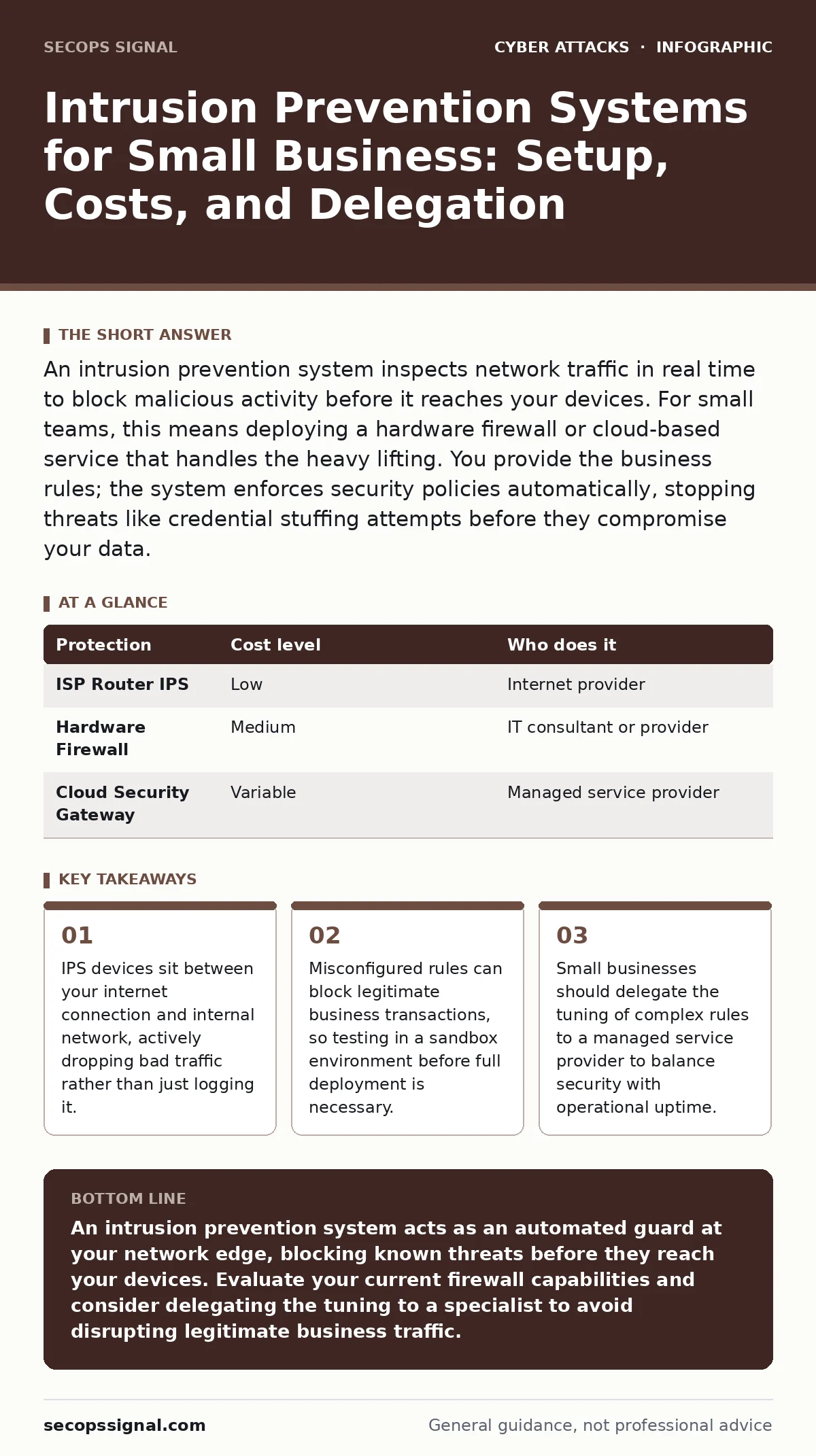
An intrusion prevention system inspects network traffic in real time to block malicious activity before it reaches your devices. For small teams, this means deploying a hardware firewall or cloud-based service that handles the heavy lifting. You provide the business rules; the system enforces security policies automatically, stopping threats like credential stuffing attempts before they compromise your data.
The Shift from Passive to Active Defense
Traditional firewalls act as gatekeepers, checking the address and port of incoming connections. They allow or deny traffic based on static rules you define. An intrusion prevention system goes further by inspecting the content of the data packets. It looks for known patterns of malicious code or suspicious behavior. When it finds a match, it blocks the traffic immediately. This active intervention stops attacks in transit, rather than waiting for an endpoint antivirus to detect the infection after the fact.
This distinction matters because many modern threats exploit vulnerabilities in software before patches are available. Your employees may not know how to avoid a web skimming script on a compromised vendor portal. An IPS can recognize the signature of that script and block the connection. This adds a layer of protection that does not rely on user behavior.
Why Small Teams Need Network-Level Blocking
You likely do not have a dedicated security operations center monitoring logs twenty-four hours a day. You cannot review every alert generated by your network equipment. An IPS reduces the volume of alerts you need to see by filtering out noise at the edge. It stops low-level scans and automated bot traffic before they reach your servers. This preserves your bandwidth and reduces the load on your internal systems.
For a small operation, downtime is costly. If an attack succeeds, your team cannot work while you restore systems. By preventing intrusions at the network perimeter, you protect your ability to operate. This is particularly relevant when protecting against credential stuffing attacks, where bots try thousands of password combinations. An IPS can detect the rapid-fire nature of these attempts and block the source IP addresses automatically.
Affordable Implementation Paths
You do not need enterprise-grade hardware to gain these benefits. Many modern broadband routers include basic IPS features built into their firmware. These are often free or included in the cost of the internet service. However, they may lack the depth of inspection needed for complex business applications.
A more robust option is a dedicated hardware firewall appliance. These devices are designed specifically for security and offer deeper packet inspection. They are a one-time capital expense with optional annual subscription fees for threat signature updates. Another path is a cloud-delivered security service. These services route your traffic through a secure cloud gateway. They are often priced per user or per bandwidth volume, making them predictable for budgeting. This model also shifts the maintenance burden to the provider.
| Protection | Cost level | Who does it |
|---|---|---|
| ISP Router IPS | Low | Internet provider |
| Hardware Firewall | Medium | IT consultant or provider |
| Cloud Security Gateway | Variable | Managed service provider |
The Hidden Cost of False Positives
The biggest risk with an IPS is not failure to block an attack, but blocking legitimate traffic. This is called a false positive. If the system mistakenly identifies a legitimate business transaction as malicious, it will drop the connection. Your customers might see errors when trying to submit forms. Your accounting software might fail to sync with the cloud.
This is why tuning is critical. You must define what normal traffic looks like for your business. If you use a specialized industry protocol, the IPS might flag it as unusual. You need to create exceptions for these trusted flows. Without proper tuning, your security tool becomes a barrier to your own operations. This is a common pitfall where the usual advice of "enable all protections" fails because it ignores business context.
What to Delegate to a Provider
Configuring an IPS requires understanding network protocols and attack vectors. This is specialized knowledge that may not exist within your small team. Delegating this task to a managed service provider allows you to focus on your core business. They handle the initial configuration, ongoing tuning, and signature updates.
When selecting a provider, look for experience with your specific industry. They should understand the types of traffic your business generates. They should also offer clear reporting on blocked threats. This transparency helps you understand your risk profile. You should also ensure they have a process for emergency changes. If a new critical vulnerability emerges, they need to update your rules quickly.
Consider how this fits with other security measures. An IPS protects the network, but it does not manage user identities. You still need strong conditional access policies to ensure only authorized users can reach your resources. The IPS stops the bad traffic; access policies stop the bad actors from logging in.
See also: 7 Remote Access Tool Mistakes That Invite Unauthorized Control · Detect QR Code Phishing: Log Analysis and Blind Spots
Questions to Ask Your IT Provider
Before hiring a provider to manage your intrusion prevention, you need to verify their approach. Do not just ask if they offer IPS services. Ask how they handle the nuances of your specific environment.
- How do you distinguish between a legitimate spike in traffic and a denial-of-service attack?
- What is your process for updating threat signatures, and how quickly can you deploy a critical patch?
- How do you test new rules to prevent false positives from disrupting our business operations?
- Can you provide a sample report showing what types of threats are being blocked and from where?
- What is your response time if the IPS begins blocking legitimate business traffic during a critical period?
Integrating with Existing Security Layers
An IPS is one component of a layered defense strategy. It works best when combined with other controls. For example, if you use password managers, your employees are less likely to reuse credentials. This reduces the success rate of credential stuffing attacks. The IPS provides a backup by blocking the automated bots that attempt these attacks.
You should also consider how your email security interacts with your network protection. Email filtering catches malicious links before they reach the inbox. If a link gets through, the IPS can block the connection to the malicious website. This redundancy is vital because no single control is perfect. You are building a system where the failure of one layer is caught by another.
Remember that technology alone does not solve security. Your employees need to know what to do when they encounter an error. If the IPS blocks a legitimate site, they should know to contact IT immediately rather than trying to bypass the block. Clear communication channels reduce the risk of users finding ways around security controls.
Key takeaways
- IPS devices sit between your internet connection and internal network, actively dropping bad traffic rather than just logging it.
- Misconfigured rules can block legitimate business transactions, so testing in a sandbox environment before full deployment is necessary.
- Small businesses should delegate the tuning of complex rules to a managed service provider to balance security with operational uptime.
An intrusion prevention system acts as an automated guard at your network edge, blocking known threats before they reach your devices. Evaluate your current firewall capabilities and consider delegating the tuning to a specialist to avoid disrupting legitimate business traffic.
Frequently asked questions
Does an intrusion prevention system replace a firewall?
No, an IPS is a feature that often works alongside a firewall. While a firewall controls access based on addresses and ports, an IPS inspects the content of the data for malicious patterns. Most modern firewalls include IPS capabilities, but they serve different functions within the same device.
Can an IPS stop ransomware?
An IPS can block known ransomware communication patterns and initial infection attempts. However, it cannot stop ransomware that arrives through legitimate channels, such as a compromised email attachment that passes inspection. You still need endpoint detection and regular backups to recover from ransomware infections.
How often should IPS rules be updated?
Rules should be updated as soon as new threats are identified. Most commercial solutions provide automatic signature updates from a central database. If you manage the system yourself, you should check for updates daily. Outdated rules leave your network vulnerable to newly discovered attack methods.
Will an IPS slow down my internet connection?
Deep packet inspection requires processing power, which can introduce latency. However, modern hardware is designed to handle high bandwidth with minimal impact. You may notice a slight delay if your hardware is undersized for your internet speed. Proper sizing and configuration ensure that security does not compromise performance.
How this guide was produced: written by the SecOps Signal editorial team with AI assistance, checked against the public references listed below, and reviewed when the facts change. See our editorial policy or report an error.