Conditional Access Policies: 8 Practices for Secure Remote Work
Conditional access policies restrict login attempts based on context, preventing compromised credentials from granting access to sensitive data even if stolen.

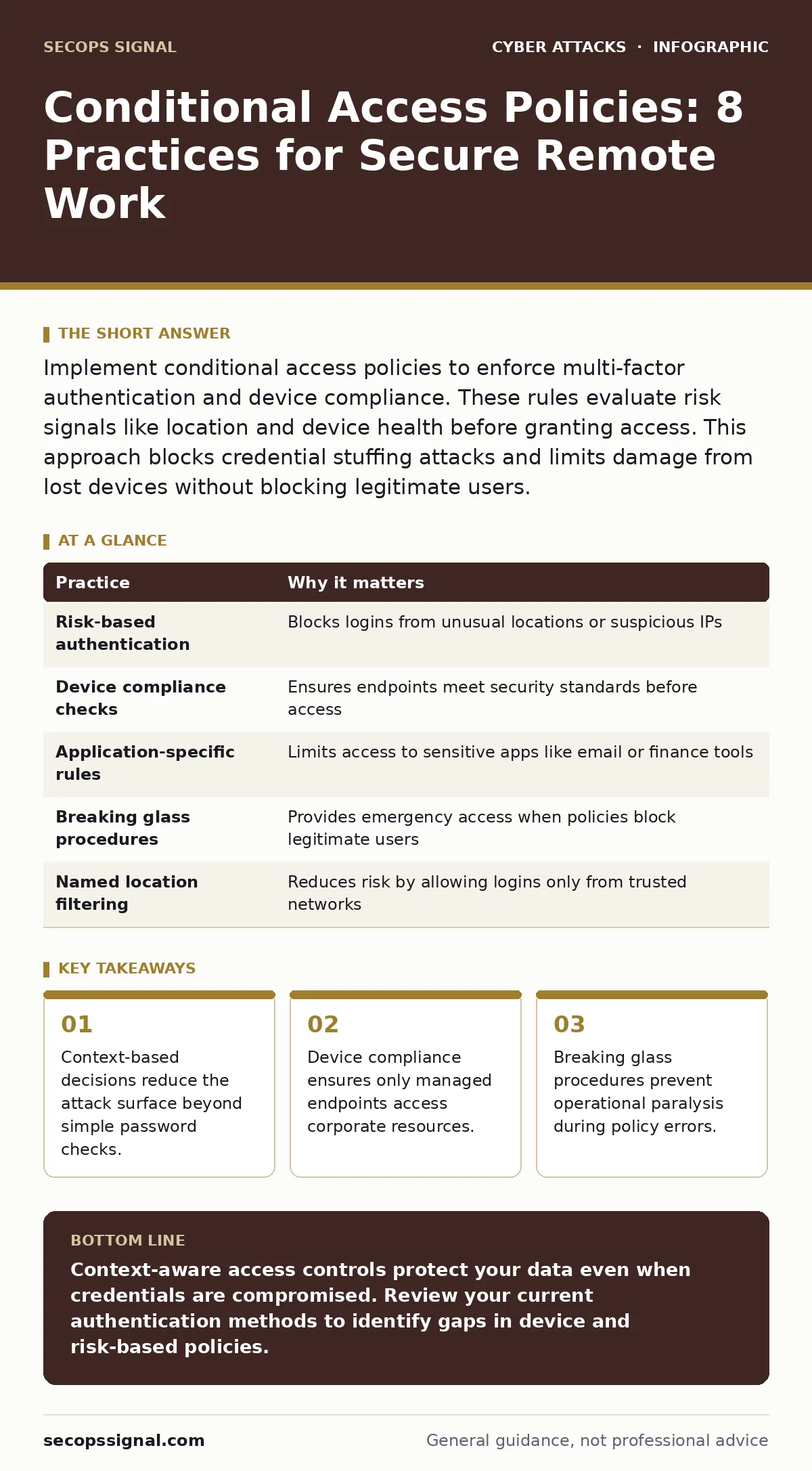
Implement conditional access policies to enforce multi-factor authentication and device compliance. These rules evaluate risk signals like location and device health before granting access. This approach blocks credential stuffing attacks and limits damage from lost devices without blocking legitimate users.
Identity Context Over Password Strength
Passwords are static secrets that expire the moment they are compromised. Relying solely on password strength ignores the reality that attackers often bypass authentication entirely through stolen tokens or session hijacking. Conditional access policies shift the security model from verifying who you are to verifying that the login attempt behaves normally. This shift mitigates risks like credential stuffing, where bots test leaked credentials against multiple services. By evaluating the context of the login, you add friction for attackers while maintaining flow for legitimate users.
| Practice | Why it matters |
|---|---|
| Risk-based authentication | Blocks logins from unusual locations or suspicious IPs |
| Device compliance checks | Ensures endpoints meet security standards before access |
| Application-specific rules | Limits access to sensitive apps like email or finance tools |
| Breaking glass procedures | Provides emergency access when policies block legitimate users |
| Named location filtering | Reduces risk by allowing logins only from trusted networks |
Risk-Based Authentication Signals
You can configure policies to trigger additional verification steps when the system detects anomalous behavior. These signals include logins from countries where your business has no presence or access attempts from unfamiliar IP addresses. The mechanism works by comparing the current session against a baseline of normal user activity. If the deviation exceeds a set threshold, the policy blocks the request or demands secondary verification. This prevents attackers from using stolen credentials from foreign locations.
Device Compliance and Management
A compliant device is one that meets specific security standards, such as having an active disk encryption and up-to-date anti-malware software. Without this check, a user can log in from an infected personal laptop that exposes the network to lateral movement. Conditional access policies can deny access to any device that fails these health checks. This ensures that even if a credential is stolen, the attacker cannot use a compromised endpoint to enter your environment. It complements intrusion prevention systems by securing the entry point rather than just monitoring the traffic.
Application-Specific Access Rules
Not all applications carry the same risk. Email and financial tools contain higher-value targets than internal wikis or collaboration spaces. You should create separate policies for sensitive applications that enforce stricter requirements, such as hardware-based security keys. This granular approach ensures that casual apps remain accessible for productivity while critical data stays protected. It avoids the frustration of forcing heavy authentication for low-risk tasks.
Named Location and Network Filtering
Defining trusted network ranges, such as your office IP addresses, allows you to relax requirements for users on those networks. This reduces the burden of multi-factor authentication when users are in a secure physical environment. However, this practice introduces a risk if your network is compromised. An attacker inside your office network would bypass these relaxed rules. Therefore, you must combine named location filtering with other controls, ensuring that internal threats are still monitored. This setup helps prevent web skimming attacks that might capture data from users who assume internal networks are inherently safe.
Breaking Glass Procedures
Strict policies can accidentally lock out administrators during a crisis. A breaking glass procedure allows emergency access using a dedicated, highly secured account when normal methods fail. This account should have minimal permissions and trigger immediate alerts upon use. Without this mechanism, a misconfigured policy could halt business operations entirely. The trade-off is that you create a high-value target that attackers will seek to compromise. You must protect this account with stronger controls than standard user accounts.
Phishing-Resistant Authentication Methods
Standard SMS or email-based multi-factor authentication can be intercepted or phished. Attackers often use real-time man-in-the-middle attacks to capture one-time codes as users enter them. You should prioritize phishing-resistant methods, such as FIDO2 security keys or platform authenticators. These methods bind the authentication to the specific website or application, preventing interception. This approach significantly reduces the success rate of QR code phishing and other credential harvesting techniques.
Continuous Monitoring and Policy Review
Conditional access policies are not static. As your business grows, you add new applications, remote locations, and user types. Policies that worked for a small team may block legitimate access for a distributed workforce. You must regularly review policy logs to identify false positives and adjust thresholds. This maintenance ensures that security controls evolve with your operational needs. Neglecting this review leads to policy drift, where rules become either too loose or too restrictive.
User Experience and Communication
Users will resist policies that interrupt their workflow without explanation. Clear communication about why certain actions trigger additional verification helps build trust and compliance. You should provide guidance on how to resolve common access errors, such as adding a device to compliance. This reduces the volume of help desk tickets and frustration. A well-communicated policy is more likely to be respected and less likely to be worked around.
Key takeaways
- Context-based decisions reduce the attack surface beyond simple password checks.
- Device compliance ensures only managed endpoints access corporate resources.
- Breaking glass procedures prevent operational paralysis during policy errors.
Context-aware access controls protect your data even when credentials are compromised. Review your current authentication methods to identify gaps in device and risk-based policies.
Frequently asked questions
Do conditional access policies replace the need for passwords?
No, they complement passwords by adding contextual verification. Passwords remain the primary identifier, but policies determine if that identifier is trusted in a specific context.
How do I handle users who travel frequently?
Use risk-based policies that adapt to user behavior. Frequent travelers will establish a new baseline, reducing false positives over time as the system learns their patterns.
Can these policies block legitimate users?
Yes, misconfigured rules can block access. This is why reporting-only modes and breaking glass procedures are necessary to maintain business continuity during testing and emergencies.
What is the difference between MFA and conditional access?
Multi-factor authentication is a method of verification, while conditional access is the set of rules that decide when and how that verification is required based on context.
How this guide was produced: written by the SecOps Signal editorial team with AI assistance, checked against the public references listed below, and reviewed when the facts change. See our editorial policy or report an error.