Detect Web Skimming: Log Patterns, Code Signs and Blind Spots
Find hidden scripts by tracking unexpected network calls, monitoring for DOM changes and validating integrity hashes across your web assets.

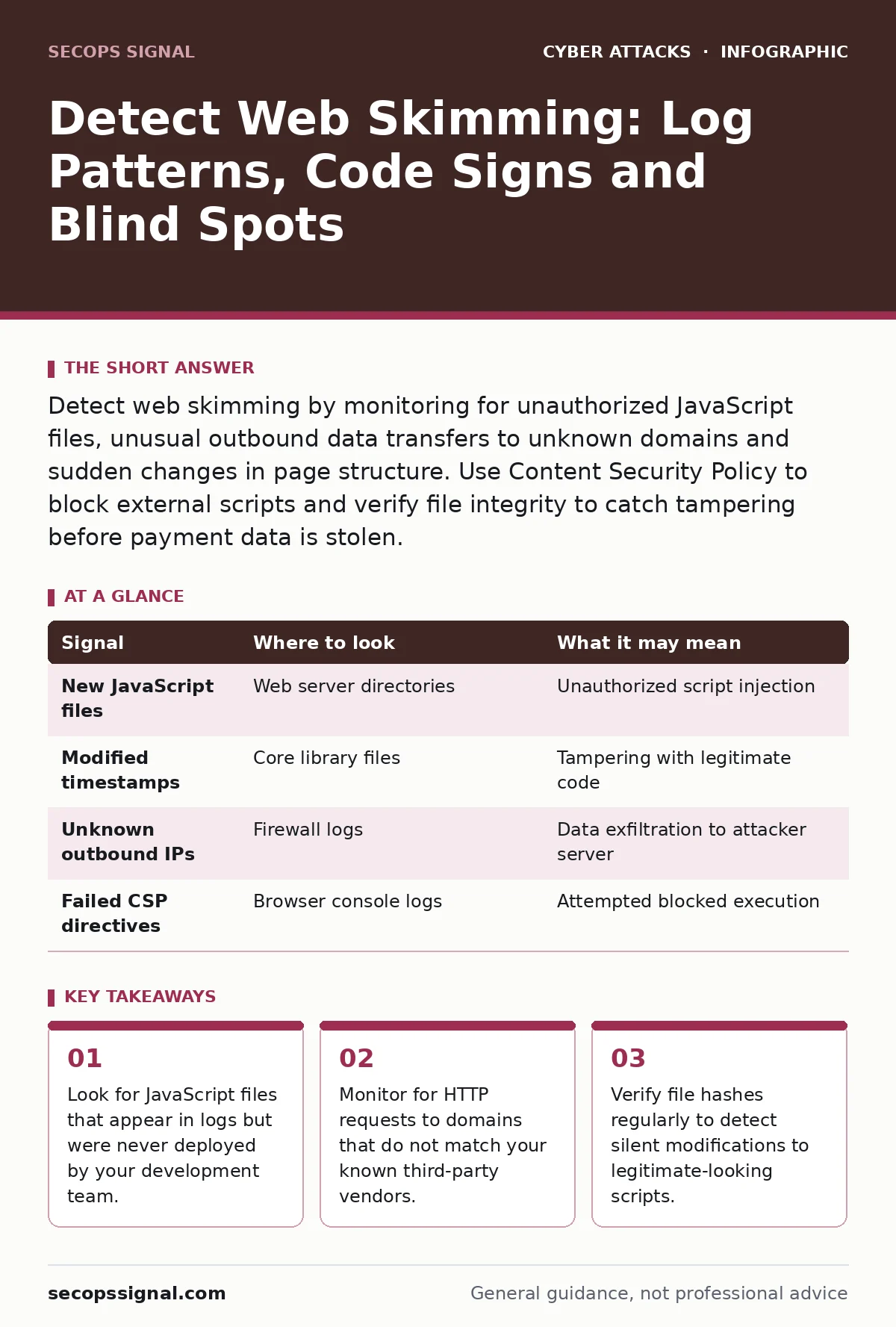
Detect web skimming by monitoring for unauthorized JavaScript files, unusual outbound data transfers to unknown domains and sudden changes in page structure. Use Content Security Policy to block external scripts and verify file integrity to catch tampering before payment data is stolen.
The Silent Injection Mechanism
Web skimming, often called Magecart attacks, occurs when attackers inject malicious code into your website’s payment processing flow. This code captures card details as customers type them, sending the data to an external server before the transaction reaches your payment processor. You do not need to breach your database to steal this information. The attacker only needs read and write access to a single script file or the ability to modify the HTML structure.
The goal is to remain invisible. If the site loads normally and transactions process correctly, users and even administrators may never notice the theft. The malicious script runs in the background, intercepting data at the browser level. This means traditional perimeter defenses often miss the threat entirely because the traffic appears to be legitimate user activity.
Server-Side File Integrity Signals
Start your investigation by examining the files that make up your checkout page. Attackers often replace a legitimate JavaScript library with a version containing hidden code. If you use a content management system, check the core files and any custom plugins. Look for files that have been modified recently, even if the change timestamp is subtle.
File integrity monitoring tools can alert you when a file’s cryptographic hash changes. A hash is a unique string of characters generated from the file’s contents. If the hash changes, the file has been altered. Without this baseline, you are comparing the current state to nothing, making it easy for an attacker to blend in.
| Signal | Where to look | What it may mean |
|---|---|---|
| New JavaScript files | Web server directories | Unauthorized script injection |
| Modified timestamps | Core library files | Tampering with legitimate code |
| Unknown outbound IPs | Firewall logs | Data exfiltration to attacker server |
| Failed CSP directives | Browser console logs | Attempted blocked execution |
Browser Console and Network Logs
When the malicious script runs, it must communicate with the attacker’s server. This communication shows up in the browser’s network tab. Look for POST requests to domains you do not recognize. These requests often carry encrypted or encoded data, but the destination IP address or domain name is the tell-tale sign.
Attackers often use domain generation algorithms or fast-flux DNS to change their server addresses frequently. This makes static blocking difficult. Instead, focus on the pattern of communication. Legitimate payment processors do not send raw card numbers to random subdomains. If you see a script sending data to a domain that was created recently, investigate immediately.
Client-Side DOM Manipulation
Some skimmers do not rely on external files. Instead, they modify the Document Object Model directly. The DOM is the tree-like structure of elements in a web page. An attacker might inject a hidden input field or overlay a fake form on top of the real one. This technique leaves no trace in your server files because the change happens in the user’s browser memory.
To detect this, you need to monitor the DOM state. Compare the rendered page against the original source code. If elements appear in the rendered view that are not in the source, something is injecting content dynamically. This is harder to spot because it requires active monitoring of the page structure during user interaction.
Third-Party Script Risks
Many websites rely on third-party scripts for analytics, chat widgets or payment gateways. These scripts run with the same permissions as your own code. If a vendor’s server is compromised, the attacker can push malicious updates to all sites using that script. This is a supply chain attack. You are trusting the vendor’s security posture implicitly.
Audit your third-party dependencies regularly. Check if the scripts they provide are hosted on their own domains or if they are bundled into your files. If they are bundled, you are responsible for verifying their integrity. If they are hosted externally, you must trust their Content Security Policy and update mechanisms.
See also: Open Redirect Myths: Why Your Assumptions About This Flaw Are Wrong
Common Blind Spots in Detection
Many teams focus on server logs and ignore the client side. They assume that if the server is secure, the data is safe. This is a critical error. The compromise often happens after the server sends the page to the browser. The malicious code executes in the client’s environment, outside the server’s direct control.
Another blind spot is assuming that HTTPS prevents skimming. Encryption protects data in transit, but it does not prevent malicious code from running in the browser. If the code is authorized to run, it can read the decrypted data before it is encrypted again for transmission.
Automated Detection Strategies
Manual inspection is not scalable. You need automated tools to scan your codebase and monitor network traffic. Static application security testing tools can analyze your source code for known vulnerabilities. Dynamic application security testing tools simulate user interactions to find runtime issues.
Integrate these tools into your deployment pipeline. Run them before every update. This ensures that new code does not introduce vulnerabilities that attackers can exploit. Also, set up alerts for any changes to critical files. Do not wait for a breach to notice that a file has changed.
Response and Remediation Steps
When you detect skimming, isolate the affected systems immediately. Stop the data flow to the attacker’s server. This may involve taking the payment page offline temporarily. Preserve the evidence for forensic analysis. Do not delete the malicious files yet.
Restore the affected files from a known good backup. Verify the integrity of the restored files. Check for any other compromised accounts or backdoors. The attacker may have left other entry points. Review access logs to determine how they gained initial access. Patch the vulnerability they exploited to prevent recurrence.
Key takeaways
- Look for JavaScript files that appear in logs but were never deployed by your development team.
- Monitor for HTTP requests to domains that do not match your known third-party vendors.
- Verify file hashes regularly to detect silent modifications to legitimate-looking scripts.
Frequently asked questions
How do I know if my site has been skimmed?
Look for unexpected JavaScript files, unusual network requests to unknown domains and changes in file hashes that you did not authorize.
Can a Web Application Firewall stop web skimming?
A WAF can block some known attack patterns, but it often misses sophisticated skimmers that mimic legitimate traffic or are injected via supply chain compromises.
Why is Content Security Policy effective against skimming?
CSP restricts where scripts can load from. If an attacker injects a script from an unauthorized domain, the browser will block its execution, preventing data theft.
Do I need to check third-party vendors for skimming risks?
Yes. If a vendor’s script is compromised, it can inject malicious code into your site. You must monitor and verify the integrity of all external dependencies.
How this guide was produced: written by the SecOps Signal editorial team with AI assistance, checked against the public references listed below, and reviewed when the facts change. See our editorial policy or report an error.