Out-of-Bounds Write Vulnerabilities Explained: How Memory Errors Break Software
Out-of-bounds write vulnerabilities allow attackers to corrupt adjacent memory, granting control over program execution without direct access to the target file.

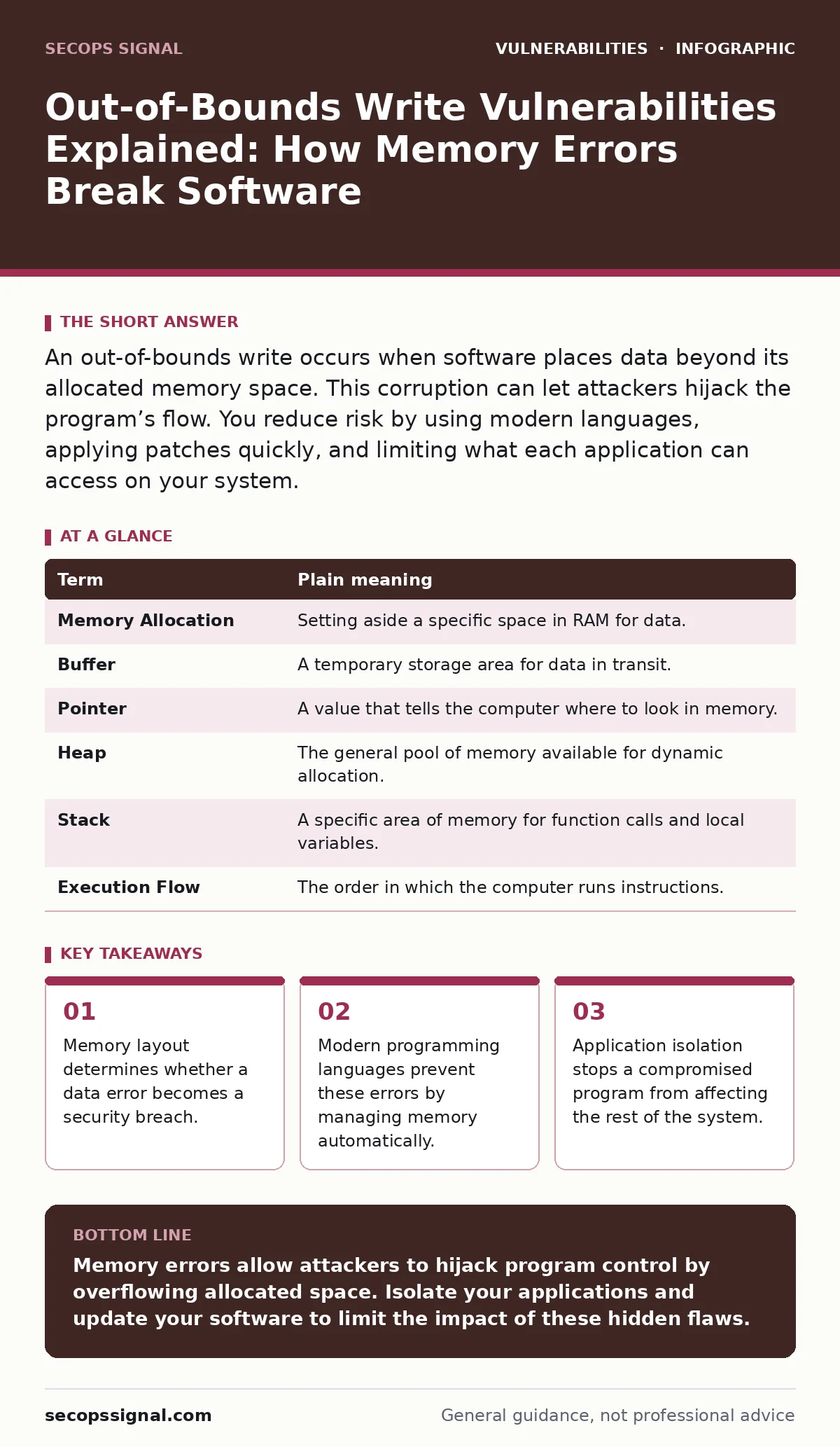
An out-of-bounds write occurs when software places data beyond its allocated memory space. This corruption can let attackers hijack the program’s flow. You reduce risk by using modern languages, applying patches quickly, and limiting what each application can access on your system.
The Library Book Analogy
Imagine a library where every patron receives a specific shelf for their books. The shelf has 10 slots. If a patron places 12 books on that shelf, the extra 2 books spill onto the next shelf. This neighbor’s shelf now contains books that do not belong to them. The library catalog is confused. It might read the neighbor’s title as part of the first patron’s book. In software, this spill is an out-of-bounds write. The "shelf" is a block of memory. The "books" are data bytes. The "catalog" is the program logic that reads that memory. When data spills over, the program logic breaks.
Key Terms Defined
Understanding the mechanics requires clear definitions. These terms describe how computers manage information.
| Term | Plain meaning |
|---|---|
| Memory Allocation | Setting aside a specific space in RAM for data. |
| Buffer | A temporary storage area for data in transit. |
| Pointer | A value that tells the computer where to look in memory. |
| Heap | The general pool of memory available for dynamic allocation. |
| Stack | A specific area of memory for function calls and local variables. |
| Execution Flow | The order in which the computer runs instructions. |
What Happens When Data Spills
When a program writes beyond its buffer, it overwrites adjacent memory. This memory might hold other data, function pointers, or control information. If the attacker controls the spilled data, they can overwrite a function pointer. The program then jumps to the attacker’s code instead of the intended instruction. This is how a simple data error becomes a full system compromise. The attacker does not need to break into the program. They only need to trick it into writing too much data.
Why Ordinary Users Face This Risk
You do not write code, but you run programs that do. Browsers, office suites, and media players process complex data. They often use older code structures that do not check memory limits automatically. If you open a malicious document or visit a crafted webpage, the software may trigger an out-of-bounds write. The result is not just a crash. It can be silent data corruption or full remote code execution. This risk persists because legacy systems remain in use. Many critical tools still rely on manual memory management.
Unexpected Consequences of Memory Errors
Most people assume a crash is the worst outcome. It is not. A crash stops the program. A controlled overflow keeps it running. The hidden cost of these vulnerabilities is stealth. An attacker can overwrite memory in a way that does not crash the program immediately. This allows them to maintain persistence. They can modify behavior without detection. This makes forensic analysis difficult. The system appears normal, but the underlying logic is corrupted. This connects to the broader issue of compensating controls. You must assume memory errors will occur and limit their impact through isolation.
Simple Safety Habits for Prevention
You cannot fix the code, but you can change the environment. Use operating systems that provide strong memory protection features. Enable Data Execution Prevention, which marks certain memory areas as non-executable. This stops spilled data from running as code. Keep your software updated. Patches often include fixes for known memory handling flaws. Use applications written in memory-safe languages like Rust or Go when possible. These languages manage memory automatically, removing the chance of manual errors.
Try This Now: 3 Steps
- Check your browser’s security settings. Ensure that sandboxing is enabled. This isolates the browser from the rest of the system. If the browser crashes or is compromised, the damage stays contained. This is a form of parameterized queries logic applied to process isolation.
- Disable automatic macro execution. Documents often trigger memory errors via embedded scripts. By requiring manual approval, you add a human check. This prevents silent execution of malicious code that could exploit memory buffers.
- Review your installed software list. Remove applications you no longer use. Each program is a potential entry point. Fewer programs mean fewer opportunities for an authentication bypass vulnerabilities or memory error to escalate. This reduces your attack surface significantly.
The Role of Modern Defenses
Modern compilers and runtimes include checks that older systems lack. Address Space Layout Randomization randomizes where data sits in memory. This makes it harder for an attacker to predict where to write. Control Flow Integrity ensures the program follows expected paths. These defenses do not eliminate the flaw. They raise the cost of exploitation. An attacker needs more sophisticated tools to bypass them. This is why staying current with software updates matters. New versions include these advanced protections.
Connecting to Related Risks
Memory errors often work with other flaws. An authentication bypass vulnerabilities might let an attacker reach a vulnerable function. Without that access, the memory error remains harmless. Similarly, file upload vulnerabilities can deliver the crafted data that triggers the overflow. Understanding these links helps you see the bigger picture. Security is not about one fix. It is about layers. Each layer reduces the chance of a successful attack.
What to Watch For in Future Tech
As hardware evolves, new risks appear. Speculative execution vulnerabilities show how performance optimizations can leak data. Memory safety remains a core challenge. Developers are shifting to safer languages. This shift takes time. In the meantime, your defenses must rely on configuration and isolation. Do not wait for perfect software. Build a resilient environment that limits damage. This approach applies to Citrix NetScaler vulnerabilities as well, where configuration errors expose internal memory structures.
Key takeaways
- Memory layout determines whether a data error becomes a security breach.
- Modern programming languages prevent these errors by managing memory automatically.
- Application isolation stops a compromised program from affecting the rest of the system.
Memory errors allow attackers to hijack program control by overflowing allocated space. Isolate your applications and update your software to limit the impact of these hidden flaws.
Frequently asked questions
How do I know if my software has an out-of-bounds write vulnerability?
You usually do not know until a patch is released. Check vendor security advisories and update promptly. Do not rely on visible symptoms.
Can antivirus software detect out-of-bounds write attacks?
Standard antivirus often misses these attacks. They rely on behavioral analysis and memory protection features rather than signature matching.
Is switching to a different operating system enough?
No. All operating systems have software that can contain memory errors. The key is how well the OS isolates those errors from the core system.
Do mobile apps have this problem too?
Yes. Mobile apps are software. They can contain memory errors. However, mobile operating systems enforce strict sandboxing, which limits the damage.
How this guide was produced: written by the SecOps Signal editorial team with AI assistance, checked against the public references listed below, and reviewed when the facts change. See our editorial policy or report an error.