Mitigations and Workarounds: Practical Steps for Small Teams
Temporary controls buy time against exploitation while permanent fixes are developed, preventing immediate data loss without requiring full system rebuilds.

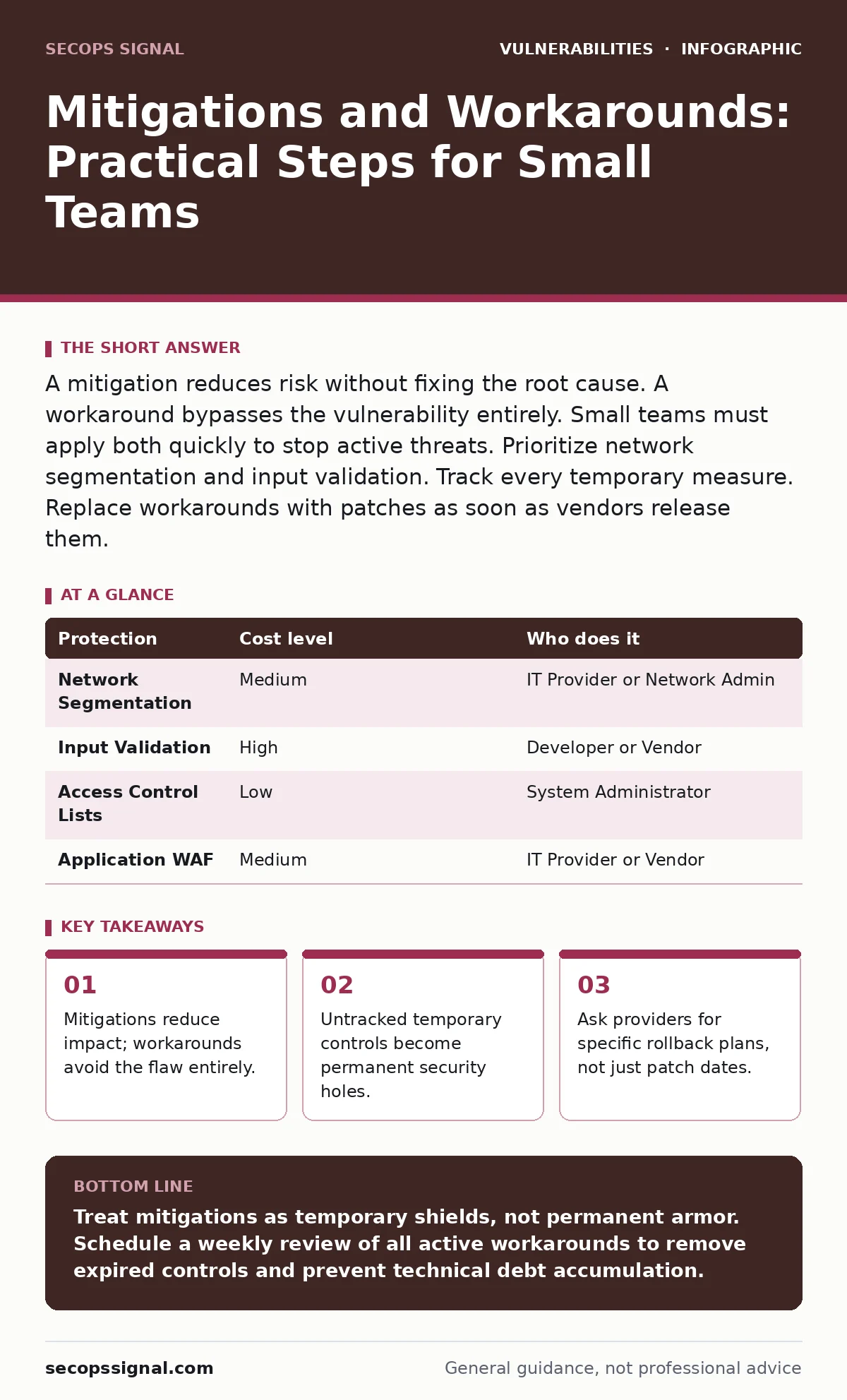
A mitigation reduces risk without fixing the root cause. A workaround bypasses the vulnerability entirely. Small teams must apply both quickly to stop active threats. Prioritize network segmentation and input validation. Track every temporary measure. Replace workarounds with patches as soon as vendors release them.
The Difference Between Mitigation and Workaround
You must distinguish between reducing risk and avoiding the flaw. A mitigation limits the damage if an attacker succeeds. It does not remove the vulnerability. A workaround changes how you use the system so the vulnerability cannot be triggered. Workarounds are often safer but disrupt operations more. Mitigations are easier to implement but leave the door slightly ajar.
Consider directory listing exposure. This happens when a web server shows file names if no index file exists. A mitigation adds a security header to hide sensitive paths. A workaround moves sensitive files to a non-web-accessible server. The mitigation helps. The workaround removes the exposure entirely. You choose based on your operational tolerance for change.
Why Speed Matters at Small Scale
Small organizations lack the depth to absorb a breach. Large enterprises have redundant systems and dedicated incident response teams. You likely do not. A single unpatched server can compromise your entire network. Speed matters because attackers automate their scans. They find known vulnerabilities within minutes of publication.
You must act before the first automated bot hits your perimeter. A delayed response allows attackers to map your network. They identify valuable assets. They prepare for a deeper intrusion. Quick mitigations stop this initial reconnaissance. They buy you time to plan a proper fix. This time is your most valuable resource during a vulnerability crisis.
Implementing Network Segmentation as a Mitigation
Network segmentation divides your infrastructure into smaller zones. Each zone has strict access controls. If an attacker breaches one zone, they cannot move laterally. This is a powerful mitigation for many vulnerabilities. It does not fix the code. It limits the blast radius.
Suppose your accounting software has an authentication bypass vulnerability. An attacker could log in without credentials. If that server sits on the same network as your customer database, the attacker moves easily. If you segment the network, the attacker stays in the accounting zone. They cannot reach the customer data. You contain the damage. You preserve your most critical assets while you wait for a patch.
| Protection | Cost level | Who does it |
|---|---|---|
| Network Segmentation | Medium | IT Provider or Network Admin |
| Input Validation | High | Developer or Vendor |
| Access Control Lists | Low | System Administrator |
| Application WAF | Medium | IT Provider or Vendor |
Using Input Validation as a Workaround
Input validation checks data before your system processes it. It ensures data matches expected formats. This is a standard defense against injection attacks. It acts as a workaround for flawed code logic. You filter out malicious payloads before they reach the vulnerable function.
Imagine your website accepts user comments. A developer forgets to use parameterized queries in the backend code. This creates a SQL injection risk. You cannot rewrite the code immediately. You deploy a web application firewall. You configure it to block suspicious SQL patterns. This validates input at the edge. It prevents the exploit from reaching the database. It is a temporary workaround. You must replace it with proper code fixes later.
Managing Temporary Controls Effectively
Every mitigation and workaround has an expiration date. They are not permanent solutions. They introduce technical debt. You must track them rigorously. Use a simple spreadsheet or ticketing system. Record the date of implementation. Record the expected removal date. Assign an owner to each control.
A common mistake is forgetting to remove controls. A workaround that blocks a necessary feature might be left in place for years. This degrades user experience. It creates confusion for staff. Regular audits prevent this drift. Review your list monthly. Remove controls that are no longer needed. Update controls that have become ineffective. Treat temporary measures as active liabilities.
See also: WordPress Plugin Update Policies: Benefits, Limits, and When to Automate · Responsible Disclosure Program: How To Build One That Works
Questions for Your IT Provider
You rely on external help for complex issues. Your IT provider must understand the difference between a fix and a band-aid. Ask specific questions to ensure they are not just patching holes blindly. You need a strategy that balances security with business continuity.
Ask about their process for identifying high-risk vulnerabilities. Ask how they prioritize fixes based on your specific environment. Ask about their testing procedures for new patches. You want to avoid downtime. You want to ensure stability.
- How do you identify which vulnerabilities pose the highest risk to our specific data?
- What is your process for testing patches before applying them to production?
- Do you provide a rollback plan if a mitigation breaks our workflow?
- How do you track the lifecycle of temporary security controls?
The Hidden Cost of Workarounds
Workarounds often introduce new vulnerabilities. Changing default settings can break compatibility. Disabling features can expose alternative attack vectors. For example, disabling HTTP security headers to fix a browser compatibility issue might expose users to cross-site scripting. You must evaluate the trade-off carefully.
You must also consider the operational cost. Staff may struggle with new processes. Training time increases. Productivity drops. Factor these costs into your decision. A mitigation that requires no training might be preferable to a complex workaround. Balance security gains against operational friction. Choose the path that keeps your business running safely.
Planning for Permanent Remediation
Mitigations and workarounds are bridges. You must build a permanent solution. Work with your vendor or developer to fix the root cause. Update your software. Rewrite flawed code. Upgrade your hardware. This is the only way to eliminate the risk completely.
Consider session fixation risks. A mitigation might force session ID regeneration on login. A permanent fix implements secure session management from the start. You must advocate for this long-term view. Do not let temporary measures become your permanent state. Schedule regular reviews of your security posture. Ensure that every temporary control has a planned end date.
Key takeaways
- Mitigations reduce impact; workarounds avoid the flaw entirely.
- Untracked temporary controls become permanent security holes.
- Ask providers for specific rollback plans, not just patch dates.
Treat mitigations as temporary shields, not permanent armor. Schedule a weekly review of all active workarounds to remove expired controls and prevent technical debt accumulation.
Frequently asked questions
How long should a mitigation remain active?
Keep mitigations active only until a permanent patch is tested and deployed. This usually ranges from days to weeks. Longer durations increase the risk of configuration drift and operational friction.
Can workarounds cause system instability?
Yes. Workarounds often bypass standard functionality. This can break integrations or user workflows. Always test workarounds in a staging environment before applying them to production systems to prevent unexpected downtime.
Who is responsible for tracking temporary controls?
Security responsibility lies with the organization, not just the IT provider. You must maintain a central log of all mitigations. Assign ownership to a specific team member to ensure regular reviews and timely removal of expired controls.
Do mitigations protect against zero-day exploits?
Mitigations reduce the impact of unknown vulnerabilities by limiting access and segmentation. They do not fix the specific code flaw. They slow down attackers who discover new bugs, buying you time to investigate and respond effectively.
How this guide was produced: written by the SecOps Signal editorial team with AI assistance, checked against the public references listed below, and reviewed when the facts change. See our editorial policy or report an error.