WordPress Plugin Update Policies: Benefits, Limits, and When to Automate
Automatic plugin updates reduce exposure to known vulnerabilities but introduce the risk of breaking site functionality if compatibility checks are skipped.

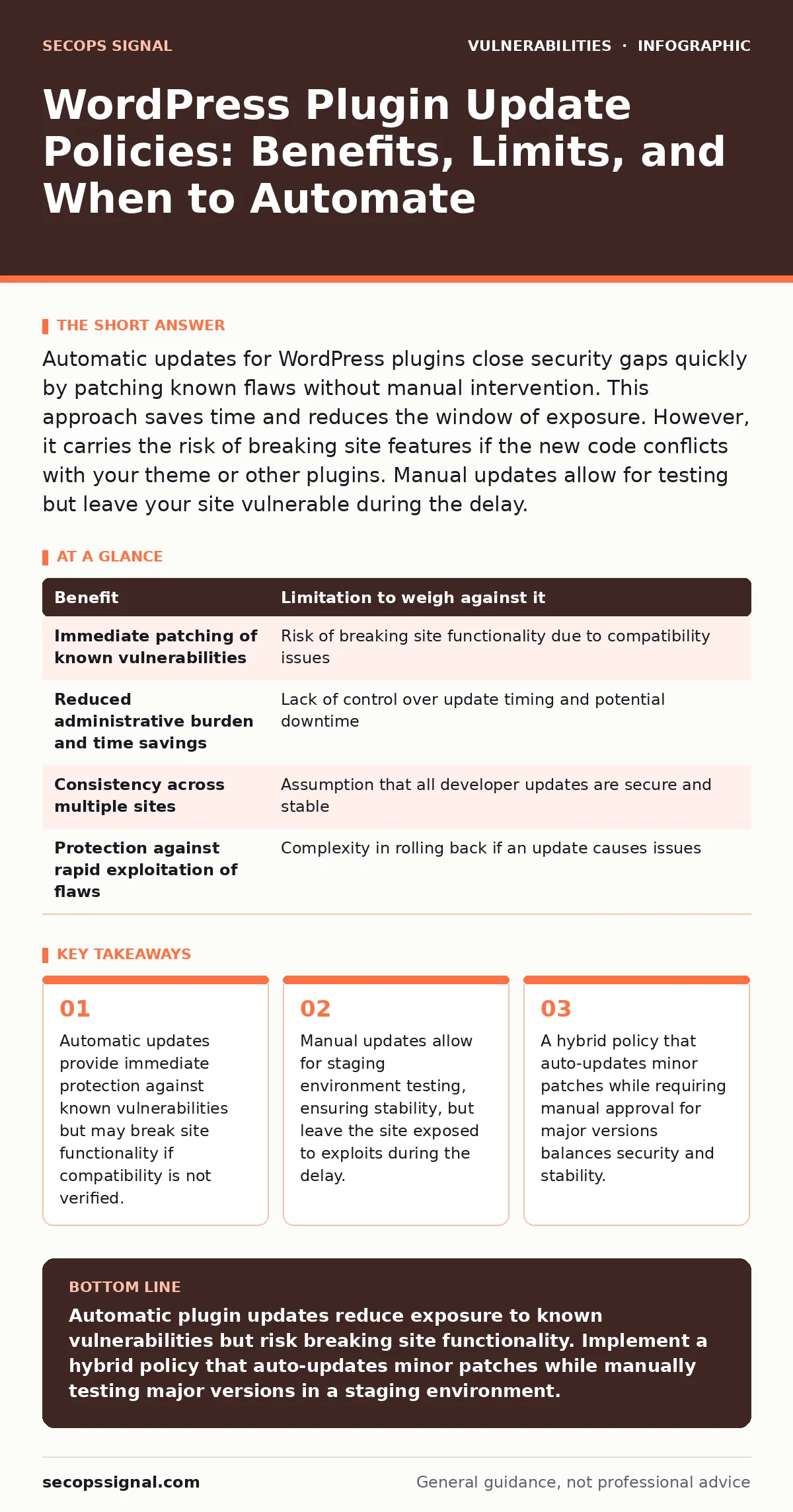
Automatic updates for WordPress plugins close security gaps quickly by patching known flaws without manual intervention. This approach saves time and reduces the window of exposure. However, it carries the risk of breaking site features if the new code conflicts with your theme or other plugins. Manual updates allow for testing but leave your site vulnerable during the delay.
The Mechanics of Plugin Update Policies
WordPress plugin update policies define how and when software components on your website receive new code. These policies range from fully automatic updates to strictly manual installations. Each approach carries distinct security and operational trade-offs. Understanding these mechanics helps you choose a strategy that aligns with your risk tolerance and technical resources.
Automatic updates download and install new plugin versions without human intervention. This method ensures that your site always runs the latest code, which often includes security patches for recently discovered flaws. Manual updates require an administrator to download the new version, verify it, and install it. This process introduces delays but provides control over the timing and testing of changes.
Concrete Benefits of Automatic Updates
Automatic updates provide immediate closure of known security gaps. When a vulnerability is disclosed, attackers often begin scanning for affected sites within minutes. Automatic updates ensure your site receives the patch as soon as the developer releases it. This reduces the window of exposure significantly compared to manual processes.
Speed is the primary advantage. Human administrators may delay updates due to workload, forgetfulness, or fear of breaking the site. Automatic updates remove this human variable. They also reduce the administrative burden. You do not need to monitor release notes or schedule maintenance windows for every minor patch. This frees up time for other operational tasks.
Automatic updates also ensure consistency across multiple sites. If you manage several WordPress installations, automatic policies guarantee that all sites receive the same security standards. This uniformity simplifies security audits and compliance checks. It also prevents "patch drift," where some sites remain vulnerable while others are protected.
Honest Limitations of Automatic Updates
The primary limitation of automatic updates is the risk of breaking site functionality. Plugins often interact with themes and other plugins. A new version may introduce code changes that conflict with existing components. These conflicts can cause fatal errors, display issues, or feature failures. Automatic updates do not test for these conflicts before installation.
Another limitation is the lack of control over the update timing. Automatic updates may occur during peak traffic periods. This can cause performance issues or downtime if the new version requires database migrations or heavy processing. You cannot schedule these updates to occur during low-traffic windows.
Automatic updates also assume that all plugin developers release secure and stable code. This is not always the case. Some developers release updates that contain new bugs or regressions. Automatic updates will install these flawed versions immediately. You may need to roll back to a previous version, which can be complex and time-consuming.
When It Is Worth It
Automatic updates are worth it for sites that prioritize security over stability. If your site handles sensitive data, such as payment information or personal details, reducing the window of exposure is critical. In these cases, the risk of a breach outweighs the risk of a temporary functional issue.
Automatic updates are also suitable for sites with simple functionality. If your site uses few plugins and a stable theme, the risk of conflicts is lower. Sites that are primarily informational, with no complex e-commerce or membership features, can often tolerate automatic updates without significant disruption.
Finally, automatic updates are worth it for organizations with limited technical resources. If you do not have staff to monitor updates and perform manual testing, automatic updates provide a baseline level of protection. This is better than having no update policy at all. You can combine this with regular backups to mitigate the risk of breakage.
When It Is Not Worth It
Automatic updates are not worth it for sites with complex functionality. If your site relies on multiple plugins that interact closely, the risk of conflicts is high. E-commerce sites, membership platforms, and sites with custom integrations require careful testing before updates. Manual updates allow you to verify compatibility in a staging environment first.
Automatic updates are also unsuitable for sites that cannot tolerate downtime. If your site generates revenue or supports critical business operations, any disruption can have significant consequences. Manual updates allow you to schedule changes during low-traffic windows and prepare rollback plans. This control is essential for maintaining business continuity.
Finally, automatic updates are not worth it if you lack reliable backups. If an automatic update breaks your site, you need a recent backup to restore functionality. Without backups, a failed update can lead to extended downtime and data loss. Ensure your backup strategy is robust before enabling automatic updates.
See also: Mitigations and Workarounds: Practical Steps for Small Teams · Responsible Disclosure Program: How To Build One That Works
Weighing Benefits Against Limitations
The table below summarizes the key benefits and limitations of automatic plugin updates. Use this to evaluate your specific situation.
| Benefit | Limitation to weigh against it |
|---|---|
| Immediate patching of known vulnerabilities | Risk of breaking site functionality due to compatibility issues |
| Reduced administrative burden and time savings | Lack of control over update timing and potential downtime |
| Consistency across multiple sites | Assumption that all developer updates are secure and stable |
| Protection against rapid exploitation of flaws | Complexity in rolling back if an update causes issues |
Implementing a Balanced Policy
A balanced update policy combines automatic and manual approaches. Enable automatic updates for minor patches and security fixes. These updates are less likely to cause breaking changes. Require manual approval for major version updates. These updates often include significant code changes and higher risk of conflicts.
Test all major updates in a staging environment before deploying to production. This allows you to verify compatibility and functionality. Use version control to track changes and enable quick rollbacks if issues arise. Monitor your site closely after updates to detect any unexpected behavior.
Consider using a vulnerability prioritization framework to assess the risk of each update. Not all vulnerabilities are equally dangerous. Focus on patching high-risk flaws immediately, while scheduling lower-risk updates for later. This approach optimizes your security efforts and minimizes disruption.
Integrate this policy with your broader security strategy. Ensure that your site uses parameterized queries to prevent injection attacks. Implement strong authentication measures to protect against unauthorized access. Regularly review your plugin selection to remove unused or poorly maintained components.
Key takeaways
- Automatic updates provide immediate protection against known vulnerabilities but may break site functionality if compatibility is not verified.
- Manual updates allow for staging environment testing, ensuring stability, but leave the site exposed to exploits during the delay.
- A hybrid policy that auto-updates minor patches while requiring manual approval for major versions balances security and stability.
Automatic plugin updates reduce exposure to known vulnerabilities but risk breaking site functionality. Implement a hybrid policy that auto-updates minor patches while manually testing major versions in a staging environment.
Frequently asked questions
Do automatic updates protect against zero-day vulnerabilities?
No. Automatic updates only patch known vulnerabilities. Zero-day flaws are unknown until discovered, so no patch exists at the time of exploitation.
How often should I test manual updates in staging?
Test every major update before deploying to production. Minor security patches can often be applied automatically if your site is simple and well-backed up.
Can I revert an automatic update if it breaks my site?
Yes, if you have a recent backup. Restore your site from the backup taken before the update. Some plugins offer version rollback features, but backups are more reliable.
Should I disable updates for plugins I rarely use?
No. Unused plugins can still be exploited if they contain vulnerabilities. Disable or delete plugins you do not need to reduce your attack surface.
How this guide was produced: written by the SecOps Signal editorial team with AI assistance, checked against the public references listed below, and reviewed when the facts change. See our editorial policy or report an error.