Watering Hole Attacks: How Attackers Target Your Industry Network
Attackers infect trusted industry sites to compromise visitors, turning your routine research into a direct pipeline for malware and credential theft.

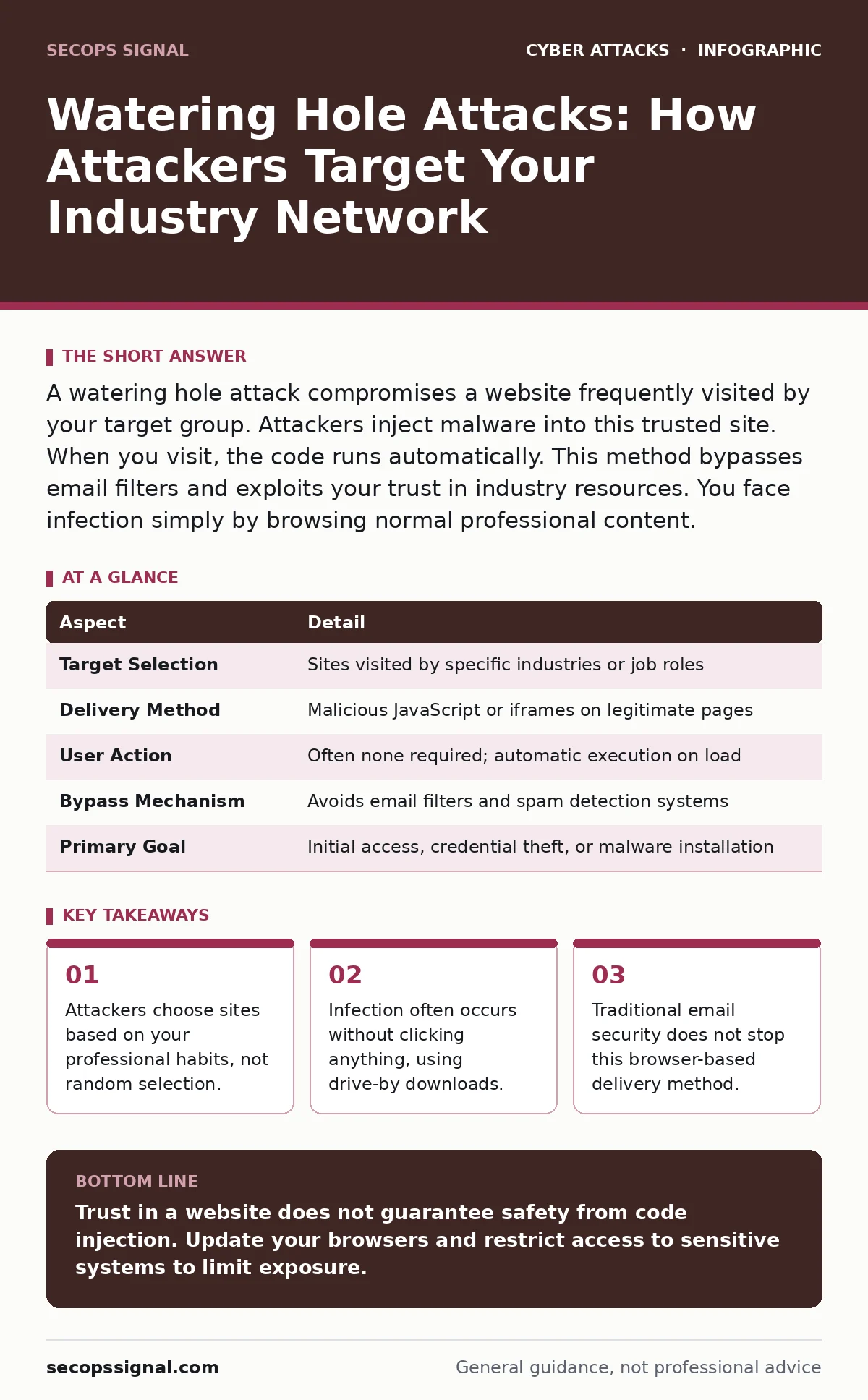
A watering hole attack compromises a website frequently visited by your target group. Attackers inject malware into this trusted site. When you visit, the code runs automatically. This method bypasses email filters and exploits your trust in industry resources. You face infection simply by browsing normal professional content.
How the Watering Hole Analogy Works
Imagine a dry desert where predators wait near the only water source. Animals must visit to survive. Attackers use the same logic online. They identify websites your group trusts and visits regularly. These sites become the water source. Attackers compromise the site or inject malicious code. When you visit, you drink the poisoned water. The trust you place in the site becomes the vector for compromise.
| Aspect | Detail |
|---|---|
| Target Selection | Sites visited by specific industries or job roles |
| Delivery Method | Malicious JavaScript or iframes on legitimate pages |
| User Action | Often none required; automatic execution on load |
| Bypass Mechanism | Avoids email filters and spam detection systems |
| Primary Goal | Initial access, credential theft, or malware installation |
The Mechanics of Site Compromise
Attackers rarely build fake sites for this technique. They compromise existing, legitimate websites. This happens through vulnerability exploitation or supply chain attacks. The attacker gains the ability to modify page content. They insert malicious scripts into the HTML. These scripts load when any visitor opens the page. The code might redirect you to a malicious server. It might execute a drive-by download. The browser runs the code before you see the content. You often never know the site was altered.
The attacker selects the site based on your digital footprint. If your team uses specific industry forums, those forums become targets. If you rely on a particular news outlet, that outlet becomes a target. The attacker maps your routine. They find the intersection of trust and frequency. This makes the attack highly focused. It is not a spray-and-pray method. It is precision targeting.
Who Faces the Highest Risk
This method targets groups with shared digital habits. Small businesses face high risk because they often lack dedicated security teams. You rely on public information sources. You visit vendor sites, industry blogs, and professional networks. Attackers analyze these patterns. They look for sites with limited security resources. These sites are easier to compromise. They also look for sites with high traffic from specific sectors. A site popular with accountants becomes a target for financial malware. A site popular with engineers becomes a target for industrial espionage.
Your role defines your risk. Executives face different sites than technicians. Developers face different sites than HR staff. Attackers tailor the payload to the role. They steal credentials from HR. They install backdoors on developer machines. They target executive email accounts. The site is the same. The payload changes based on who visits.
Common Forms of Delivery
The delivery method depends on the attacker's goal. Drive-by downloads are common. The malicious code exploits a vulnerability in your browser or plugins. It installs malware without your consent. You do not click a file. You do not open an attachment. The page loads, and the infection occurs. This bypasses user training. You cannot train users to avoid clicking if there is nothing to click.
Another form is credential harvesting. The attacker injects a fake login box into the site. It looks like the site’s normal login. When you enter your details, they go to the attacker. This mimics the site’s design perfectly. It relies on your trust in the interface. You assume the site is legitimate. You enter your password. The attacker now has access to your accounts. This combines with credential stuffing attempts later.
What People Usually Get Wrong
Many believe this attack requires clicking a link. This is incorrect. The danger lies in the page load itself. Modern browsers execute scripts automatically. You do not need to interact with the page. Simply viewing the content triggers the code. This makes the attack invisible to casual observation. You might think you are safe because you did not download anything. You are not safe.
Another mistake is assuming email security blocks this. Watering hole attacks bypass email entirely. The threat arrives via the browser. Your email filtering rules do not apply. Your spam filters do not catch it. You must rely on different controls. This requires a shift in thinking. You must protect the browser, not just the inbox.
See also: Authentication Bypass Mistakes That Leave Systems Exposed
How to Reduce the Risk
You cannot control the security of every site you visit. You must control your environment. Use conditional access policies to limit where sensitive data can be accessed. Restrict access to critical systems from untrusted networks. This limits the damage if you are compromised. If you visit a compromised site from a standard browser, the attacker gains limited access.
Implement strict software update policies. Browser vulnerabilities are the primary entry point. When a patch is released, apply it immediately. Delaying updates leaves you exposed to known exploits. Attackers scan for outdated software. They prioritize easy targets. Keep your browser and plugins current. Disable unused plugins. Each plugin is a potential entry point.
Use separate browser profiles for different tasks. Keep your banking and work activities separate from casual browsing. This limits the spread of malware. If one profile is infected, the other remains clean. This segmentation reduces the attack surface. It also helps you identify anomalies. If your work profile behaves strangely, you know the issue is isolated.
Consider using web application firewalls. These tools filter malicious traffic before it reaches your server. If you host your own sites, this protects your employees. If you use cloud services, ensure the provider offers this protection. It adds a layer of defense against code injection. It cannot stop all attacks, but it raises the bar for attackers.
Monitoring and Response
Detection is difficult because the site looks normal. You must monitor for unusual behavior. Look for unexpected redirects. Watch for slow page loads. Check for unknown pop-ups. These signs may indicate injected code. Use browser console logs to detect suspicious scripts. This requires technical skill. You may need to engage a security team.
If you suspect a watering hole attack, disconnect the affected machine. Do not shut it down. This preserves memory for analysis. Clear your browser cache and cookies. Reset your passwords. Check for unauthorized access. Report the compromised site to its administrators. This helps protect others. Do not rely on the site to fix the issue quickly. Assume it remains compromised.
This attack vector highlights the fragility of trust. You trust the sites you visit. Attackers exploit that trust. You must balance convenience with caution. You cannot avoid all risks. You can reduce the likelihood of success. Focus on browser security. Focus on patch management. Focus on access controls. These measures provide the best defense.
Key takeaways
- Attackers choose sites based on your professional habits, not random selection.
- Infection often occurs without clicking anything, using drive-by downloads.
- Traditional email security does not stop this browser-based delivery method.
Trust in a website does not guarantee safety from code injection. Update your browsers and restrict access to sensitive systems to limit exposure.
Frequently asked questions
Can antivirus software stop a watering hole attack?
Antivirus may detect known malware payloads after they download. It often fails to stop the initial script execution or zero-day exploits. You need layered defenses beyond just antivirus.
Does using a private browser window help?
Private browsing prevents history storage but does not block malicious scripts. The code still executes in the session. You remain vulnerable to drive-by downloads and credential theft.
How do attackers find my industry sites?
Attackers analyze public data, social media, and job postings. They identify common tools and forums used by your sector. They map your digital routine to find high-value targets.
Should I stop visiting industry forums?
Avoiding all sites is impractical. Instead, use secure browsing practices. Keep software updated. Use separate profiles. Monitor for unusual behavior. You can engage safely with precautions.
How this guide was produced: written by the SecOps Signal editorial team with AI assistance, checked against the public references listed below, and reviewed when the facts change. See our editorial policy or report an error.