Web Application Firewall Tuning: Stop False Positives and Protect Traffic
Default firewall rules block legitimate user actions, forcing you to tune signatures to distinguish between human error and actual attacks.

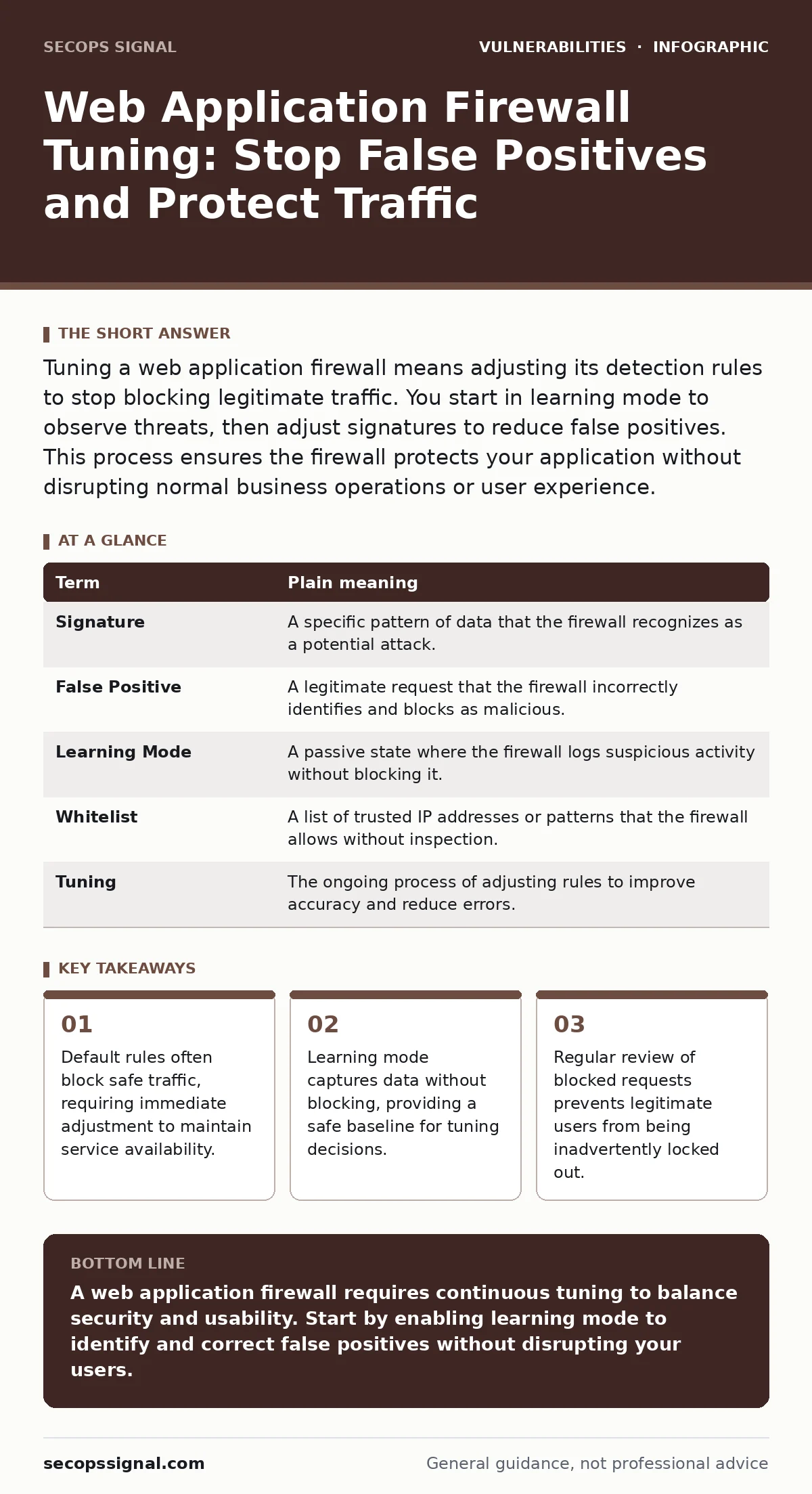
Tuning a web application firewall means adjusting its detection rules to stop blocking legitimate traffic. You start in learning mode to observe threats, then adjust signatures to reduce false positives. This process ensures the firewall protects your application without disrupting normal business operations or user experience.
The Airport Security Analogy
Imagine an airport security checkpoint that stops every traveler carrying a metal object. This approach sounds secure, but it halts all movement because keys, coins, and zippers trigger alarms. A web application firewall functions similarly when configured with default settings. It blocks any request that resembles an attack pattern, regardless of whether the request is legitimate. Tuning the firewall is the process of teaching the security team which metal objects are safe to carry. You adjust the detectors to ignore keys while still stopping weapons. This balance allows legitimate travelers to pass through quickly while catching actual threats.
Key Terms for Firewall Tuning
Understanding the vocabulary helps you communicate with your technical team. These terms define how the firewall interprets and handles incoming traffic.
| Term | Plain meaning |
|---|---|
| Signature | A specific pattern of data that the firewall recognizes as a potential attack. |
| False Positive | A legitimate request that the firewall incorrectly identifies and blocks as malicious. |
| Learning Mode | A passive state where the firewall logs suspicious activity without blocking it. |
| Whitelist | A list of trusted IP addresses or patterns that the firewall allows without inspection. |
| Tuning | The ongoing process of adjusting rules to improve accuracy and reduce errors. |
Why Default Rules Fail
Most web application firewalls ship with aggressive default rules. These rules prioritize security over availability. They block any request that matches known attack signatures. This causes problems for dynamic applications that use complex input fields. A user entering a long comment or special characters might trigger a block. This is a false positive. It frustrates users and damages your reputation. The firewall thinks it is protecting you, but it is actually blocking your customers. You must tune these rules to fit your specific application logic.
The First Practical Step: Learning Mode
You must start tuning by enabling learning mode. This mode allows the firewall to observe traffic without blocking it. It logs requests that would have been blocked under strict rules. You review these logs to identify patterns. Look for requests from your own application or trusted partners. If a request looks like an attack but comes from a known source, it is likely safe. You create an exception for this pattern. This step builds a baseline of normal behavior. It prevents you from blocking valid traffic before you understand how your application works.
Analyzing False Positives
Review the logs generated in learning mode daily. Look for requests that were flagged but did not cause harm. Identify the source of these requests. Are they from your own servers? Are they from a specific user group? If a pattern is consistent and safe, create a rule to allow it. This is called whitelisting. You must be careful not to whitelist too broadly. A broad whitelist can let real attacks through. Focus on specific patterns rather than entire IP ranges. This precision keeps your firewall effective. It also reduces the workload for your security team.
See also: Authentication Bypass Mistakes That Leave Systems Exposed
Handling Complex Inputs
Modern applications handle complex data. Users upload files, submit forms with special characters, and interact with dynamic content. These actions often trigger firewall rules. You need to tune the firewall to understand your application's data structure. For example, if your application allows HTML in comments, the firewall must not block HTML tags. You configure the firewall to inspect the context of the data. This prevents blocking valid user input. It also reduces the risk of Node.js application vulnerabilities that arise from improper input handling. Proper tuning ensures that security checks adapt to your application's needs.
Ongoing Maintenance and Review
Tuning is not a one-time task. Attackers change their tactics, and your application evolves. You must review firewall rules regularly. Check for new false positives. Update your whitelists as your application grows. Remove old rules that no longer apply. This ongoing maintenance keeps your firewall effective. It also ensures that you do not accumulate unnecessary rules. A clean rule set is easier to manage and less prone to errors. You should also consider vulnerability prioritization when deciding which rules to enforce strictly. Not all threats require the same level of blocking.
Integrating with Broader Security
Firewall tuning works best when combined with other security practices. You should also address hard-coded credentials in your application code. These credentials bypass firewall protections entirely. Additionally, monitor for subdomain takeover risks that can expose your infrastructure. A well-tuned firewall protects the application layer, but it does not fix underlying code issues. You need a layered approach to security. This includes regular code reviews, secure development practices, and continuous monitoring. The firewall is one tool in your security toolkit, not the only solution.
Key takeaways
- Default rules often block safe traffic, requiring immediate adjustment to maintain service availability.
- Learning mode captures data without blocking, providing a safe baseline for tuning decisions.
- Regular review of blocked requests prevents legitimate users from being inadvertently locked out.
A web application firewall requires continuous tuning to balance security and usability. Start by enabling learning mode to identify and correct false positives without disrupting your users.
Frequently asked questions
How often should I review my firewall rules?
Review your firewall rules at least monthly. More frequent reviews are necessary during major application updates or after detecting new threats. Regular checks ensure that your rules remain accurate and effective.
Can I automate the tuning process?
Some automation tools can help identify patterns and suggest rule changes. However, human review is necessary to validate these changes. Automated tuning can introduce errors if not monitored closely. Always verify automated suggestions before applying them.
What is the risk of over-tuning?
Over-tuning can weaken your security posture. If you whitelist too many patterns, real attacks may slip through. You must balance convenience with security. Regularly test your firewall with simulated attacks to ensure it still detects threats effectively.
Does tuning replace other security measures?
No, tuning a firewall is just one part of your security strategy. You still need secure coding practices, regular updates, and other protections. A firewall protects against network-level attacks, but it does not fix application-level flaws. Combine firewall tuning with other security best practices for comprehensive protection.
How this guide was produced: written by the SecOps Signal editorial team with AI assistance, checked against the public references listed below, and reviewed when the facts change. See our editorial policy or report an error.