Indicators of Attack Explained: Why Behavior Beats Artifacts
Indicators of attack reveal active intrusions by detecting hostile behavior patterns rather than waiting for static file signatures to appear in your logs.

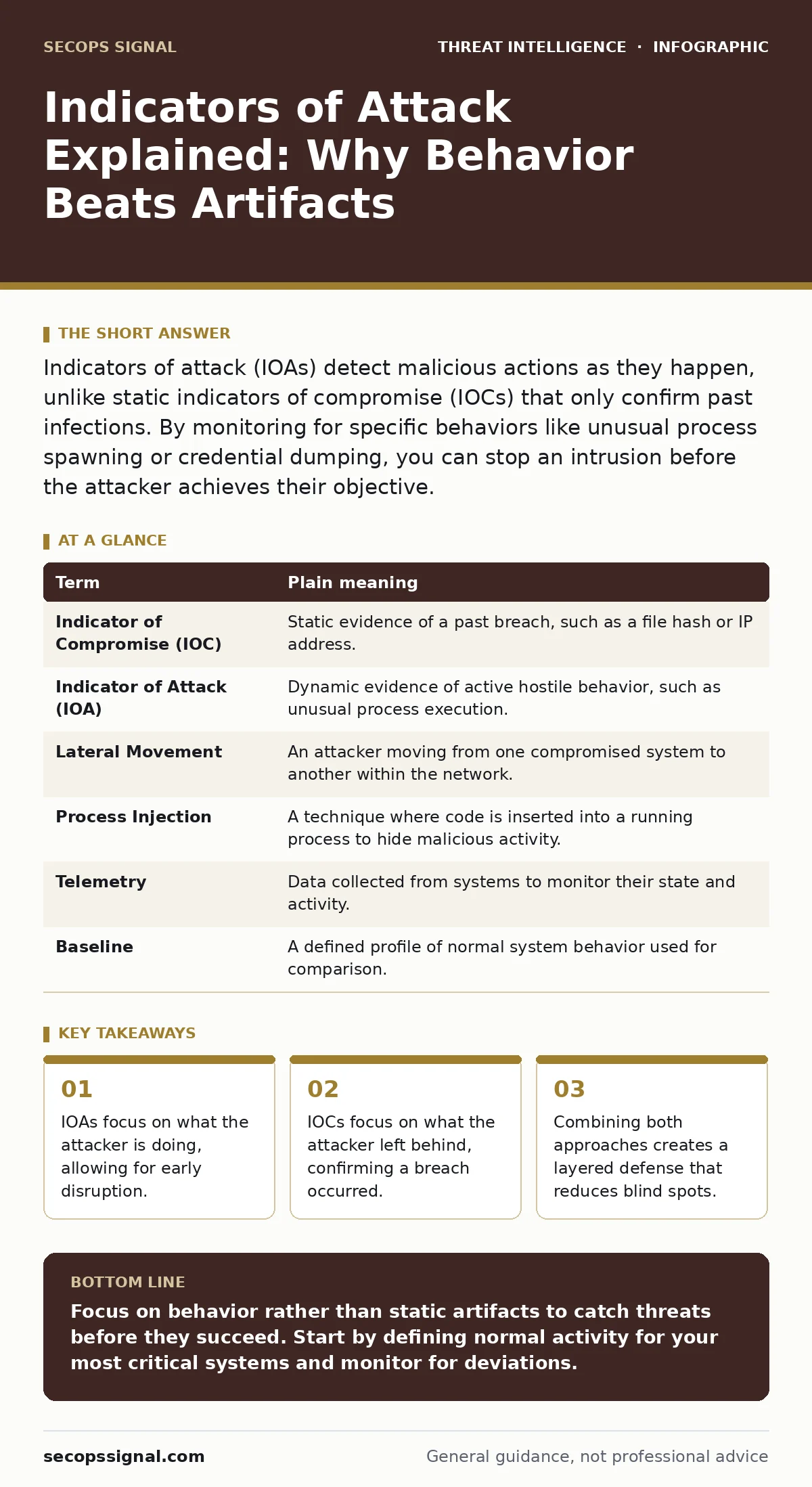
Indicators of attack (IOAs) detect malicious actions as they happen, unlike static indicators of compromise (IOCs) that only confirm past infections. By monitoring for specific behaviors like unusual process spawning or credential dumping, you can stop an intrusion before the attacker achieves their objective.
The Difference Between Evidence and Action
Imagine you are a security guard in a large office building. Your job is to keep intruders out. Traditionally, security relied on finding physical evidence after the fact. If you find a broken window and a missing safe, you know a burglary happened. This is reactive. You are looking at the debris left behind.
Now imagine a different approach. You watch for specific behaviors. You notice someone picking the lock. You see them prying open a cabinet. You do not need to see a broken window or a missing safe to act. You intervene while the action is happening. This is proactive.
In cybersecurity, the broken window is an indicator of compromise (IOC). The lock-picking is an indicator of attack (IOA). Understanding the difference changes how you design your defenses. Most organizations focus heavily on IOCs because they are easier to collect. They miss the active threat because they are looking for the wrong thing.
Why Static Signatures Fail
An IOC is a static piece of data. It is a specific file hash, a known malicious IP address, or a unique domain name used by malware. These are artifacts. They are useful for confirming that a specific known threat has infected your network. They are also limited.
Attackers change these artifacts easily. They generate new domain names using domain generation algorithms to evade detection. They change IP addresses frequently. If you only look for known bad files, you are always behind. You are reacting to yesterday’s threat. You cannot stop an attack that uses new, never-before-seen code.
IOAs solve this by ignoring the file itself. They look at what the file does. A legitimate calculator app should not try to connect to a remote server. If it does, the behavior is suspicious regardless of the file’s name or hash. This allows you to detect new threats that have no known signature.
The Behavior You Must Monitor
To use IOAs effectively, you must define what normal behavior looks like. Then you flag deviations. This requires deep visibility into your systems. You need to see process creation, network connections, and file access in real time.
Consider PowerShell abuse. PowerShell is a powerful scripting tool built into Windows. It is legitimate for system administration. However, attackers love it because it is already present on every machine. They use it to download malware or move laterally. An IOC approach looks for specific malicious scripts. An IOA approach looks for PowerShell executing encoded commands or connecting to unusual hosts. The behavior is the signal, not the script content.
Another common pattern is remote desktop abuse. Legitimate users log in during business hours from known locations. An attacker might log in at 3 AM from a foreign country. The username and password are valid. The IOC check passes. The IOA check fails because the context is wrong. The behavior indicates a compromise.
Common Points of Confusion
Many practitioners confuse the two concepts. They think IOAs are just "better" IOCs. This is not true. They serve different purposes. IOCs are for containment and cleanup. Once you know you are infected, you need to find all copies of the malware. IOAs are for prevention and disruption. You use them to stop the attack before it succeeds.
Another confusion is the belief that IOAs eliminate the need for logs. This is false. IOAs depend entirely on high-quality data. If you do not collect detailed logs, you cannot analyze behavior. Proper log management is the foundation of any IOA strategy. Without it, you are blind. You cannot detect what you do not see.
Finally, do not assume IOAs are simple to implement. They require tuning. Every organization has unique normal behavior. A script that is normal for your IT team might be malicious for your accounting department. You must define your baseline carefully to avoid noise.
Mini Glossary
| Term | Plain meaning |
|---|---|
| Indicator of Compromise (IOC) | Static evidence of a past breach, such as a file hash or IP address. |
| Indicator of Attack (IOA) | Dynamic evidence of active hostile behavior, such as unusual process execution. |
| Lateral Movement | An attacker moving from one compromised system to another within the network. |
| Process Injection | A technique where code is inserted into a running process to hide malicious activity. |
| Telemetry | Data collected from systems to monitor their state and activity. |
| Baseline | A defined profile of normal system behavior used for comparison. |
See also: Deception Technology Explained: How Fake Assets Trap Attackers · Honeytokens Best Practices: Detecting Silent Intrusions Early
Integrating Into Your Stack
You do not need to replace your existing tools. You need to augment them. Most modern security platforms support both approaches. The key is to configure them correctly. Start by enabling detailed logging for critical systems. Then define rules that flag suspicious behaviors.
Consider using Sigma rules. These are open-source detection rules that can be translated to various platforms. They help you standardize your detection logic. You can adapt them to your environment to catch specific IOAs. This saves time and reduces errors in rule creation.
Do not ignore phishing infrastructure analysis. While phishing is often the entry point, the subsequent behavior is the IOA. If a user clicks a link, monitor what happens next. Does the browser try to download a script? Does it attempt to access sensitive files? These are the signals that matter.
Try This Now
- Identify one critical server and enable detailed process creation logging. Review the logs for unusual command-line arguments.
- Define a baseline for normal login hours and locations for administrative accounts. Alert on deviations from this pattern.
- Create a simple rule that flags any script execution from the Temp directory. Test it in a safe environment to refine the logic.
The Hidden Cost of Detection
Implementing IOAs has a hidden cost: complexity. You must understand the applications you run. You must know how they behave. This requires expertise. Many small teams lack this depth. They rely on vendors to provide pre-built rules.
This reliance is risky. Vendors provide generic rules. They do not know your specific environment. You must customize them. This is where purple teaming helps. By simulating attacks and testing defenses, you learn what your tools actually see. You refine your IOAs based on real-world testing.
Remember, no single measure provides complete protection. IOAs reduce the time to detect. They do not eliminate the threat. You must combine them with strong access controls and regular updates. Depth is your best defense.
Key takeaways
- IOAs focus on what the attacker is doing, allowing for early disruption.
- IOCs focus on what the attacker left behind, confirming a breach occurred.
- Combining both approaches creates a layered defense that reduces blind spots.
Focus on behavior rather than static artifacts to catch threats before they succeed. Start by defining normal activity for your most critical systems and monitor for deviations.
Frequently asked questions
Do I need expensive tools to use indicators of attack?
No. Many open-source tools can detect basic behavioral anomalies. The value comes from your understanding of normal system activity, not the price of the software.
How do I reduce false positives with IOAs?
Define narrow baselines. Instead of alerting on all remote logins, alert only on remote logins to sensitive servers during off-hours. Context reduces noise.
Can IOAs detect insider threats?
Yes. Insider threats often follow the same behavioral patterns as external attackers. Unusual data access or process execution will trigger the same alerts.
Do IOAs replace the need for antivirus?
No. Antivirus provides a baseline layer of defense. IOAs provide behavioral detection. They work together to cover different attack stages.
How this guide was produced: written by the SecOps Signal editorial team with AI assistance, checked against the public references listed below, and reviewed when the facts change. See our editorial policy or report an error.