Remote Desktop Abuse: Response and Recovery Steps
Most recovery efforts fail because responders restore data before verifying that the attacker has not planted persistence mechanisms inside the backup files.

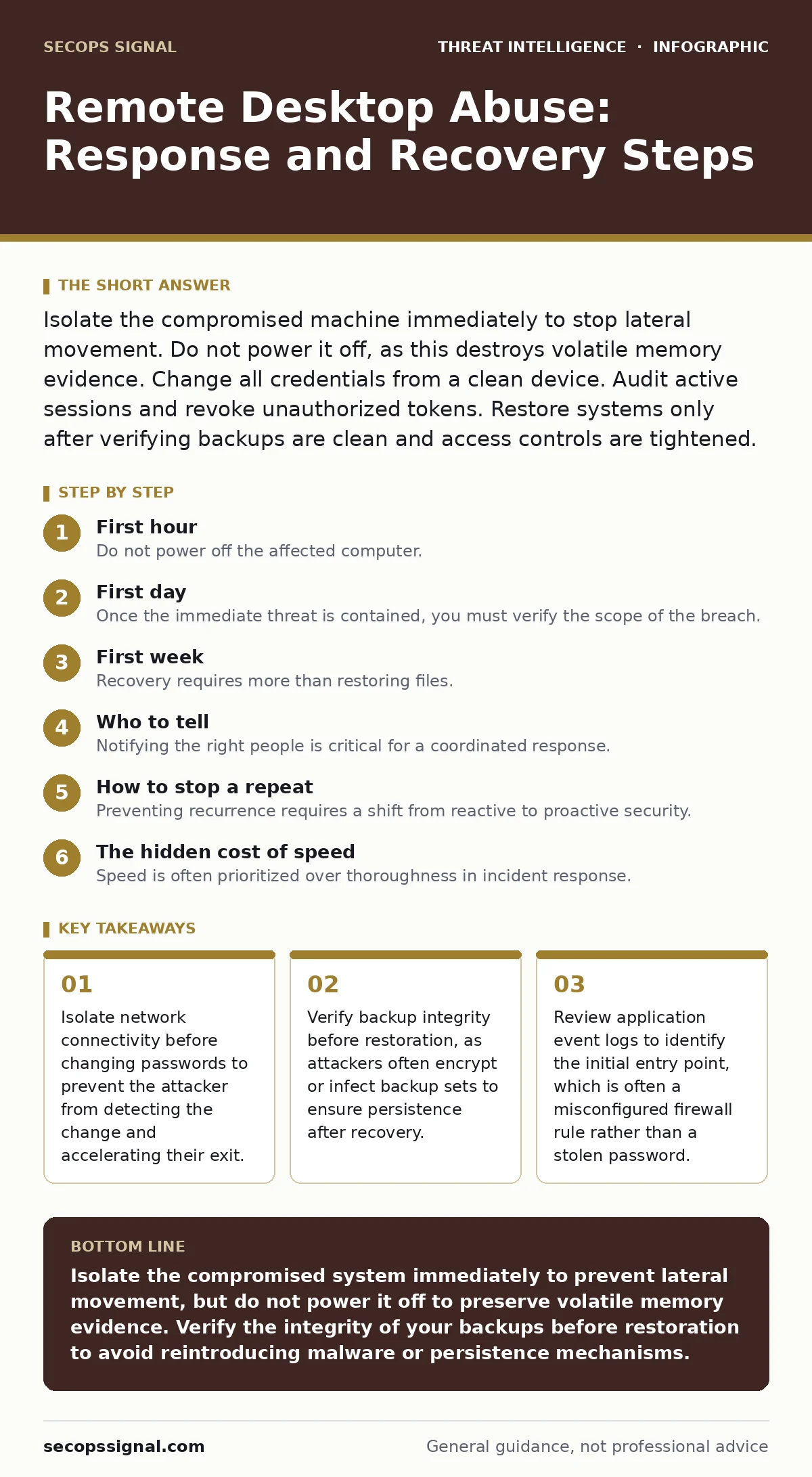
Isolate the compromised machine immediately to stop lateral movement. Do not power it off, as this destroys volatile memory evidence. Change all credentials from a clean device. Audit active sessions and revoke unauthorized tokens. Restore systems only after verifying backups are clean and access controls are tightened.
First hour
Your immediate goal is to stop the bleeding without alerting the intruder. If the attacker knows you are aware, they may destroy evidence or accelerate their data exfiltration. The most damaging action in a panic is to disconnect the machine from the internet while leaving it on the local network. This allows the attacker to move laterally to other systems that may be more valuable.
- Identify the compromised host using your SIEM or endpoint detection alerts.
- Isolate the machine at the network switch or firewall level. Block all inbound and outbound traffic except for your management channel.
- Document the current state. Take screenshots of open windows, logged-in users, and running processes.
- Check for other active remote sessions. Look for unfamiliar user agents or IP addresses in your remote desktop logs.
Isolation is not just about unplugging a cable. It requires blocking specific ports associated with remote access protocols at the network boundary. This ensures that even if the attacker attempts to reconnect, the traffic is dropped silently.
First day
Once the immediate threat is contained, you must verify the scope of the breach. Attackers rarely target a single machine. They use the compromised system as a foothold to map your internal network. You need to determine if they accessed other servers, databases, or user workstations.
Review the authentication logs on your domain controllers. Look for failed login attempts followed by successes, which indicate brute-force attacks. Check for new user accounts created during the incident window. Attackers often create hidden accounts with administrative privileges to maintain access even after you change the original password.
- Compare the list of authorized users against the active sessions.
- Check for changes to group policy objects that might enable remote access for broader groups.
- Review firewall rules for any new exceptions that allow remote desktop traffic from untrusted networks.
If you use indicators of attack, cross-reference the observed behaviors with known patterns. This helps you distinguish between a simple credential theft and a more sophisticated intrusion that may involve command-and-control channels.
First week
Recovery requires more than restoring files. It requires verifying that the environment is clean. Many organizations restore data from backups that were created before the incident but were already compromised. This is a common failure point.
You must perform a thorough audit of your remote access infrastructure. Disable any accounts that were compromised. Force a password reset for all users with remote access privileges. Enable multi-factor authentication if it is not already in place. This adds a layer of security that passwords alone cannot provide.
- Verify the integrity of your backups. Ensure they were created before the initial compromise.
- Patch the vulnerable remote desktop software to the latest version.
- Review and restrict firewall rules to allow remote access only from specific, trusted IP addresses.
- Monitor for any signs of recurrence. Look for unusual login times or locations.
Consider implementing digital forensics and incident response procedures to document the incident for future reference. This documentation is vital for understanding the attack vector and improving your defenses.
Who to tell
Notifying the right people is critical for a coordinated response. You must inform your IT security team, legal counsel, and potentially your insurance provider. Delays in notification can exacerbate the damage and complicate recovery efforts.
If the breach involves customer data, you may be required to notify affected individuals and regulatory bodies. The timing and content of these notifications are governed by local laws and regulations. Consult with legal experts to ensure compliance.
- Inform your incident response team immediately.
- Notify your cybersecurity insurance provider to begin the claims process.
- Communicate with affected employees to raise awareness and prevent social engineering attempts.
Transparency is key. However, you must balance transparency with the need to protect sensitive information. Provide enough detail to enable a response without revealing vulnerabilities that could be exploited.
How to stop a repeat
Preventing recurrence requires a shift from reactive to proactive security. You must understand how the attacker gained access and close that gap. This often involves reviewing your network architecture and access policies.
Implement network segmentation to limit the spread of an attack. If one segment is compromised, the attacker cannot easily move to other parts of the network. Use least privilege principles to ensure that users and systems have only the access they need to perform their duties.
- Regularly review and update your remote access policies.
- Conduct purple teaming exercises to test your defenses against simulated attacks.
- Use Sigma rules to detect suspicious activity in your logs.
Continuous monitoring and regular audits are essential. Security is not a one-time project but an ongoing process. By learning from each incident, you can strengthen your defenses and reduce the risk of future breaches.
The hidden cost of speed
Speed is often prioritized over thoroughness in incident response. However, rushing the recovery process can lead to reinfection. Attackers often plant backdoors that are not immediately visible. These backdoors allow them to regain access even after you have changed passwords and patched systems.
Take the time to verify that all traces of the attacker have been removed. This includes checking for scheduled tasks, registry keys, and hidden files. Use specialized tools to scan for rootkits and other persistent threats.
- Verify that all remote access sessions have been terminated.
- Check for any new executables or scripts that were not present before the incident.
- Review the system startup items for any unauthorized entries.
Thoroughness may slow down the recovery process, but it ensures long-term security. Cutting corners can lead to a repeat breach, which is often more damaging than the initial incident.
Final verification
Before declaring the incident resolved, perform a final verification. This includes a comprehensive review of all logs, configurations, and access controls. Ensure that all changes made during the response have been documented and approved.
Conduct a post-incident review with your team. Discuss what went well and what could be improved. Use this feedback to update your incident response plan and training programs.
- Confirm that all compromised accounts have been disabled or reset.
- Verify that all patches and updates have been applied.
- Ensure that monitoring is active and alerts are configured correctly.
This final step ensures that you have learned from the incident and are better prepared for the future. It also provides closure and allows the organization to move forward with confidence.
Key takeaways
- Isolate network connectivity before changing passwords to prevent the attacker from detecting the change and accelerating their exit.
- Verify backup integrity before restoration, as attackers often encrypt or infect backup sets to ensure persistence after recovery.
- Review application event logs to identify the initial entry point, which is often a misconfigured firewall rule rather than a stolen password.
Isolate the compromised system immediately to prevent lateral movement, but do not power it off to preserve volatile memory evidence. Verify the integrity of your backups before restoration to avoid reintroducing malware or persistence mechanisms.
Frequently asked questions
How do I know if my remote desktop was hacked?
Look for unfamiliar user accounts, unexpected firewall rules, or remote sessions from unknown IP addresses in your system logs.
Should I disconnect the infected computer from the network?
Yes, but isolate it at the network level rather than powering it off to preserve evidence in the memory.
Can I restore from a backup taken during the attack?
No, backups taken during an active compromise may contain malicious files or encrypted data that will reinfect your system.
Is multi-factor authentication enough to prevent remote desktop abuse?
MFA significantly reduces risk but does not eliminate it. Attackers may use other methods like stolen session tokens or unpatched vulnerabilities.
How this guide was produced: written by the SecOps Signal editorial team with AI assistance, checked against the public references listed below, and reviewed when the facts change. See our editorial policy or report an error.