Behavior-Based Detection Best Practices for Endpoint Security
Signature scanning misses novel threats, so monitoring process actions and system changes catches malware that hides from traditional antivirus software.

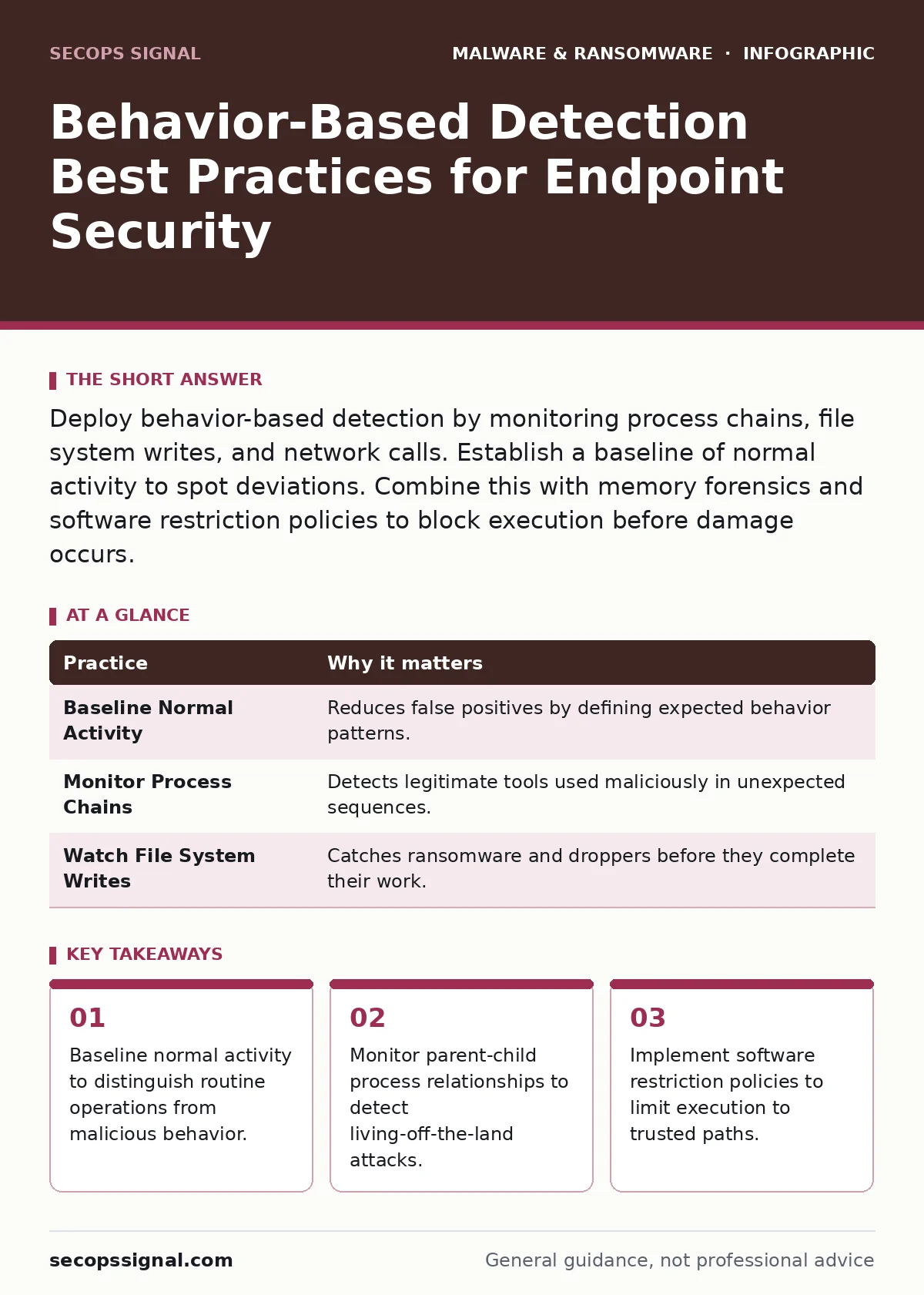
Deploy behavior-based detection by monitoring process chains, file system writes, and network calls. Establish a baseline of normal activity to spot deviations. Combine this with memory forensics and software restriction policies to block execution before damage occurs.
Why Signature Scanning Falls Short
Traditional antivirus relies on known signatures, which are hashes of previously seen malware. This method fails against new variants or custom-written threats. Behavior-based detection watches what programs do rather than what they are. It identifies malicious intent by observing actions like rapid file encryption or unexpected registry changes. This approach catches threats that have never been seen before. You must understand that this method requires more resources and generates more alerts than signature scanning.
1. Establish a Behavioral Baseline
Behavioral detection requires a reference point for normal activity. Without a baseline, every action looks suspicious, creating noise that hides real threats. You must define what typical process launches, network connections, and file accesses look like for your environment. This baseline changes as your business grows, so it requires ongoing refinement.
| Practice | Why it matters |
|---|---|
| Baseline Normal Activity | Reduces false positives by defining expected behavior patterns. |
| Monitor Process Chains | Detects legitimate tools used maliciously in unexpected sequences. |
| Watch File System Writes | Catches ransomware and droppers before they complete their work. |
2. Monitor Parent-Child Process Relationships
Malware often uses legitimate system tools to perform attacks, a technique known as living-off-the-land. A spreadsheet application launching a command shell is highly unusual. By tracking which process spawned another, you can detect these anomalies. This method reveals when trusted binaries are abused to execute malicious code. It helps identify attacks that bypass traditional application whitelisting.
3. Implement Software Restriction Policies
Software restriction policies allow you to control which applications can run on your systems. You can block execution from temporary folders or require digital signatures for all executables. This limits the attack surface by preventing unauthorized code from running, even if it bypasses behavioral detection. It complements behavior monitoring by stopping execution at the source.
4. Detect Rapid File System Changes
Ransomware encrypts files quickly, creating a distinct pattern of file modifications. Behavioral engines monitor the rate and volume of file writes. If a process modifies hundreds of files in seconds, the system can block it. This stops the encryption before it spreads across the network. It is effective against known ransomware families and novel variants that share this aggressive behavior.
See also: Packers and Crypters: Distinguishing Tools from Threats · SIEM Benefits and Limitations: When Security Monitoring Pays Off
5. Analyze Network Connection Patterns
Malware must communicate with command and control servers. Behavioral detection monitors outbound connections for unusual destinations or protocols. If a standard office application tries to connect to a known malicious IP or an unusual port, the system can alert or block it. This prevents data exfiltration and stops the malware from receiving further instructions. It works alongside USB device control to limit lateral movement.
6. Identify Registry and Service Manipulations
Attackers often modify registry keys to ensure their malware runs at startup. Behavioral detection watches for changes to critical registry paths. It also monitors the creation or modification of system services. Blocking these changes prevents persistence, ensuring the malware cannot survive a reboot. This is critical for stopping trojanized software that aims to maintain long-term access.
7. Use Memory Forensics for Deep Inspection
Some malware resides only in memory to avoid detection on disk. Behavioral detection can trigger memory snapshots when suspicious activity occurs. Memory forensics allows you to analyze these snapshots for hidden processes or injected code. This reveals threats that traditional file-based scanning misses entirely. It provides evidence for incident response and helps refine detection rules.
8. Correlate Alerts Across Multiple Sensors
Single-point detection often misses complex attacks. Correlating alerts from endpoints, network devices, and email gateways provides a fuller picture. If an email contains a suspicious link and the recipient’s machine later shows unusual process activity, the correlation confirms the threat. This reduces false positives and speeds up response times. It turns isolated alerts into actionable intelligence.
9. Tune Rules to Reduce False Positives
Behavioral detection generates many alerts, including false positives from legitimate software. Regular tuning is necessary to adjust sensitivity. You must review alerts to identify patterns of legitimate activity that trigger warnings. Adjusting rules based on this feedback improves accuracy over time. This ensures your team focuses on real threats rather than routine software updates.
Key takeaways
- Baseline normal activity to distinguish routine operations from malicious behavior.
- Monitor parent-child process relationships to detect living-off-the-land attacks.
- Implement software restriction policies to limit execution to trusted paths.
Frequently asked questions
How does behavior-based detection differ from heuristic analysis?
Heuristics use predefined rules to guess if code is malicious, while behavior-based detection observes actual runtime actions to determine intent.
Can behavior-based detection stop zero-day exploits?
Yes, because it looks for malicious actions rather than known signatures, it can catch new exploits that exhibit dangerous behavior.
What is the performance impact of behavioral monitoring?
It consumes more CPU and memory resources than signature scanning, but modern endpoints handle the overhead with minimal impact on user experience.
Do I still need an antivirus if I use behavior-based detection?
Yes, layering defense is best practice. Signature scanning catches known threats quickly, while behavior detection handles novel and sophisticated attacks.
How this guide was produced: written by the SecOps Signal editorial team with AI assistance, checked against the public references listed below, and reviewed when the facts change. See our editorial policy or report an error.