Implement SIEM: A Step-by-Step Plan for Small Teams
Most failures occur because teams collect logs before defining the specific security events they intend to detect and respond to.

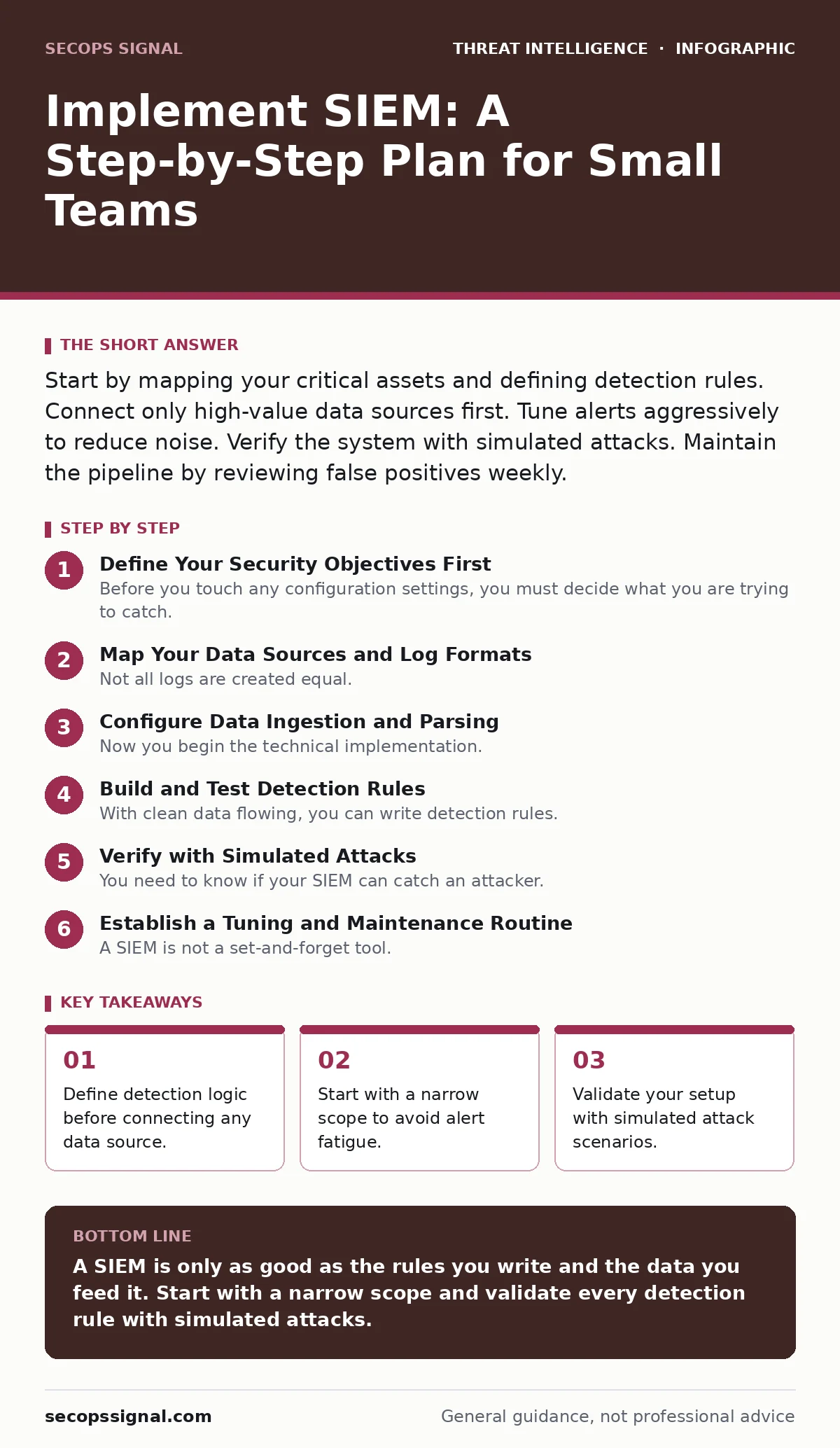
Start by mapping your critical assets and defining detection rules. Connect only high-value data sources first. Tune alerts aggressively to reduce noise. Verify the system with simulated attacks. Maintain the pipeline by reviewing false positives weekly.
Define Your Security Objectives First
Before you touch any configuration settings, you must decide what you are trying to catch. A Security Information and Event Management (SIEM) system is a tool that aggregates and analyzes log data from various sources. It does not automatically know what is dangerous. You must provide the context. If you connect every server to the SIEM without clear goals, you will drown in noise.
Identify your most critical assets. These are the servers, applications, or data stores that would cripple your operations if compromised. Imagine a scenario where an attacker gains access to your customer database. What specific actions would they take? They might query large amounts of data or attempt to export records. Your SIEM needs rules that flag these specific behaviors.
Map Your Data Sources and Log Formats
Not all logs are created equal. Some applications output structured data that is easy to parse. Others produce free-text messages that are difficult for machines to read. You need to know which systems can send logs and in what format. This process is called log normalization. The SIEM transforms diverse log formats into a common schema so you can search them uniformly.
Create an inventory of your critical assets. For each asset, note the operating system, the application version, and the logging capabilities. Check if the system supports standard protocols like Syslog or CEF (Common Event Format). If a system only logs to local text files, you will need an agent to ship those logs to the SIEM. This adds complexity and potential points of failure.
Configure Data Ingestion and Parsing
Now you begin the technical implementation. Install agents on your critical servers. An agent is a small software component that collects logs and sends them to the SIEM collector. Configure the agents to send logs via a secure channel. Verify that the SIEM receives the data.
The next challenge is parsing. The SIEM must understand the structure of each log entry. If the parser is incorrect, the data becomes unsearchable. You will see fields like "user" or "action" populated with null values. Test the parsing by generating a known event, such as a user login. Check if the SIEM correctly identifies the username and the timestamp. If the fields are empty, adjust the parser rules.
Build and Test Detection Rules
With clean data flowing, you can write detection rules. A rule is a logical statement that defines a threat. For example: "If a user fails to log in five times in one minute, alert." Start with a small number of high-confidence rules. Do not try to detect everything at once.
Test each rule before enabling it in production. Use a test account to trigger the condition. If you have a rule for brute-force attempts, try logging in with a wrong password five times. Check if the alert fires. Then, try logging in with the correct password. Ensure no alert fires. This process is called validation. It ensures your rule works as intended.
Verify with Simulated Attacks
You need to know if your SIEM can catch an attacker. This is where indicators of attack come into play. These are patterns of behavior that suggest malicious activity, rather than just a known bad file hash. Simulate common attacks to test your detection coverage.
Imagine an attacker who uses PowerShell abuse to download a malicious script. Create a test script that mimics this behavior without causing harm. Run it on a test server. Check if your SIEM generates an alert. If it does not, you have a blind spot. You must adjust your rules or add more data sources. This step is critical. It proves your system works against real-world techniques.
See also: Detect Credential Stuffing: Log Signals and Hidden Blind Spots · Dark web threat intelligence: what it is and how to use it
Establish a Tuning and Maintenance Routine
A SIEM is not a set-and-forget tool. It requires constant attention. You will receive false positives. These are alerts triggered by benign activity. If you do not address them, your team will ignore all alerts, a condition known as alert fatigue.
Review your alerts daily. If an alert is a false positive, adjust the rule to exclude that specific condition. For example, if a scheduled task triggers a login alert, add an exclusion for that task. Document your changes. This creates a knowledge base for your team. Consistency is key. A poorly tuned SIEM is worse than no SIEM at all.
Integrate with Response Workflows
Detection is only half the battle. You must act on the alerts. Integrate your SIEM with your incident response processes. This might involve sending alerts to a ticketing system or a chat channel. Do not rely on email alone. Email is easily missed.
Consider how you handle remote desktop abuse. If the SIEM detects an unusual RDP login from a foreign country, what is your immediate action? Define this workflow. It might involve locking the user account or terminating the session. Clear procedures reduce response time. They ensure that every alert leads to a decision.
Checklist for Successful Implementation
Use this checklist to verify your rollout.
- Critical assets identified and prioritized.
- Log formats documented and parsers configured.
- At least three high-confidence detection rules created.
- Each rule tested with a simulated event.
- False positive rate reviewed and rules tuned.
- Response workflow defined for top alerts.
- Team trained on alert triage procedures.
Key takeaways
- Define detection logic before connecting any data source.
- Start with a narrow scope to avoid alert fatigue.
- Validate your setup with simulated attack scenarios.
- Maintenance requires constant tuning of rules and parsers.
A SIEM is only as good as the rules you write and the data you feed it. Start with a narrow scope and validate every detection rule with simulated attacks.
Frequently asked questions
How many data sources should I connect to my SIEM first?
Start with three to five critical systems. This keeps the noise manageable while you learn to tune your rules.
What is the difference between SIEM and log management?
Log management stores and searches logs. SIEM adds correlation, detection rules, and real-time alerting for security threats.
Can a SIEM prevent a cyberattack?
No. A SIEM detects and alerts. It does not block traffic. You need a firewall or endpoint protection for prevention.
How often should I tune my SIEM rules?
Review and tune rules weekly. False positives accumulate quickly and degrade the effectiveness of your monitoring.
How this guide was produced: written by the SecOps Signal editorial team with AI assistance, checked against the public references listed below, and reviewed when the facts change. See our editorial policy or report an error.