Trojanized Software Response: Containment, Recovery, and Prevention Steps
Removing the malicious executable does not erase the backdoor it installed, leaving your network exposed to further intrusion until you verify every credential and process.

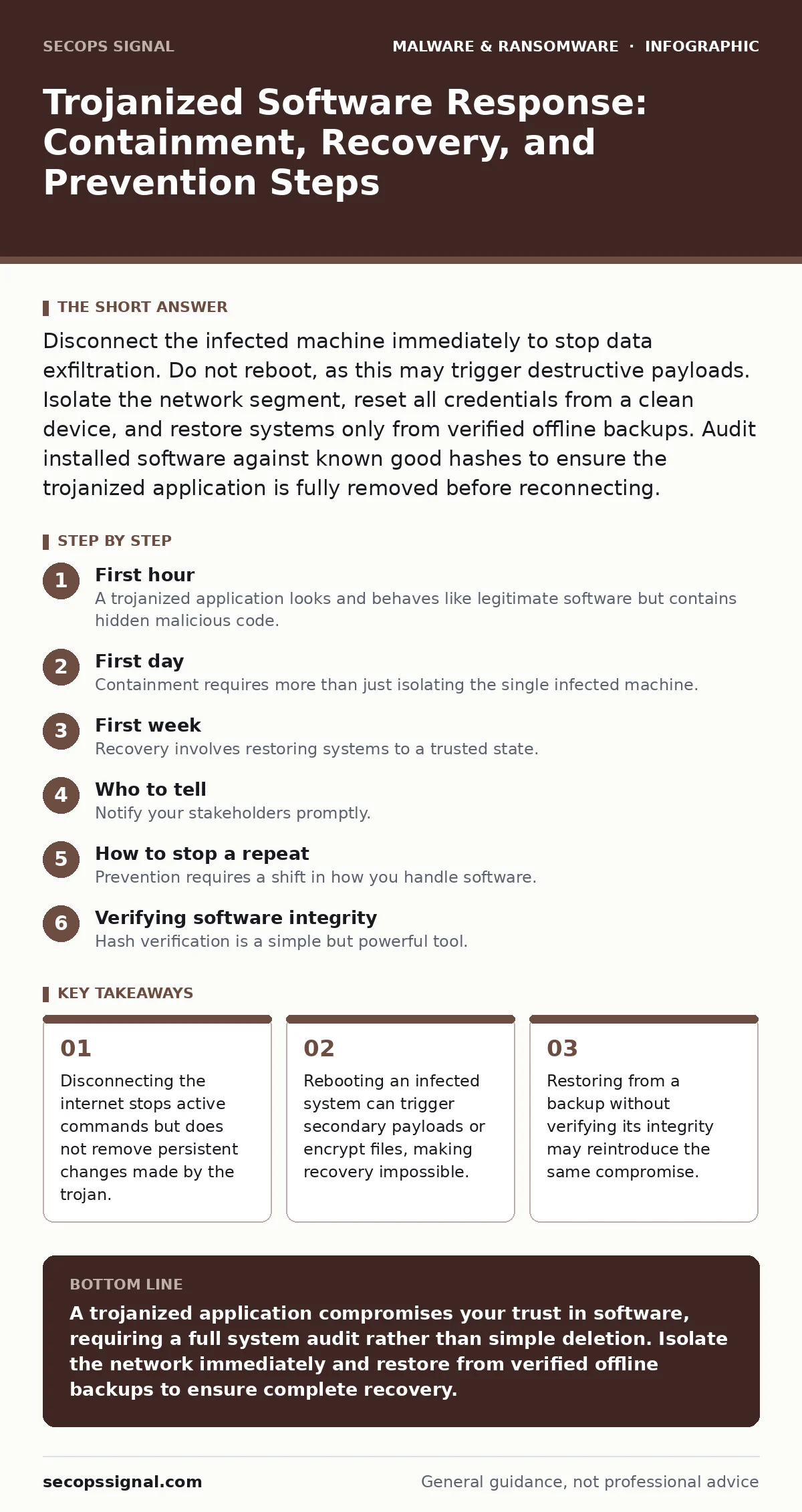
Disconnect the infected machine immediately to stop data exfiltration. Do not reboot, as this may trigger destructive payloads. Isolate the network segment, reset all credentials from a clean device, and restore systems only from verified offline backups. Audit installed software against known good hashes to ensure the trojanized application is fully removed before reconnecting.
First hour
A trojanized application looks and behaves like legitimate software but contains hidden malicious code. This deception allows the malware to bypass basic security checks because the outer layer appears trusted. Once executed, the program can install backdoors, steal credentials, or download additional malware. Your immediate goal is to limit the damage without triggering further destructive actions.
- Disconnect the infected computer from the network immediately. Unplug the Ethernet cable or disable Wi-Fi. Do not use the computer to search for help.
- Identify if other devices are affected. Check for unusual network traffic or processes on connected servers and workstations.
- Do not power off the machine if it is still running. Some ransomware variants activate encryption only upon shutdown or reboot.
- Document what was installed and when. Note the name of the software, the source, and any recent changes to system files.
If you suspect the infection came from a specific download, isolate the source. If the software was distributed via an internal network share, block access to that folder. If it came from the internet, block the domain or IP address at your firewall. This prevents other users from downloading the same compromised file.
First day
Containment requires more than just isolating the single infected machine. The trojan may have already spread laterally across your network. It might have copied itself to shared drives or used stolen credentials to access other systems. You must assume the breach is wider than the initial point of entry.
Reset all passwords that were used on the infected machine. This includes email accounts, administrative credentials, and service accounts. Use a clean, uncompromised device to perform these resets. Do not reuse old passwords. Enable multi-factor authentication on all critical accounts. This adds a layer of protection even if the trojan steals your password again.
Check for persistent mechanisms. Trojans often modify system settings to ensure they run every time the computer starts. Look for new scheduled tasks, startup items, or modified registry keys. Compare current system configurations against known good baselines. If you do not have a baseline, compare the infected machine with a similar, clean machine.
Review network logs for unusual outbound connections. Trojans often communicate with command-and-control servers to receive instructions. Look for connections to unknown IP addresses or domains. Block these addresses at your perimeter firewall. This cuts off the attacker’s ability to send new commands or exfiltrate data.
First week
Recovery involves restoring systems to a trusted state. Simply deleting the malicious file is insufficient. The trojan may have modified system libraries or created hidden accounts. You must verify the integrity of the entire operating system.
Restore files from offline backups. Online backups can be compromised if the trojan had access to the backup drive. Offline backups, such as external hard drives disconnected from the network, remain safe. Verify the backup is clean before restoring. Use checksums to ensure the files have not been altered.
Reimage the operating system if possible. Wiping the drive and reinstalling the OS is the most reliable way to remove hidden malware. This is slower than cleaning individual files but ensures no remnants remain. For small businesses, this may be the only viable option if you lack deep forensic expertise.
Update all software to the latest versions. Trojans often exploit known vulnerabilities to gain access. Patching these holes prevents the attacker from re-entering through the same door. This includes the operating system, applications, and firmware.
Who to tell
Notify your stakeholders promptly. Transparency builds trust and allows others to take protective measures. Inform your employees about the incident without causing panic. Explain what happened, what is being done, and what they need to do.
Contact your insurance provider if you have cyber liability coverage. Provide them with the details of the incident. This may be required to file a claim. Keep records of all communications and actions taken.
Report the incident to relevant authorities if required by law. Some industries have strict reporting requirements for data breaches. Failure to report can result in legal penalties.
How to stop a repeat
Prevention requires a shift in how you handle software. Trusting a website or a friend’s recommendation is not enough. You must verify the integrity of every download.
Use code signing to verify software authenticity. Code signing uses digital signatures to confirm the software comes from a trusted source and has not been altered. Most operating systems warn you if a download lacks a valid signature. Do not ignore these warnings.
Implement application whitelisting. This security measure allows only approved applications to run. Any unknown program is blocked automatically. This prevents trojanized software from executing, even if a user clicks on it.
Monitor for anomalies. Use endpoint detection and response tools to identify unusual behavior. Look for processes that try to disable security software or access sensitive files unexpectedly.
Verifying software integrity
Hash verification is a simple but powerful tool. A hash is a unique string of characters generated from a file’s content. If even one bit changes, the hash changes completely. Compare the hash of your downloaded file with the hash published by the vendor. If they do not match, the file is compromised.
This method protects against trojanized software distributed through fake software updates. Attackers often mimic update notifications to trick users into installing malware. Verifying the hash ensures you have the genuine file.
The hidden cost of convenience
Convenience is the primary driver of trojan infections. Users want quick access to tools, games, or utilities. They bypass security warnings to get what they want quickly. This behavior creates a hidden cost: the risk of compromise increases with every shortcut taken.
You must balance usability with security. Implementing strict controls can slow down workflows. However, the cost of a breach far exceeds the inconvenience of verification. Train your team to expect these checks and understand their purpose.
Related threats to consider
Trojanized software often works in tandem with other threats. For example, macro malware can be used to drop a trojan onto a system. Understanding macro security settings helps you block this initial entry point.
Similarly, email attachment scanning may miss trojans if they are packed. Packers and crypters compress and obfuscate malicious code to evade detection. Recognizing these techniques improves your defense strategy.
Final verification
Before declaring the incident over, perform a final review. Ensure all backdoors are closed. Verify that all credentials have been rotated. Confirm that backups are clean and accessible.
Document the lessons learned. Update your incident response plan based on what worked and what failed. This prepares you for the next threat.
Key takeaways
- Disconnecting the internet stops active commands but does not remove persistent changes made by the trojan.
- Rebooting an infected system can trigger secondary payloads or encrypt files, making recovery impossible.
- Restoring from a backup without verifying its integrity may reintroduce the same compromise.
A trojanized application compromises your trust in software, requiring a full system audit rather than simple deletion. Isolate the network immediately and restore from verified offline backups to ensure complete recovery.
Frequently asked questions
Can antivirus software detect trojanized legitimate programs?
Traditional antivirus may miss trojanized software if the malicious code is new or obfuscated. Behavior-based detection is more effective at identifying unusual actions.
How do I know if my backup is clean?
Verify the backup using checksums and scan it with updated security tools. Offline backups are safer as they are not
How this guide was produced: written by the SecOps Signal editorial team with AI assistance, checked against the public references listed below, and reviewed when the facts change. See our editorial policy or report an error.