Software Restriction Policies: Definition, Purpose, and Implementation
Software restriction policies enforce a strict allow-list model that blocks every executable unless you explicitly permit it, reversing the traditional security assumption.

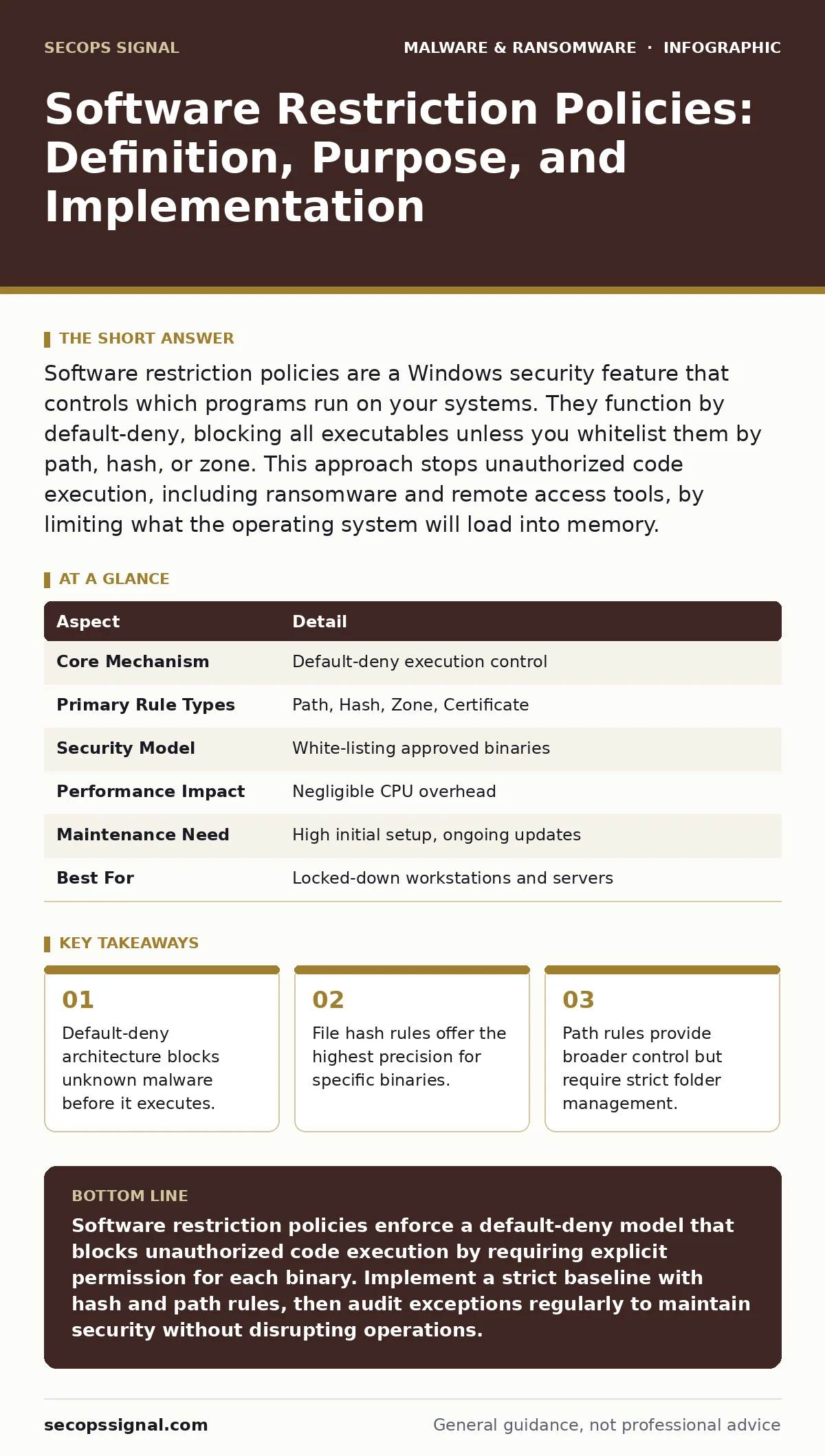
Software restriction policies are a Windows security feature that controls which programs run on your systems. They function by default-deny, blocking all executables unless you whitelist them by path, hash, or zone. This approach stops unauthorized code execution, including ransomware and remote access tools, by limiting what the operating system will load into memory.
The Gatekeeper Analogy for Code Execution
Imagine a secure facility where every visitor must present a pre-approved badge. The guard does not check if the person looks suspicious. The guard checks if the badge exists in the registry. If the badge is missing, the person cannot enter. Software restriction policies operate on this same principle. They do not analyze whether a file is malicious. They determine whether the file is authorized to run.
Traditional antivirus software acts like a metal detector. It scans for known threats. If a new threat lacks a known signature, it might pass. Software restriction policies assume everything is hostile until proven otherwise. This shift in assumption changes how you manage system access. You move from blocking bad things to allowing good things.
| Aspect | Detail |
|---|---|
| Core Mechanism | Default-deny execution control |
| Primary Rule Types | Path, Hash, Zone, Certificate |
| Security Model | White-listing approved binaries |
| Performance Impact | Negligible CPU overhead |
| Maintenance Need | High initial setup, ongoing updates |
| Best For | Locked-down workstations and servers |
What Problem Do Restriction Policies Solve?
The fundamental problem is the execution of unauthorized code. Most attacks begin when a user or process runs an executable. This executable could be a dropper, a payload, or a remote access tool. If the operating system allows any .exe file to run, the attack surface remains wide open.
Software restriction policies solve this by removing the privilege to execute. They enforce a boundary around the operating system kernel. Only code that meets your specific criteria can load. This prevents drive-by downloads, malicious email attachments, and exploited vulnerabilities from succeeding at the execution stage. Even if an attacker gains access, they cannot run their tools if the policy blocks them.
The Four Main Control Mechanisms
You define which software is allowed through four distinct rule types. Each type serves a different purpose and carries different trade-offs. Understanding these mechanisms is key to effective implementation.
- Path Rules: These rules specify directories where execution is allowed or blocked. You might allow all programs in
C:\Program Filesbut block anything inC:\Users. This is simple to configure but risky if an attacker writes a malicious file to an allowed folder. - File Hash Rules: These rules use cryptographic hashes to identify specific files. You calculate the hash of a legitimate application and allow only that exact binary. If the file changes, even slightly, the hash changes, and execution stops. This is the most secure method but requires constant updating.
- Zone Rules: These rules restrict execution based on where the file originated. Files downloaded from the internet often carry a zone identifier. You can block all files from the internet zone, preventing remote downloads from running automatically.
- Certificate Rules: These rules verify the digital signature of the publisher. You can allow all software signed by a trusted certificate authority. This simplifies management but relies on the security of the signing process.
Integration with Other Defense Layers
Software restriction policies are not a standalone solution. They function best as part of a layered defense strategy. They stop execution, but they do not stop network traffic or data exfiltration. You must combine them with other controls to create a resilient environment.
Integrate these policies with behavior-based detection systems. While restriction policies block known unauthorized binaries, behavior-based detection monitors for suspicious actions by authorized programs. If a trusted application suddenly tries to encrypt files, the detection system can intervene. This combination covers both unknown malware and compromised legitimate tools.
Consider the role of remote access tool abuse. Attackers often use legitimate remote management software to pivot through networks. Software restriction policies can block unauthorized remote access tools. However, you must carefully whitelist the tools your IT team actually uses. Over-restricting here can lock out legitimate administrators, creating operational friction.
Common Misconfigurations and Pitfalls
Many organizations implement these policies incorrectly, leading to security gaps or operational disruption. The most common error is relying solely on path rules. Path rules are convenient but vulnerable to directory traversal attacks. An attacker can place a malicious file in an allowed directory, bypassing the restriction.
Another frequent mistake is neglecting zone rules. Users often download files that appear safe but execute malicious code. By blocking execution from the internet zone, you add a critical layer of protection. Without this, downloaded malware can run immediately.
A third issue is the management of exceptions. Administrators often add too many exceptions to stop users from complaining. Each exception weakens the security posture. You must audit exceptions regularly. Remove any that are no longer needed. Tighten the scope of allowed paths and hashes.
The Hidden Cost of Strict Policies
There is a significant trade-off in using software restriction policies. The security gain comes at the cost of administrative overhead. You must maintain an accurate list of allowed software. When you update applications, their hashes change. You must update your rules accordingly.
This requirement creates a dependency on change management processes. If your IT team does not track software updates, the policies will block legitimate applications. Users will call for support. Productivity drops. You must balance security with usability.
For small teams, this maintenance burden can be heavy. You need a system to automate hash generation and policy updates. Manual management is error-prone and slow. Consider using group policy objects to deploy changes centrally. This reduces the need for local configuration on each machine.
Addressing False Positives and User Friction
Users will encounter blocked applications. This is expected. The challenge is handling these incidents efficiently. You need a clear process for requesting exceptions. When a user needs a new tool, they should submit a request. Your security team verifies the tool and adds it to the allow-list.
This process slows down software deployment but increases security. It prevents users from installing unauthorized or risky applications. You must communicate this policy clearly. Users should understand why certain programs are blocked. Education reduces frustration and support tickets.
Monitor logs for blocked execution attempts. These logs can reveal attempted attacks or user confusion. Analyze them regularly. If you see repeated blocks for a legitimate tool, update the policy. If you see blocks for unknown files, investigate for potential malware.
Beyond Basic Execution Control
Software restriction policies are a foundational control. They stop code from running. However, they do not protect against attacks that do not require execution. For example, memory forensics techniques can analyze running processes without new executables. Attackers might inject code into existing processes.
To defend against this, combine restriction policies with application whitelisting and behavior monitoring. You might also consider offline backups to protect against ransomware that bypasses execution controls. If an attacker finds a way to encrypt your data, backups ensure you can recover.
Understanding packers and crypters is also relevant. Attackers use these tools to hide malware signatures. Software restriction policies are effective against packed malware because they block execution based on identity, not signature. If the packed executable is not whitelisted, it cannot run.
Implementing a Sustainable Policy Framework
Start with a strict baseline. Block all execution except for system directories and known applications. Monitor the impact for a week. Identify legitimate applications that are blocked. Add them to the allow-list. Gradually tighten the rules.
Use hash rules for critical applications. Use path rules for general software directories. Block all internet zone executions. Require digital signatures for new software. This approach provides strong security while allowing necessary operations.
Regularly review and update your policies. Remove obsolete rules. Add new applications as needed. Audit exception lists quarterly. Ensure no unnecessary exceptions exist. This maintenance is critical for long-term effectiveness.
Key takeaways
- Default-deny architecture blocks unknown malware before it executes.
- File hash rules offer the highest precision for specific binaries.
- Path rules provide broader control but require strict folder management.
- Integration with behavior-based detection creates layered defense in depth.
Software restriction policies enforce a default-deny model that blocks unauthorized code execution by requiring explicit permission for each binary. Implement a strict baseline with hash and path rules, then audit exceptions regularly to maintain security without disrupting operations.
Frequently asked questions
Do software restriction policies slow down my computer?
The performance impact is negligible. The system checks a local database of allowed hashes and paths, which consumes minimal CPU resources during execution.
Can I use these policies on older Windows versions?
Yes, Windows XP and later versions support software restriction policies. However, newer versions offer more advanced features like AppLocker, which provides better management and reporting capabilities.
How do I handle software updates that change file hashes?
You must update your hash rules whenever software updates. Automate this process by integrating with your software deployment system to generate new hashes and update the policy automatically.
What is the difference between these policies and AppLocker?
AppLocker is the modern successor to software restriction policies. It offers more flexible rule creation, better integration with Windows features, and easier management through group policy objects.
How this guide was produced: written by the SecOps Signal editorial team with AI assistance, checked against the public references listed below, and reviewed when the facts change. See our editorial policy or report an error.