Cloud Security Examples: How Security Groups Enforce Zero Trust
Security groups act as stateful firewalls that automatically track return traffic, reducing configuration errors while creating hidden blind spots for lateral movement.

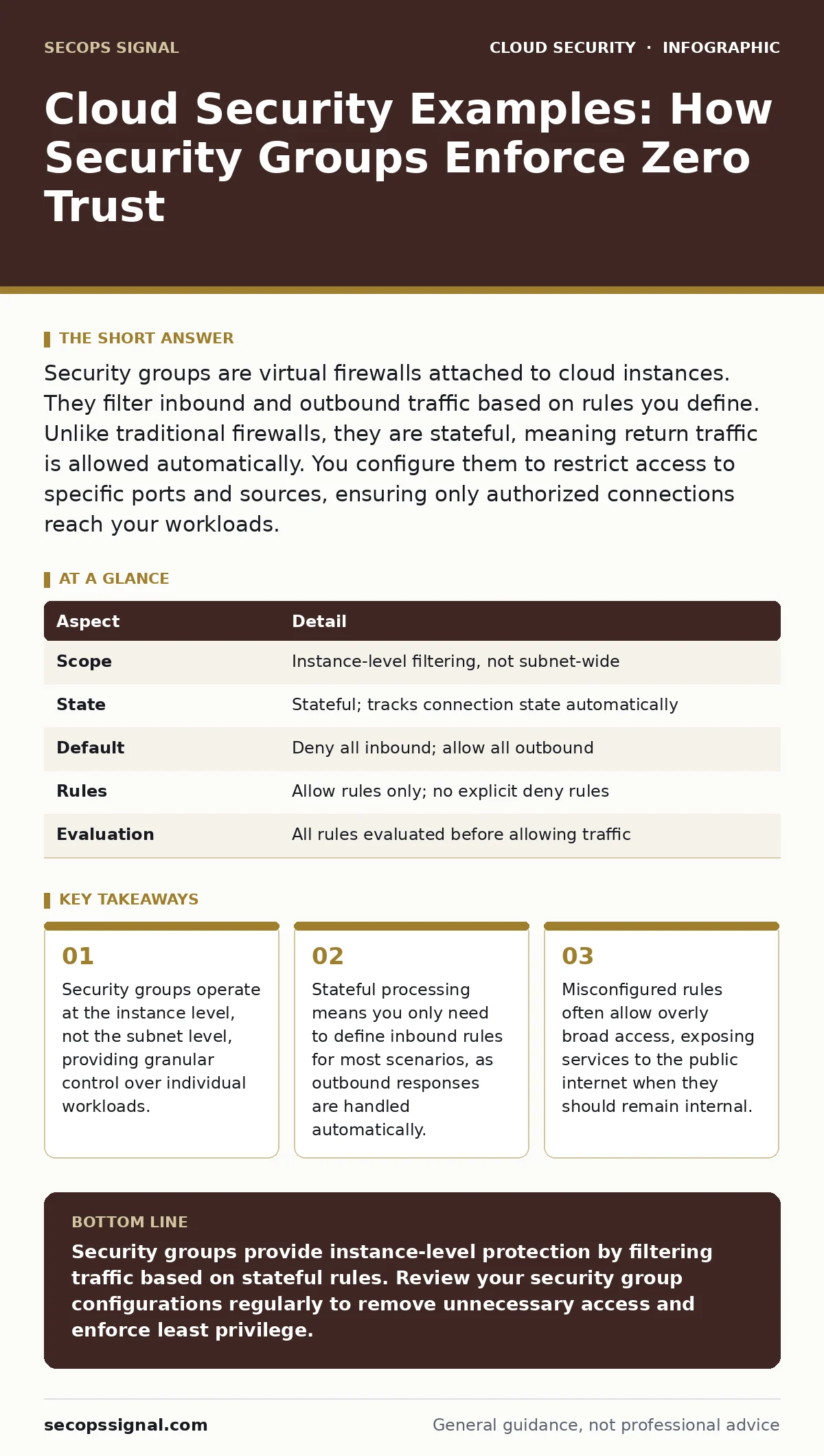
Security groups are virtual firewalls attached to cloud instances. They filter inbound and outbound traffic based on rules you define. Unlike traditional firewalls, they are stateful, meaning return traffic is allowed automatically. You configure them to restrict access to specific ports and sources, ensuring only authorized connections reach your workloads.
Everyday Analogy for Cloud Access Control
Imagine a high-security office building. The main gate checks IDs, but once inside, each department has its own door. Some doors open only for executives, others for maintenance staff. Security groups function like these departmental doors. They sit directly in front of your cloud resources. They decide who enters and who leaves. This analogy helps clarify why perimeter defenses alone are insufficient. You need controls at every entry point.
What Are Cloud Security Groups?
Security groups are virtual firewalls that operate at the instance level. They filter network traffic based on rules you define for inbound and outbound connections. A security group is stateful. This means if you allow an inbound request, the corresponding outbound response is automatically permitted. You do not need to write separate rules for return traffic. This mechanism simplifies configuration but requires careful planning. Each instance belongs to one or more security groups. Rules apply to all instances within that group.
At a Glance: Security Group Mechanics
| Aspect | Detail |
|---|---|
| Scope | Instance-level filtering, not subnet-wide |
| State | Stateful; tracks connection state automatically |
| Default | Deny all inbound; allow all outbound |
| Rules | Allow rules only; no explicit deny rules |
| Evaluation | All rules evaluated before allowing traffic |
Cloud Security Examples in Practice
People often search for cloud security examples to understand how abstract policies translate into real-world protection. The most common example involves a web server. You create a security group for your web tier. You add a rule allowing inbound traffic on port 443 from anywhere. This permits HTTPS connections from users worldwide. You add another rule allowing inbound traffic on port 80 to redirect to HTTPS. You do not open port 22 for SSH from anywhere. Instead, you restrict SSH access to your office IP address or a bastion host. This limits exposure significantly.
Another example involves a database server. The database security group allows inbound traffic on port 3306. The source is not the internet. The source is the security group of the web server. This ensures only the web tier can talk to the database. Even if the web server is compromised, the attacker cannot directly target the database from outside. This isolation is a core principle of defense in depth.
How Stateful Filtering Changes Behavior
The stateful nature of security groups creates specific behaviors you must understand. When a connection is established, the cloud provider tracks the state. If you allow an inbound TCP connection, the return packets are allowed regardless of outbound rules. This is convenient but dangerous if misconfigured. It means a compromised instance can initiate outbound connections freely if the default allow-all outbound rule remains. You should restrict outbound traffic explicitly. Define which ports and destinations are allowed. This prevents data exfiltration and command-and-control communication.
Stateful filtering also affects health checks. If you use a load balancer, the load balancer must be able to reach your instances. You often need to allow inbound traffic from the load balancer’s IP range or security group. Without this rule, the load balancer marks instances as unhealthy and stops sending traffic. This is a common cause of outage during initial setup.
See also: Shadow IT Definition: How to Find Hidden Cloud Risks · Bot Management Mistakes That Expose Your Cloud Infrastructure
Who Is Affected by Security Group Rules?
Security groups affect every resource assigned to them. This includes virtual machines, containers, and database instances. If you change a rule, the change applies immediately to all associated resources. There is no restart required. This immediacy is powerful but risky. A mistake affects live production systems instantly. You must test changes in a non-production environment first.
Security groups also affect your ability to debug issues. If you cannot connect to a server, the first check is the security group. You verify if the source IP is allowed. You check if the port is open. You confirm the protocol matches. This process isolates network issues from application issues. It saves time during incident response.
What People Usually Get Wrong
Many administrators treat security groups as a one-time setup task. They forget to review them regularly. Rules accumulate over time. Temporary access for debugging becomes permanent. This drift increases the attack surface. You should audit security groups periodically. Remove rules that are no longer needed. Use tags to document the purpose of each rule.
Another common error is using CIDR ranges too broadly. Allowing 0.0.0.0/0 for management ports is a critical failure. You should use specific IP addresses or security group references. Referencing another security group is safer than using IP addresses. IPs change; security group references remain valid. This approach supports dynamic environments where instances are created and destroyed frequently.
Implementing Least Privilege Access
Implementing least privilege means granting only the access necessary for a role. For security groups, this means opening only the ports required. If an application uses port 8080, do not open port 80. If a service communicates only with another internal service, do not open it to the internet. Use security group references for internal communication. This creates a logical network segmentation.
You should also consider the principle of separation of duties. Different teams should manage different security groups. The web team manages web tier rules. The database team manages database rules. This prevents accidental conflicts and ensures ownership. It also simplifies troubleshooting. When an issue arises, you know who to contact.
Integrating with Broader Security Strategies
Security groups are just one layer of defense. They work best when combined with other controls. For instance, cloud network segmentation uses subnets and route tables to isolate traffic. Security groups add another layer of filtering within those subnets. This dual approach ensures that even if one layer fails, the other provides protection.
You should also consider ephemeral infrastructure practices. In environments where instances are created and destroyed frequently, security groups must be applied automatically. Infrastructure as Code tools help ensure consistency. They prevent manual errors and ensure every new instance has the correct security group. This is critical for maintaining security posture at scale.
Furthermore, cloud compliance frameworks often require specific security group configurations. Auditors look for open ports and broad access rules. Regular reviews ensure you meet these requirements. Ignoring compliance can lead to failed audits and financial penalties.
Key takeaways
- Security groups operate at the instance level, not the subnet level, providing granular control over individual workloads.
- Stateful processing means you only need to define inbound rules for most scenarios, as outbound responses are handled automatically.
- Misconfigured rules often allow overly broad access, exposing services to the public internet when they should remain internal.
Security groups provide instance-level protection by filtering traffic based on stateful rules. Review your security group configurations regularly to remove unnecessary access and enforce least privilege.
Frequently asked questions
Can I use security groups to block specific IP addresses?
No, security groups only support allow rules. To block specific IPs, you must use network ACLs, which support both allow and deny rules.
Do security groups affect outbound traffic by default?
Yes, most cloud providers default to allowing all outbound traffic. You should explicitly restrict outbound rules to enhance security.
How do security groups differ from network ACLs?
Security groups are stateful and instance-level, while network ACLs are stateless and subnet-level. Security groups are easier to manage for most use cases.
Can an instance belong to multiple security groups?
Yes, an instance can belong to multiple security groups. All rules from all groups are evaluated. If any rule allows the traffic, it is permitted.
How this guide was produced: written by the SecOps Signal editorial team with AI assistance, checked against the public references listed below, and reviewed when the facts change. See our editorial policy or report an error.