Database Security: What It Is and How It Protects Your Data
Database security protects data while it is stored, but it fails if you ignore the applications and users that touch that data every day.

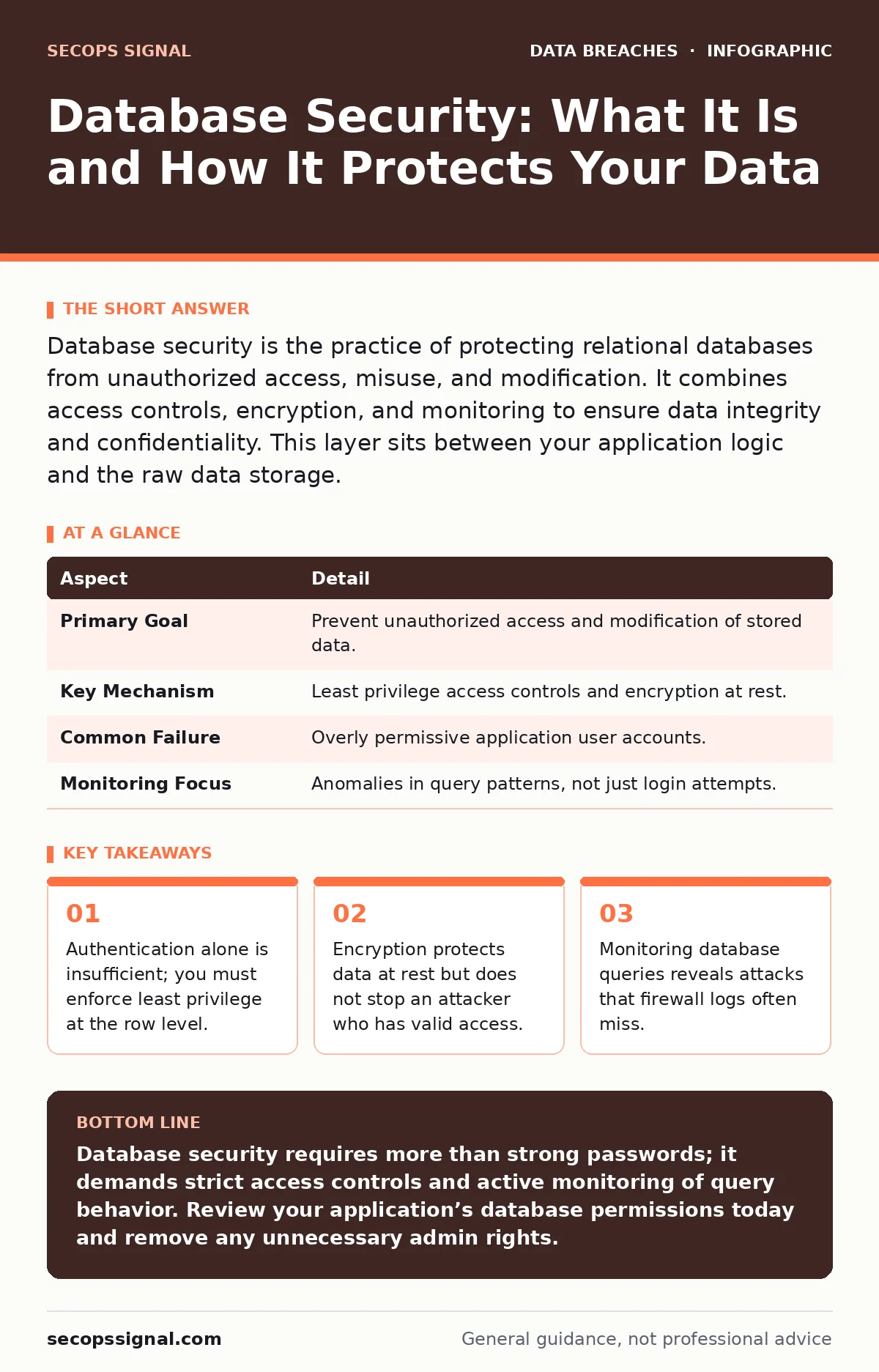
Database security is the practice of protecting relational databases from unauthorized access, misuse, and modification. It combines access controls, encryption, and monitoring to ensure data integrity and confidentiality. This layer sits between your application logic and the raw data storage.
The Filing Cabinet Analogy
Imagine a large office with a secure filing room. You lock the door to the room. You keep the master key in a safe. This is like locking down your server. But inside that room, every employee has a key to the cabinet. If a disgruntled clerk has a key to the cabinet, they can steal files even if the room door is locked. Database security is not just about locking the room. It is about controlling who can open which drawer, read which file, and change which record.
Most security efforts focus on the door lock. They ignore the cabinet keys. This is where most failures occur. You must secure the perimeter, but you must also secure the contents.
Defining the Scope
Database security refers to the suite of technologies, policies, and processes that protect a database and the data it holds. It ensures that only authorized users can access specific data. It also ensures that data remains accurate and unaltered by malicious actors. The goal is confidentiality, integrity, and availability. Confidentiality means only the right people see the data. Integrity means the data is not changed improperly. Availability means the data is there when needed.
This differs from general network security. Network security protects the pipes that carry data. Database security protects the vault where data rests. You can have a secure network and a compromised database. If an application has a flaw, it can expose the database directly. The database itself must be hardened.
| Aspect | Detail |
|---|---|
| Primary Goal | Prevent unauthorized access and modification of stored data. |
| Key Mechanism | Least privilege access controls and encryption at rest. |
| Common Failure | Overly permissive application user accounts. |
| Monitoring Focus | Anomalies in query patterns, not just login attempts. |
The Hidden Cost of Convenience
Many organizations create a single database account for their application. This account has full read and write access to every table. This makes development easy. It makes deployment simple. But it creates a massive risk. If an attacker finds a way to inject code into your application, they get that powerful account. They can read customer records. They can delete transaction logs. They can modify financial balances.
This is where privilege escalation happens. The attacker uses the application’s power to do things the application never intended. You must separate duties. The application should only have access to the tables it needs. Even then, it should only have the specific actions it needs. Reading a customer profile is different from deleting it. Split these permissions.
Beyond Passwords: Encryption and Masking
Passwords protect against casual snooping. They do not protect against an attacker who already has access. Encryption at rest ensures that if someone steals the physical disk or the backup file, they cannot read the contents. They need the decryption key. This adds a layer of defense. It does not stop an attacker who uses a valid application session. When the database decrypts the data for the application, the data is visible in memory.
For sensitive data like credit card numbers or health records, consider data masking. This technique replaces sensitive values with fake but realistic data. A developer testing a new feature might need to see customer names. They do not need to see real social security numbers. Masking allows them to work without exposing real secrets. This reduces the risk of insider threats. It also limits the damage if the testing database is leaked.
Understanding data masking helps you balance usability with security. You do not need to encrypt everything. Encrypt what is highly sensitive. Mask what is needed for development. Leave the rest as plain text if necessary. This approach is more manageable than encrypting every field.
The Application Layer is the Weak Link
You can harden the database server. You can encrypt the disks. You can monitor the logs. If your application has a flaw, all of that work is wasted. SQL injection is a common flaw. It allows an attacker to send malicious code to the database through your application. The database executes the code because it thinks it is a legitimate request.
This is why credential exposure is a major concern. If your application stores database passwords in plain text in its configuration files, an attacker who accesses the server can steal them. They do not need to hack the database. They just need to read the file. Use environment variables or secret management tools. Never hardcode credentials.
See also: Preventing Data Exposure Seen By Dark Web Monitoring · Password Reuse Risks: How Credential Stuffing Compromises Your Business
Integration with Broader Defenses
Database security does not exist in a vacuum. It works with other security layers. User access provisioning ensures that employees get the right access when they join and lose it when they leave. If a salesperson becomes a manager, their database permissions must change. If they quit, their access must be revoked immediately. Automated provisioning prevents orphaned accounts.
These accounts must be protected. Account takeover fraud often starts with stolen credentials. If an attacker steals a user’s login, they can access the database through that user’s session. Multi-factor authentication helps here. It adds a step that the attacker cannot bypass easily.
When an attack happens, speed matters. Breach dwell time is the time between the initial intrusion and the detection. Database monitoring can reduce this time. If you see a sudden spike in queries from a single IP address, you can block it. If you see a user accessing records outside their normal pattern, you can flag it. This helps you respond before data is exfiltrated.
Common Misconceptions
Many believe that encryption solves all problems. It does not. It protects data at rest. It does not protect data in use. Once the database decrypts the data for the application, it is vulnerable. Another misconception is that regular users are not a risk. They are. Insider threats are real. Employees can accidentally delete tables. They can intentionally copy data. You must monitor all access.
Some think that compliance is enough. Meeting SOC 2 requirements is a good start. It shows you have controls in place. But compliance is a snapshot. Security is continuous. An attacker does not care about your audit certificate. They care about your data. You must maintain your defenses daily.
Monitoring and Response
You need to know when something goes wrong. Database activity monitoring tools record every query. They look for anomalies. A user who never accesses financial data suddenly queries the accounting table. This is a red flag. A script that runs once a day suddenly runs every minute. This is another red flag.
Set up alerts for these events. Do not wait for a breach report. Detect the attack early. Respond quickly. Block the user. Investigate the cause. Patch the flaw. This cycle of detect, respond, and improve is the core of security. It keeps your data safe over time.
Key takeaways
- Authentication alone is insufficient; you must enforce least privilege at the row level.
- Encryption protects data at rest but does not stop an attacker who has valid access.
- Monitoring database queries reveals attacks that firewall logs often miss.
Database security requires more than strong passwords; it demands strict access controls and active monitoring of query behavior. Review your application’s database permissions today and remove any unnecessary admin rights.
Frequently asked questions
Does encrypting the database stop hackers?
Encryption stops hackers from reading stolen backup files or disks. It does not stop them from accessing data through a valid application session. You still need access controls.
How do I prevent SQL injection attacks?
Use parameterized queries in your application code. This separates code from data. The database treats user input as data only. It never executes it as commands.
What is the difference between authentication and authorization?
Authentication proves who you are. Authorization proves what you can do. You can authenticate a user but deny them access to sensitive tables. Both are needed for security.
Should I log every database query?
Logging every query can slow down performance and fill up storage. Log critical actions like changes to user permissions or access to sensitive data. Monitor for anomalies rather than logging everything.
How this guide was produced: written by the SecOps Signal editorial team with AI assistance, checked against the public references listed below, and reviewed when the facts change. See our editorial policy or report an error.