Sudo Vulnerability Response: Recovery and Containment Steps
Compromised privilege escalation tools require immediate credential rotation and binary replacement to prevent persistent root access on your servers.

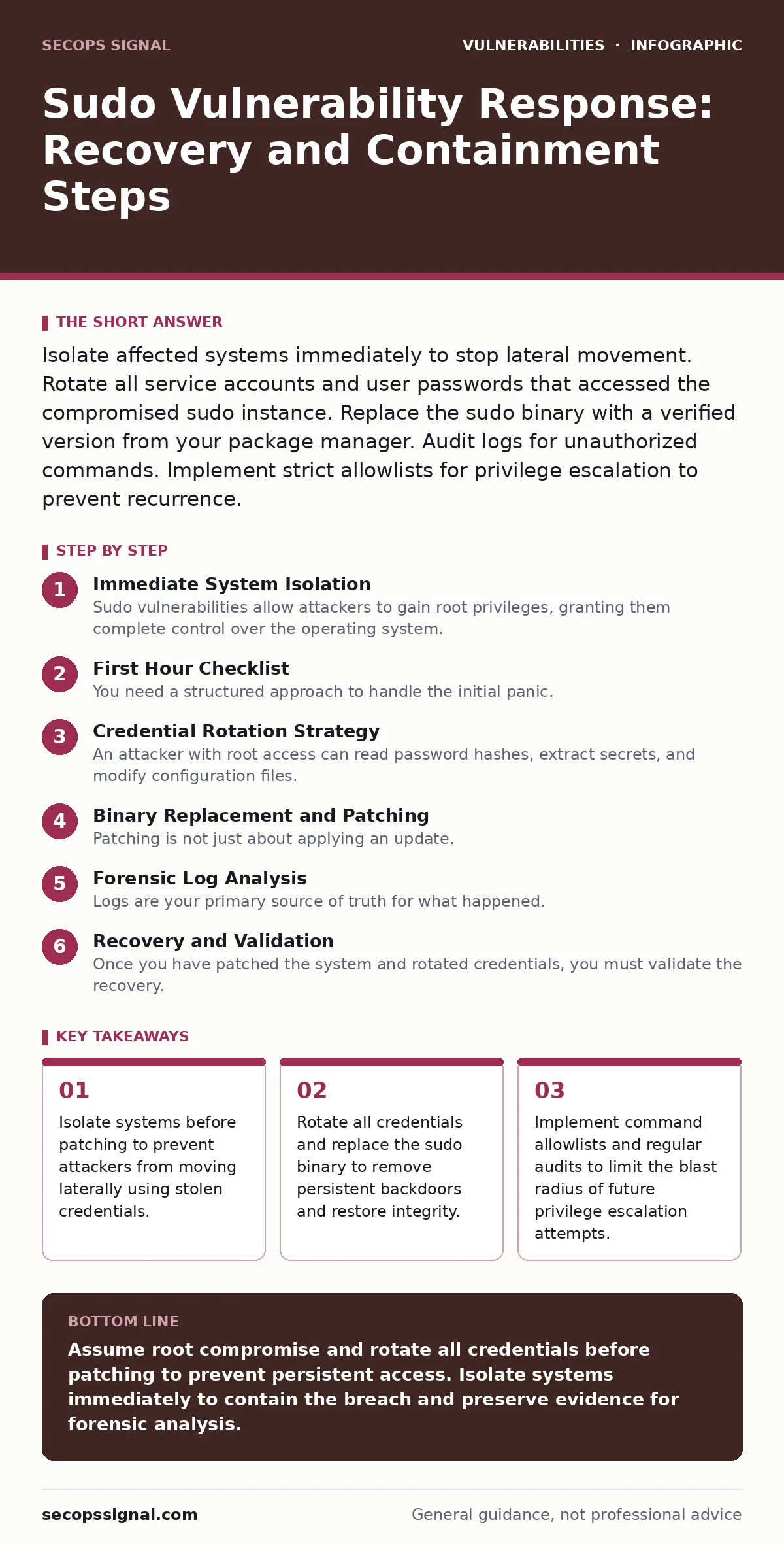
Isolate affected systems immediately to stop lateral movement. Rotate all service accounts and user passwords that accessed the compromised sudo instance. Replace the sudo binary with a verified version from your package manager. Audit logs for unauthorized commands. Implement strict allowlists for privilege escalation to prevent recurrence.
Immediate System Isolation
Sudo vulnerabilities allow attackers to gain root privileges, granting them complete control over the operating system. You must isolate affected systems immediately to contain the breach. Do not attempt to patch or reboot while the system remains connected to the network. An attacker with root access can install backdoors, modify logs, and move laterally to other servers. Network segmentation prevents this spread. Disconnect the server from the internet or place it in a quarantine VLAN. This stops active exploitation and gives you time to assess the damage without alerting the attacker.
First Hour Checklist
You need a structured approach to handle the initial panic. Follow this checklist to ensure no critical step is missed during the first hour of response.
- Isolate the affected server from the network to stop lateral movement.
- Preserve memory dumps if possible for later forensic analysis.
- Identify the specific sudo version and the CVE affecting your environment.
- Check system logs for unauthorized sudo commands executed by non-admin users.
- Notify your incident response team and relevant stakeholders.
- Do not delete any files or logs at this stage.
Credential Rotation Strategy
An attacker with root access can read password hashes, extract secrets, and modify configuration files. You must assume all credentials on the system are compromised. Rotate local user passwords immediately. Change service account passwords used by applications running on the server. Update SSH keys and remove any unknown authorized_keys entries.
If the server hosts sensitive data, rotate database passwords and API keys. Consider changing credentials on other systems that share the same secrets. This limits the attacker’s ability to maintain access after you patch the vulnerability. For broader context on handling broken access controls, see our guide on authentication bypass vulnerabilities.
Binary Replacement and Patching
Patching is not just about applying an update. You must replace the compromised sudo binary. Attackers can modify the binary to bypass security checks or log keystrokes. Verify the checksum of the new binary against the vendor’s official release. If you cannot verify the integrity of the package, rebuild the system from known-good media.
This ensures no hidden backdoors remain. Apply the patch through your standard package manager. Verify that the new version is active and functioning correctly. Test that normal sudo operations work as expected before reconnecting the system to the network. This process relates closely to understanding out-of-bounds write vulnerabilities, which often underpin such exploits.
Forensic Log Analysis
Logs are your primary source of truth for what happened. Review sudo logs, system logs, and authentication logs. Look for commands executed by users who should not have root access. Identify unusual patterns, such as commands running at odd hours or from unexpected locations. Check for modifications to system binaries or configuration files. Use integrity monitoring tools to detect changes. If logs are missing or altered, assume the attacker has covered their tracks. You may need to rely on network logs or endpoint detection data to reconstruct the attack timeline. This analysis helps you understand the scope of the compromise.
Recovery and Validation
Once you have patched the system and rotated credentials, you must validate the recovery. Reconnect the system to the network slowly. Monitor for any suspicious activity. Check that all services are running correctly. Verify that no unauthorized users have been added. Ensure that file permissions are correct. Test application functionality to confirm that the patch did not break anything. This step is critical to ensure business continuity. If you find any anomalies, isolate the system again and repeat the forensic analysis. Do not rush this phase. A thorough validation prevents future incidents.
Preventing Recurrence
Prevention requires more than just patching. You must implement strict access controls. Use the principle of least privilege. Limit who can use sudo. Define specific commands that each user can run. Audit sudo policies regularly. Remove unnecessary sudo privileges. Implement multi-factor authentication for sudo access. Monitor sudo usage in real-time. Alert on any unusual activity. This reduces the risk of human error and limits the impact of a compromise. See our guide on risk-based vulnerability management for strategies to prioritize these controls.
Incident Reporting and Lessons Learned
After the incident, you must report it appropriately. Inform your stakeholders about the breach and the steps taken to mitigate it. Document the incident for future reference. Conduct a post-incident review to identify gaps in your response. Update your incident response plan based on what you learned. Train your staff on the new procedures. This helps improve your overall security posture. Transparency builds trust with your customers and partners. It also helps you comply with regulatory requirements. For additional context on related risks, review our section on mitigations and workarounds.
Long-Term Security Hygiene
Sudo vulnerabilities are just one part of your security landscape. You must maintain a holistic approach. Regularly update all software. Monitor for new vulnerabilities. Conduct penetration tests to find weaknesses. Implement endpoint detection and response tools. Train your employees on security best practices. This reduces the attack surface and makes it harder for attackers to succeed. Security is an ongoing process, not a one-time fix. Stay proactive and adapt to new threats. For more on kernel-level risks, see our guide on Linux kernel privilege escalation.
Key takeaways
- Isolate systems before patching to prevent attackers from moving laterally using stolen credentials.
- Rotate all credentials and replace the sudo binary to remove persistent backdoors and restore integrity.
- Implement command allowlists and regular audits to limit the blast radius of future privilege escalation attempts.
Assume root compromise and rotate all credentials before patching to prevent persistent access. Isolate systems immediately to contain the breach and preserve evidence for forensic analysis.
Frequently asked questions
How do I know if my sudo version is vulnerable?
Check your current sudo version against known vulnerability databases. Compare the version number with the fixed versions listed by the vendor. If your version is older than the fixed version, you are vulnerable.
Can an attacker hide their tracks in sudo logs?
Yes, an attacker with root access can modify or delete sudo logs. You should use centralized logging to store logs on a separate, secure server. This prevents attackers from altering the logs on the compromised system.
What is the principle of least privilege in sudo?
The principle of least privilege means giving users only the permissions they need to perform their jobs. In sudo, this means restricting users to specific commands rather than granting full root access. This limits the damage if an account is compromised.
Should I disable sudo entirely to prevent these vulnerabilities?
No, disabling sudo entirely can break system administration and automation. Instead, restrict sudo access to trusted users and specific commands. Use alternative privilege escalation methods if necessary, but ensure they are also secure and audited.
How this guide was produced: written by the SecOps Signal editorial team with AI assistance, checked against the public references listed below, and reviewed when the facts change. See our editorial policy or report an error.