Invoice Fraud Response: Stop Payments and Secure Accounts
The most damaging action during an invoice fraud incident is replying to the attacker, which confirms your contact information is active and invites further targeted attacks.

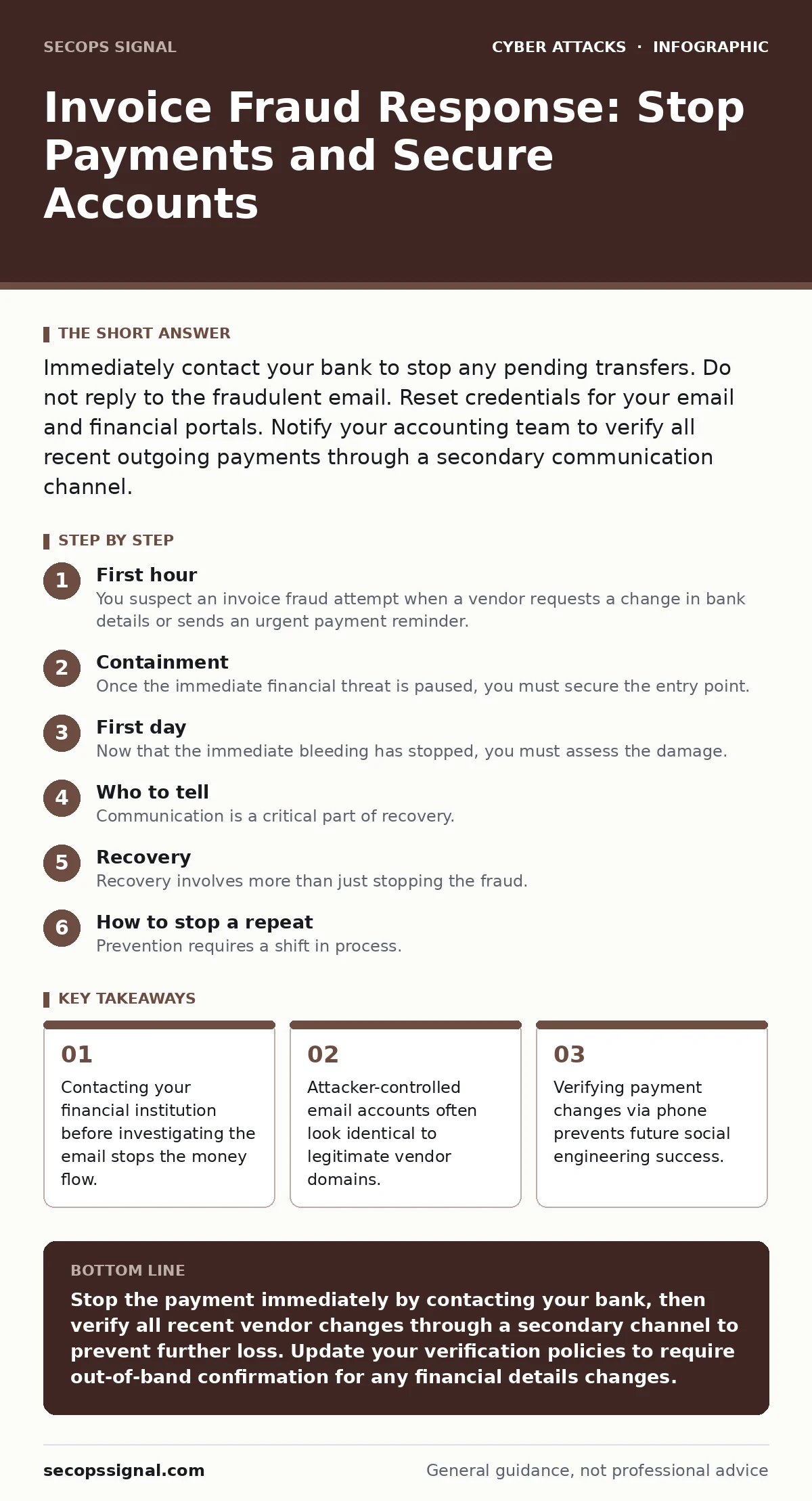
Immediately contact your bank to stop any pending transfers. Do not reply to the fraudulent email. Reset credentials for your email and financial portals. Notify your accounting team to verify all recent outgoing payments through a secondary communication channel.
First hour
You suspect an invoice fraud attempt when a vendor requests a change in bank details or sends an urgent payment reminder. The attacker has likely compromised a legitimate email account or spoofed the address to appear identical. Your primary goal is to stop the transfer of funds. Time is your only constraint.
Execute the following checklist immediately. Do not skip steps to investigate the email content first. The money moves faster than your forensic analysis.
- Call your bank or financial institution using a known, trusted number to halt pending transfers.
- Notify your accounting department to freeze all outgoing payments for the day.
- Isolate the compromised email account by resetting its password and forcing a logout of all sessions.
- Check for any other recent changes to bank details in your vendor management system.
- Preserve the original email headers and body for later analysis, without opening attachments.
Containment
Once the immediate financial threat is paused, you must secure the entry point. Attackers often use compromised credentials to access your email system. They look for invoice templates and vendor lists to craft convincing requests. You need to prevent them from using your infrastructure to target others.
Reset the password for the compromised account. If you use password managers, ensure the new password is unique and not reused elsewhere. Enable multi-factor authentication if it is not already active. This stops the attacker from logging back in even if they retain the old credentials.
Check for forwarding rules. Attackers often create invisible rules that forward incoming emails to their own servers. This allows them to monitor your communications and gather intelligence for future attacks. Delete any forwarding rules you did not create. Review the sent folder for any emails you did not send. This helps you understand the scope of the compromise.
First day
Now that the immediate bleeding has stopped, you must assess the damage. You need to determine which vendors were targeted and which payments may have been made. Contact your accounts payable team. Ask them to review all payments made in the last seven days. Look for any changes in bank account numbers or routing codes.
Verify these changes directly with the vendors. Do not use the email addresses listed in the suspicious invoices. Use phone numbers from previous invoices or your internal vendor database. This bypasses the attacker’s control over the email channel. If a payment was made to the wrong account, file a dispute with your bank immediately. Provide the transaction ID and the evidence of fraud.
Who to tell
Communication is a critical part of recovery. You must inform the right parties without causing panic. Start with your internal team. Let your employees know that an incident occurred and that they should verify any unusual requests. This raises awareness without revealing sensitive details.
Notify the affected vendors. They may have been targeted by similar attacks. Sharing information helps them secure their own environments. This builds trust and shows you are acting in good faith. Do not share internal security details or passwords. Stick to the facts of the transaction.
If significant funds were lost, report the incident to law enforcement. This creates an official record and may help in recovering the funds. It also helps authorities track patterns of fraud. Do not expect immediate recovery, but the report is necessary for insurance and legal purposes.
Recovery
Recovery involves more than just stopping the fraud. You must restore trust and prevent recurrence. Review your email security settings. Ensure that email filtering is configured to detect spoofed domains. This reduces the likelihood of similar emails reaching your inbox.
Update your vendor onboarding process. Require written confirmation for any changes to bank details. This confirmation should come through a secure channel, not just email. Consider implementing conditional access policies to restrict access to financial systems based on user location and device health. This adds a layer of protection against compromised credentials.
See also: Email Filtering Explained: How Gatekeepers Stop Digital Threats · Email Attachment Scanning Best Practices for Secure Operations
How to stop a repeat
Prevention requires a shift in process. You cannot rely solely on technology. Human verification is the strongest defense against social engineering. Establish a policy that requires out-of-band verification for all payment changes. This means confirming changes via phone or a separate secure messaging platform.
Train your staff to recognize the signs of urgency and secrecy. Attackers often use these tactics to bypass normal checks. Create a culture where questioning requests is encouraged, not punished. This reduces the risk of successful social engineering.
Regularly review your access controls. Ensure that only authorized personnel can change vendor bank details. This limits the impact of a compromised account. Monitor for unusual login activity. Intrusion prevention systems can help detect and block malicious traffic, but they are not a substitute for good processes.
Long-term resilience
Building resilience takes time. You must continuously improve your defenses. Stay informed about new attack techniques. Attackers are constantly evolving their methods. What works today may not work tomorrow.
Consider the broader context of your security posture. Credential stuffing attacks are common and can compromise weak passwords. Ensure that all accounts have strong, unique passwords. Password managers help with this by generating and storing complex passwords.
Be aware of other social engineering tactics. Romance scams and QR code phishing are also prevalent. These attacks rely on trust and urgency. Educate your staff about these risks. A well-informed team is your best defense.
Final checks
Before considering the incident resolved, perform a final review. Ensure that all compromised accounts have been secured. Verify that no forwarding rules remain. Confirm that all affected vendors have been notified. Document the incident and the steps taken. This documentation is valuable for future incidents and for improving your security posture.
Remember that security is an ongoing process. There is no final state of being secure. You must continuously adapt to new threats. Stay vigilant, but do not rely on vigilance alone. Build robust processes and use technology to support them.
Key takeaways
- Contacting your financial institution before investigating the email stops the money flow.
- Attacker-controlled email accounts often look identical to legitimate vendor domains.
- Verifying payment changes via phone prevents future social engineering success.
Stop the payment immediately by contacting your bank, then verify all recent vendor changes through a secondary channel to prevent further loss. Update your verification policies to require out-of-band confirmation for any financial details changes.
Frequently asked questions
How do I know if an invoice is fake?
Look for urgency, secrecy, and changes in payment details. Verify any changes directly with the vendor using a trusted contact method, not the information in the email.
Should I delete the suspicious email?
No, preserve it for analysis. Delete it only after you have extracted the headers and content for your security team or forensic investigation.
Can firewalls stop invoice fraud?
Firewalls block network traffic, but invoice fraud is often social engineering delivered via email. You need email filtering and user training to stop it.
What if I accidentally paid the fraudster?
Contact your bank immediately to dispute the transaction. Provide all evidence of the fraud. The sooner you act, the better the chance of recovery.
How this guide was produced: written by the SecOps Signal editorial team with AI assistance, checked against the public references listed below, and reviewed when the facts change. See our editorial policy or report an error.