Just-in-Time Access: Answers to Eight Critical Security Questions
Implement time-bound permissions to reduce your attack surface, eliminate stale accounts, and maintain strict audit trails without disrupting daily operations.

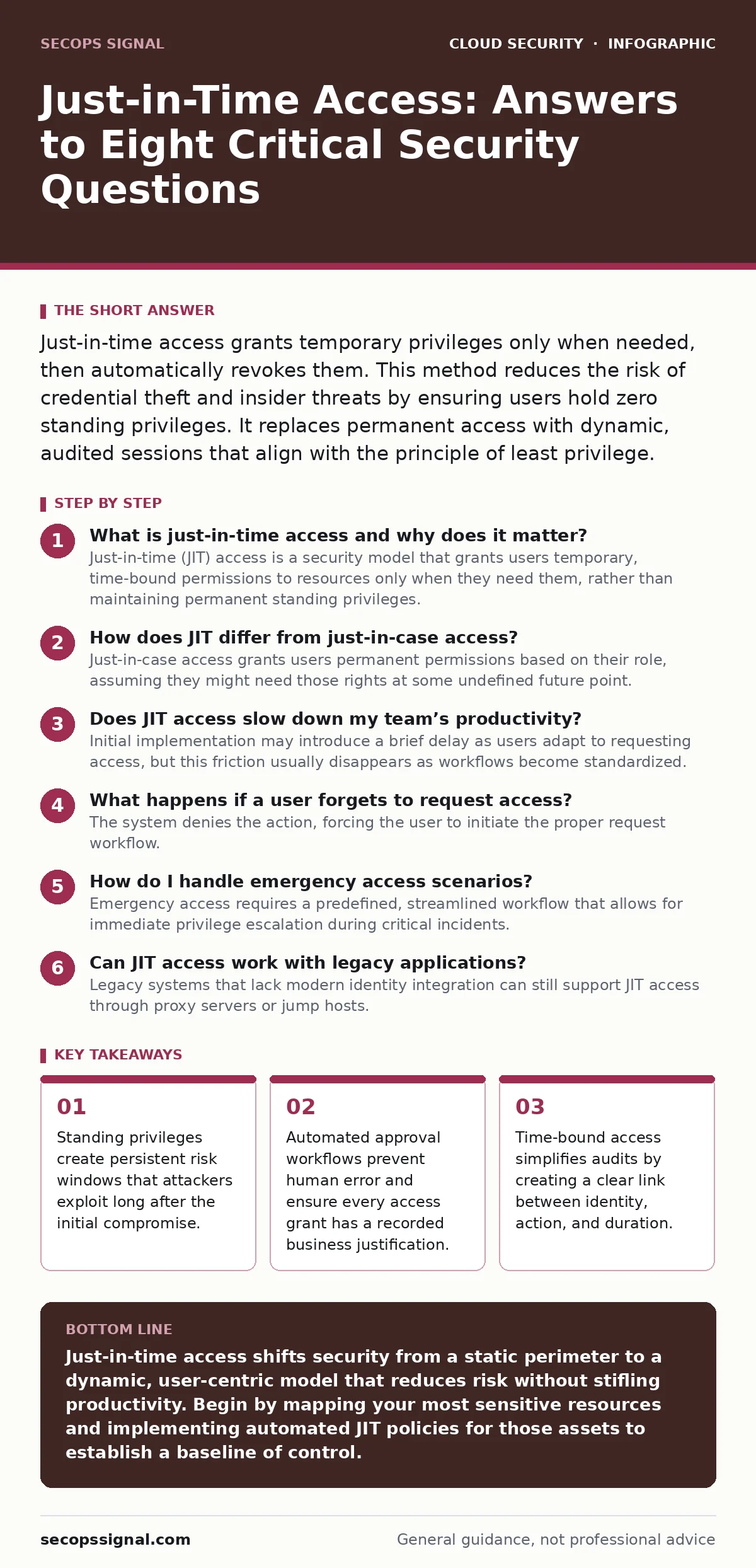
Just-in-time access grants temporary privileges only when needed, then automatically revokes them. This method reduces the risk of credential theft and insider threats by ensuring users hold zero standing privileges. It replaces permanent access with dynamic, audited sessions that align with the principle of least privilege.
What is just-in-time access and why does it matter?
Just-in-time (JIT) access is a security model that grants users temporary, time-bound permissions to resources only when they need them, rather than maintaining permanent standing privileges. This approach eliminates the risk of dormant accounts being compromised and ensures that access rights are always aligned with current job functions. By removing long-term access, you significantly reduce the attack surface available to malicious actors who might steal credentials.
How does JIT differ from just-in-case access?
Just-in-case access grants users permanent permissions based on their role, assuming they might need those rights at some undefined future point. JIT access, by contrast, requires a request and approval process for each specific task, granting rights for a limited window. The fundamental difference is that standing privileges remain active even when unused, creating a persistent vulnerability, while JIT privileges expire automatically, closing the window of opportunity for abuse.
Does JIT access slow down my team’s productivity?
Initial implementation may introduce a brief delay as users adapt to requesting access, but this friction usually disappears as workflows become standardized. Modern identity platforms automate the approval process for routine tasks, granting access in seconds while maintaining strict audit logs. The trade-off is a minor administrative step in exchange for a drastic reduction in the risk of unauthorized data exposure or lateral movement by attackers.
What happens if a user forgets to request access?
The system denies the action, forcing the user to initiate the proper request workflow. This failure mode is a feature, not a bug, as it prevents unauthorized access and ensures every action is logged with a business reason. You should configure automated reminders or integrate JIT requests into your ticketing system to minimize the cognitive load on users and ensure compliance without manual follow-up.
How do I handle emergency access scenarios?
Emergency access requires a predefined, streamlined workflow that allows for immediate privilege escalation during critical incidents. You should establish a "break-glass" procedure that grants immediate access but triggers real-time alerts to security teams and requires post-incident justification. This balance ensures operational continuity during crises while maintaining accountability and preventing the normalization of emergency privileges.
See also: User Access Provisioning Mistakes and How to Fix Them · 7 Code Repository Mistakes That Leak Secrets
Can JIT access work with legacy applications?
Legacy systems that lack modern identity integration can still support JIT access through proxy servers or jump hosts. These intermediaries enforce access controls before traffic reaches the older application, effectively wrapping legacy infrastructure in modern security policies. While this adds architectural complexity, it prevents the need to rewrite legacy code and extends security benefits to older environments that cannot natively support dynamic permissions.
How do I audit JIT access effectively?
Audit trails for JIT access must capture the requester, approver, timestamp, duration, and specific actions performed during the session. You should integrate these logs with your Security Information and Event Management (SIEM) system to correlate access events with other security signals. Regular reviews of these logs help identify patterns of abuse, such as repeated requests for the same resource, which may indicate a misconfigured policy or a compromised account.
What are the common pitfalls in JIT implementation?
A frequent mistake is granting overly broad permissions or excessive time windows, which defeats the purpose of least privilege. Another pitfall is relying on manual approval processes that create bottlenecks and encourage users to bypass security controls. You must define clear, role-based policies that automate approvals for low-risk actions and require human review only for sensitive or unusual requests.
| Access Model | Privilege Duration | Audit Complexity | Risk Profile |
|---|---|---|---|
| Standing Access | Permanent | High | High |
| Just-in-Time | Temporary | Low | Low |
How do I prevent JIT from becoming a bottleneck?
Automate approvals for routine, low-risk tasks based on predefined roles and historical behavior. Use machine learning or rule-based engines to recognize legitimate access patterns and grant permissions without human intervention. Reserve manual reviews for anomalous requests, such as access to sensitive data outside of normal working hours or by users who rarely interact with specific systems.
What is the role of identity governance in JIT?
Identity governance platforms provide the policy engine that defines who can request what, under which conditions, and for how long. These systems manage the lifecycle of access requests, ensuring that approvals are routed to the correct stakeholders and that access is revoked promptly upon expiration. Without robust governance, JIT access becomes a manual, error-prone process that fails to scale across the organization.
Key takeaways
- Standing privileges create persistent risk windows that attackers exploit long after the initial compromise.
- Automated approval workflows prevent human error and ensure every access grant has a recorded business justification.
- Time-bound access simplifies audits by creating a clear link between identity, action, and duration.
Just-in-time access shifts security from a static perimeter to a dynamic, user-centric model that reduces risk without stifling productivity. Begin by mapping your most sensitive resources and implementing automated JIT policies for those assets to establish a baseline of control.
Frequently asked questions
Does JIT access replace multi-factor authentication?
No, JIT access complements multi-factor authentication by adding a layer of time-bound privilege management. MFA verifies identity, while JIT ensures that the verified identity only has access to what it needs, for how long it needs it.
Can JIT access be used for privileged accounts?
Yes, JIT is particularly effective for privileged accounts, as it eliminates the risk of stolen standing credentials. By granting administrative rights only for specific tasks, you minimize the window of opportunity for attackers to exploit high-privilege accounts.
What if an approval manager is unavailable?
You should implement escalation policies that route requests to backup approvers or security teams if the primary manager is unreachable. This ensures that critical work is not stalled while maintaining the integrity of the approval process.
How long should JIT access windows last?
Access windows should be as short as necessary to complete the task, typically ranging from minutes to a few hours. Longer durations increase risk and should require higher levels of approval and justification.
How this guide was produced: written by the SecOps Signal editorial team with AI assistance, checked against the public references listed below, and reviewed when the facts change. See our editorial policy or report an error.