Compliance Audits Examples: Real-World Scenarios and Outcomes
Compliance audits often reveal that strict rule-following fails to prevent data loss when technical controls contradict business workflows.

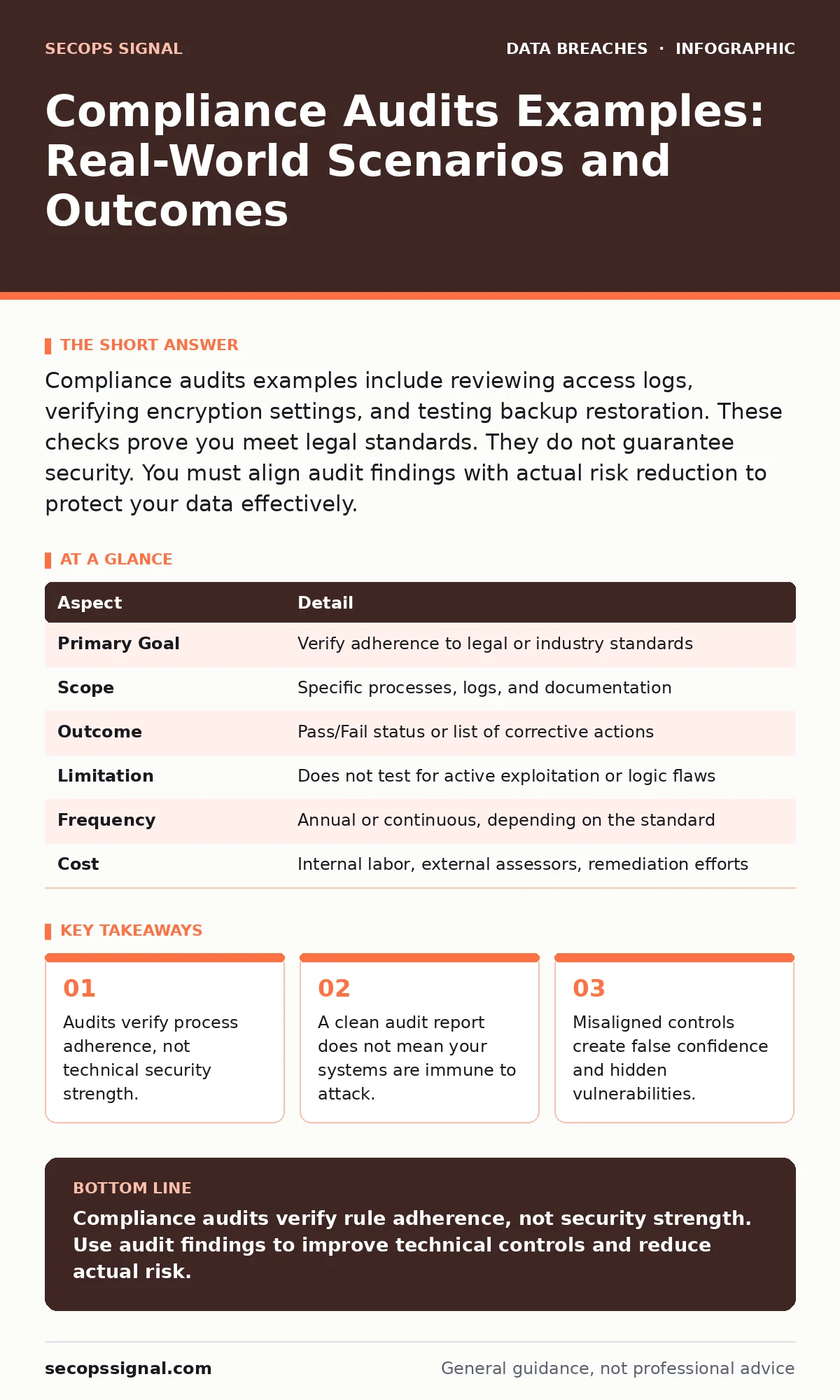
Compliance audits examples include reviewing access logs, verifying encryption settings, and testing backup restoration. These checks prove you meet legal standards. They do not guarantee security. You must align audit findings with actual risk reduction to protect your data effectively.
Understanding the Compliance Audit Mechanism
A compliance audit is a systematic examination of your organization's policies and technical controls against a specific regulatory standard. It determines whether you follow required rules for handling data, not whether your security architecture is optimal. Think of an audit like a building inspection. The inspector checks if you have a fire extinguisher and clear exits. They do not test if the sprinkler system works during a blaze. The goal is regulatory adherence, not operational resilience. This distinction matters because many organizations confuse passing an audit with achieving security.
| Aspect | Detail |
|---|---|
| Primary Goal | Verify adherence to legal or industry standards |
| Scope | Specific processes, logs, and documentation |
| Outcome | Pass/Fail status or list of corrective actions |
| Limitation | Does not test for active exploitation or logic flaws |
| Frequency | Annual or continuous, depending on the standard |
| Cost | Internal labor, external assessors, remediation efforts |
Compliance Audits Examples in Practice
People searching for compliance audits examples often want to know what an auditor actually looks at. The answer varies by standard, but the mechanisms remain similar. An auditor will request evidence. This evidence usually takes the form of configuration screenshots, policy documents, or interview notes. They verify that the written policy matches the technical reality. For example, if your policy states that all databases are encrypted at rest, the auditor checks the database configuration settings. They do not attempt to decrypt the data. They check for the presence of the control, not its effectiveness against a determined adversary.
Who Undergoes These Reviews
Compliance audits affect any organization that handles regulated data. This includes financial records, health information, or payment card details. Small businesses often believe they are too small to be targeted or regulated. This is a dangerous misconception. Regulations apply based on data type, not company size. If you process credit card transactions, you fall under payment card industry standards. If you store patient records, health privacy laws apply. The auditor does not care about your revenue. They care about your data flow. You become a target for scrutiny the moment you collect sensitive information.
Common Misconceptions About Audit Results
Many leaders assume a successful audit means their data is safe. This is the most frequent error in security planning. An audit confirms you followed the checklist. It does not confirm the checklist is sufficient. Attackers do not care about your compliance score. They look for the path of least resistance. If your compliance requirements are outdated, you may have strong controls in the wrong places. For example, an audit might require strong passwords. It might not require network segmentation. You can pass the password check while leaving your entire database exposed to lateral movement. The audit validates the past, not the future.
The Hidden Cost of Compliance
Compliance creates administrative overhead. You must document every control. You must train staff on procedures. You must retain logs for specific periods. This documentation burden diverts resources from active defense. Engineers spend time creating reports instead of patching vulnerabilities. This trade-off is inherent in the system. You pay for legal protection with operational agility. The hidden cost is opportunity cost. Every hour spent proving compliance is an hour not spent improving detection or response capabilities. You must balance the need for legal cover with the need for technical robustness.
See also: Shadow IT Definition: How to Find Hidden Cloud Risks
Aligning Audits with Technical Security
To make audits useful, you must integrate them with your security operations. Do not treat them as separate events. Use audit findings to identify gaps in your principle of least privilege implementation. If an audit reveals excessive access rights, fix them. This improves both compliance and security. Review your data controllers and data processors relationships. Ensure your contracts reflect the technical controls you actually use. This alignment reduces risk and simplifies future audits. You turn a legal requirement into a security improvement.
What to Do When Findings Arise
Audits often produce findings. These are not failures. They are opportunities to improve. Categorize findings by risk. Fix high-risk items immediately. Plan lower-risk improvements for later. Do not ignore findings because they are minor. Small gaps often indicate larger process failures. For instance, a missing log entry might seem trivial. It could indicate a broken monitoring system. Investigate the root cause. Update your database security policies if data handling is the issue. Implement data masking for non-production environments to reduce exposure. These actions address the finding and reduce your attack surface.
The Role of Continuous Monitoring
Annual audits provide a snapshot. They miss changes that happen between reviews. You need continuous monitoring to fill this gap. Automated tools can check configurations daily. They alert you when a setting drifts from the compliant state. This prevents small issues from becoming audit failures. It also reduces the stress of audit preparation. You do not scramble to gather evidence. The evidence is already collected. This approach supports the CIA triad by maintaining confidentiality, integrity, and availability over time. It shifts security from a periodic event to a daily practice.
Integrating Related Security Practices
Compliance does not exist in a vacuum. It interacts with other security domains. For example, credential leaks can bypass compliant authentication systems. You must monitor for leaked credentials regardless of your audit status. Breach dwell time measures how long an attacker stays in your network.
Compliance often requires log retention, which helps reduce dwell time. Use these logs to detect anomalies. Tax identity theft often results from poor data handling. Compliance rules for PII protection directly mitigate this risk. Understanding these connections helps you prioritize your security investments. You protect against real threats while satisfying legal requirements.
Key takeaways
- Audits verify process adherence, not technical security strength.
- A clean audit report does not mean your systems are immune to attack.
- Misaligned controls create false confidence and hidden vulnerabilities.
Compliance audits verify rule adherence, not security strength. Use audit findings to improve technical controls and reduce actual risk.
Frequently asked questions
How long does a typical compliance audit take?
The duration depends on your organization's size and complexity. Small organizations may finish in days. Large enterprises can take months. Preparation often takes longer than the audit itself.
Can I perform a compliance audit internally?
You can perform internal self-assessments. However, external certification usually requires an independent auditor. Internal audits help you prepare for external reviews.
What happens if I fail a compliance audit?
You receive a list of corrective actions. You must fix these issues within a specified timeframe. Failure to remediate can result in fines or loss of certification.
Do compliance audits protect against ransomware?
No. Audits check for policy adherence. Ransomware exploits technical vulnerabilities. Strong security controls protect against ransomware. Compliance helps but does not guarantee protection.
How this guide was produced: written by the SecOps Signal editorial team with AI assistance, checked against the public references listed below, and reviewed when the facts change. See our editorial policy or report an error.