DMARC vs DKIM: Which Email Authentication Protocol Do You Need?
DKIM signs your outgoing mail to prove origin, while DMARC tells receivers how to handle messages that fail those signature checks.
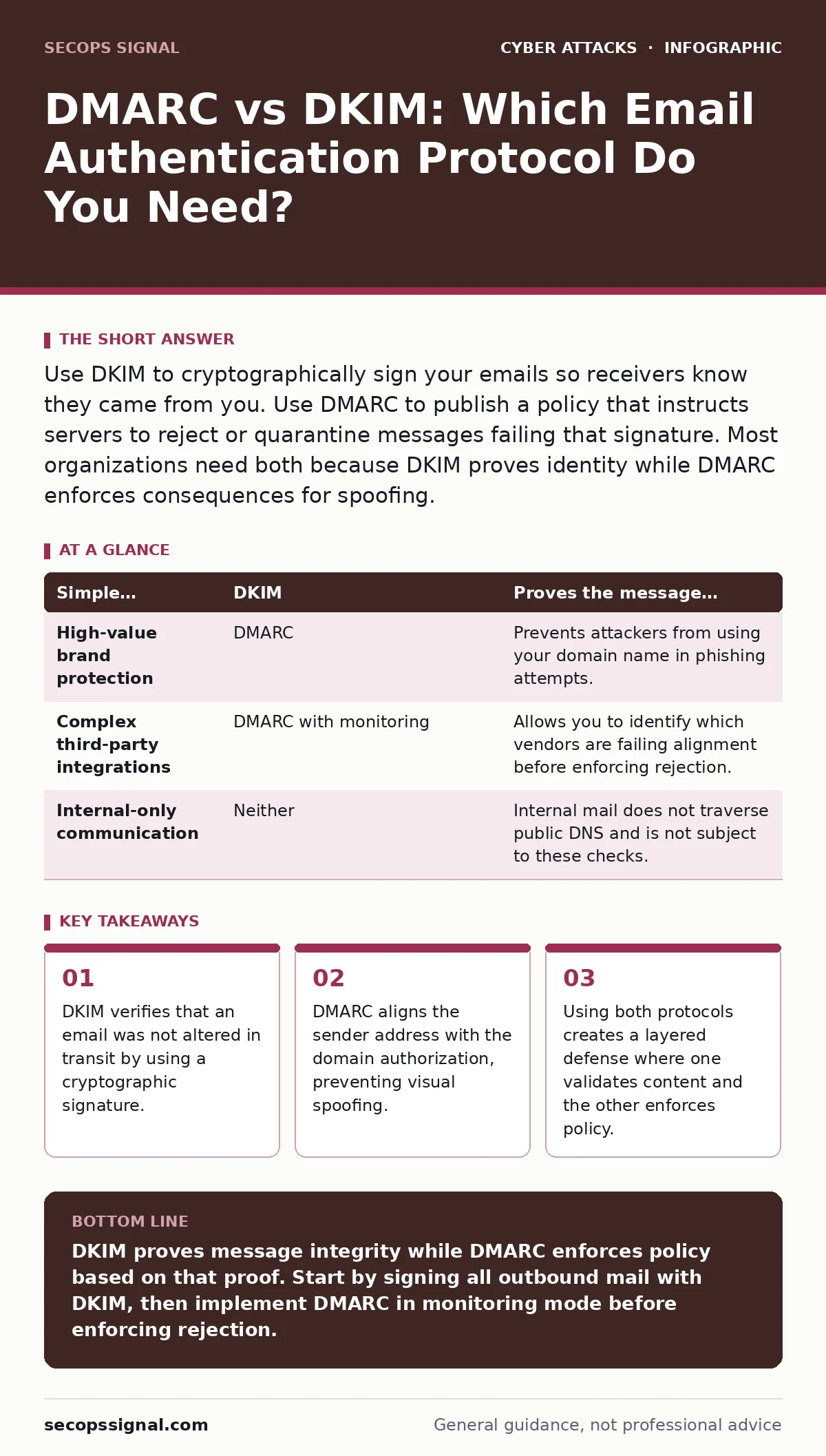
Use DKIM to cryptographically sign your emails so receivers know they came from you. Use DMARC to publish a policy that instructs servers to reject or quarantine messages failing that signature. Most organizations need both because DKIM proves identity while DMARC enforces consequences for spoofing.
Does Your Email Content Change After Signing?
DKIM, or DomainKeys Identified Mail, adds a cryptographic signature to your email headers. This signature is generated using a private key held by your mail server. When the recipient receives the message, their server uses your public DNS record to verify that signature. If even a single character changes during transit, the signature breaks. This makes DKIM excellent for ensuring message integrity. However, many email marketing platforms or forwarding services modify headers or footers automatically. If your infrastructure alters the email after signing, DKIM will fail. You must ensure your signing process happens after all content modifications are complete.
Do You Need to Prevent Visual Spoofing?
DKIM alone does not prevent an attacker from sending an email that appears to come from your domain. An attacker can forge the "From" address to match your domain, even if the DKIM signature fails or is missing. DMARC, or Domain-based Message Authentication, Reporting, and Conformance, solves this by requiring alignment.
Alignment means the domain in the visible "From" header must match the domain authorized by DKIM or SPF. If they do not match, the message fails DMARC. This stops attackers from using your domain name in the address bar of the recipient's inbox. Without DMARC, a failed DKIM check might still result in the email landing in the inbox, relying solely on spam filters.
How Should Receivers Handle Failed Messages?
DMARC allows you to publish a policy in your DNS records that dictates how receiving servers should treat unauthenticated mail. You can choose none, quarantine, or reject. The "none" policy generates reports but takes no action. The "quarantine" policy sends suspicious mail to the spam folder. The "reject" policy blocks the message entirely.
Starting with "reject" is risky because legitimate mail might fail due to misconfiguration. Many administrators begin with "none" to monitor traffic, then move to "quarantine" before enforcing "reject." This gradual approach prevents accidental loss of business communications. It also gives you time to fix broken forwarding rules or third-party integrations.
Is Your Infrastructure Ready for Strict Policies?
Implementing strict DMARC policies requires that every source sending email on your behalf is authenticated. This includes transactional emails, marketing campaigns, and internal notifications. If you use multiple vendors, each must sign with DKIM or be included in your SPF records. Managing these records can become complex as your vendor list grows. A single misconfigured vendor can cause your entire domain to fail DMARC checks. You must audit your outbound email sources regularly. This audit ensures that no legacy systems or forgotten applications are sending unauthenticated mail.
Situation | Better fit | Why
| Simple transactional mail | DKIM | Proves the message content has not been altered since it left your server. |
|---|---|---|
| High-value brand protection | DMARC | Prevents attackers from using your domain name in phishing attempts. |
| Complex third-party integrations | DMARC with monitoring | Allows you to identify which vendors are failing alignment before enforcing rejection. |
| Internal-only communication | Neither | Internal mail does not traverse public DNS and is not subject to these checks. |
How Do They Work Together?
DKIM and DMARC are not alternatives; they are complementary layers. DKIM provides the cryptographic proof that the message originated from your domain and was not tampered with. DMARC uses that proof to make a decision about delivery. Without DKIM, DMARC has no cryptographic basis to verify the sender. Without DMARC, DKIM failures might be ignored by receiving servers. Using both ensures that your identity is verified and that unauthorized use of your domain is blocked. This combination is the standard for modern email security.
What Happens If You Ignore Alignment?
If you only use DKIM, an attacker can send an email with a valid DKIM signature from a different domain but display your domain in the "From" field. This is known as a display name spoof. Recipients see your name but the technical headers show a different source. DMARC alignment checks ensure that the visible domain matches the authenticated domain. This stops the visual deception that often leads to credential stuffing attacks. Users are less likely to click malicious links if the sender address does not technically align with the displayed name.
When to Consider Additional Controls
Email authentication is just one layer of defense. Even with perfect DMARC and DKIM, users may still fall for sophisticated attacks. You should combine these protocols with email filtering to catch malicious payloads that bypass authentication. Conditional access policies can further restrict access if a user logs in from an unusual location after clicking a link. These controls add depth to your security posture. They ensure that a single failure in email authentication does not lead to a full compromise.
Key takeaways
- DKIM verifies that an email was not altered in transit by using a cryptographic signature.
- DMARC aligns the sender address with the domain authorization, preventing visual spoofing.
- Using both protocols creates a layered defense where one validates content and the other enforces policy.
DKIM proves message integrity while DMARC enforces policy based on that proof. Start by signing all outbound mail with DKIM, then implement DMARC in monitoring mode before enforcing rejection.
Frequently asked questions
Can I use DMARC without DKIM?
You can, but it is less effective. DMARC relies on DKIM or SPF to verify the sender. Without DKIM, you rely solely on SPF, which does not verify message content.
Does DMARC protect against all phishing?
No. DMARC prevents domain spoofing but does not scan for malicious links or attachments. You still need email filtering to catch content-based threats.
How long does implementation take?
It depends on your infrastructure complexity. Simple setups may take days, while complex environments with many vendors can take weeks of monitoring and adjustment.
What if a vendor cannot sign with DKIM?
You may need to use SPF for that vendor, but ensure the domain aligns. If alignment fails, you must exclude that traffic from strict DMARC policies or find a compliant vendor.
How this guide was produced: written by the SecOps Signal editorial team with AI assistance, checked against the public references listed below, and reviewed when the facts change. See our editorial policy or report an error.