Implement Log Management: A Step-by-Step Technical Guide
Most organizations collect logs but fail to normalize them, creating blind spots that attackers exploit to move laterally without triggering any automated alerts.

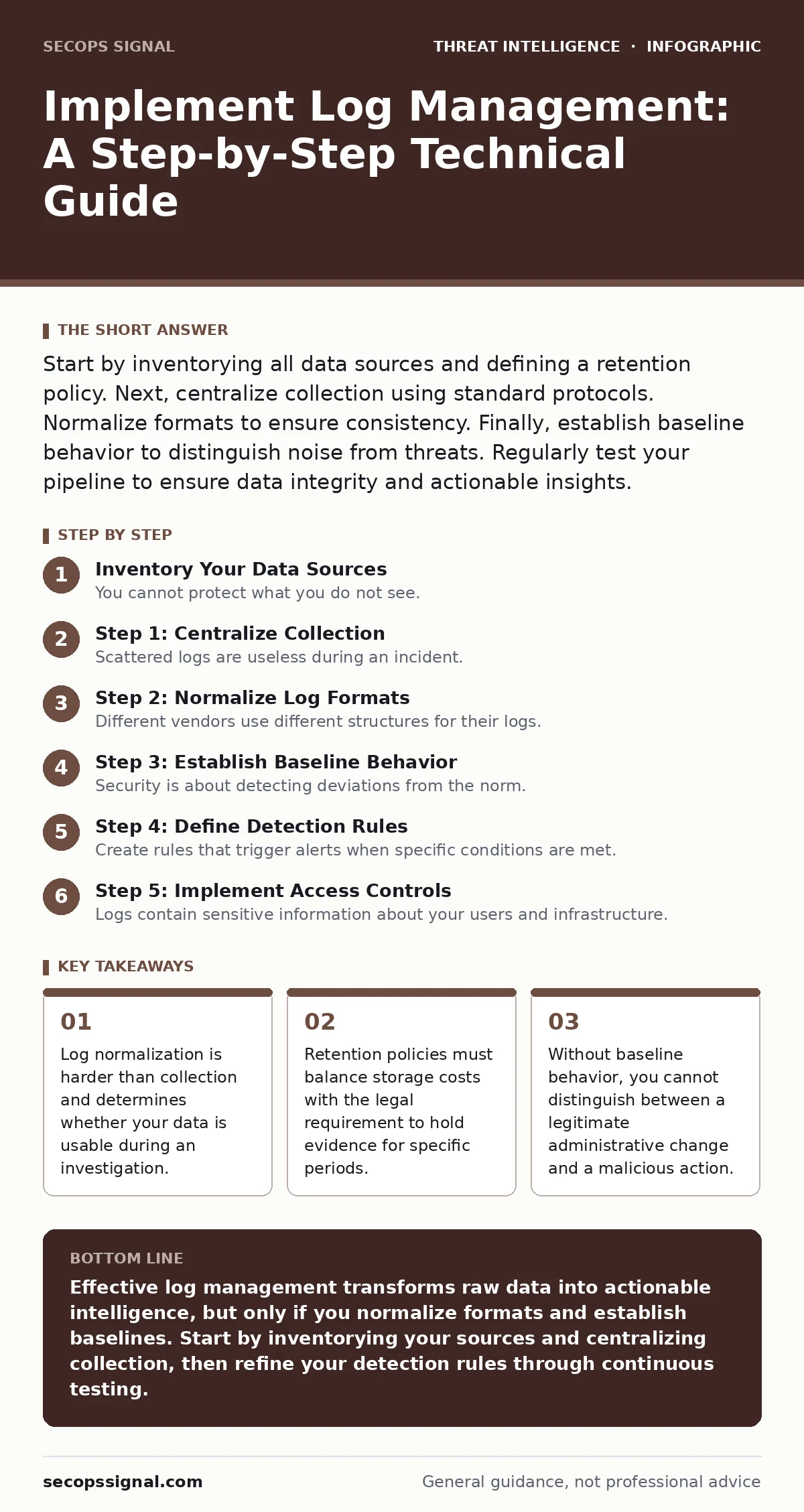
Start by inventorying all data sources and defining a retention policy. Next, centralize collection using standard protocols. Normalize formats to ensure consistency. Finally, establish baseline behavior to distinguish noise from threats. Regularly test your pipeline to ensure data integrity and actionable insights.
Inventory Your Data Sources
You cannot protect what you do not see. Begin by listing every system that generates data relevant to your security posture. This includes operating systems, network devices, applications, and identity providers. Many teams overlook cloud services or third-party applications, creating gaps in their visibility.
Identify which logs contain authentication events, privilege changes, and data access records. These are the high-value signals. Ignore low-utility logs at the source if possible, such as routine health checks, to reduce noise. Define a clear retention period for each type of data based on legal and operational needs.
Step 1: Centralize Collection
Scattered logs are useless during an incident. You must aggregate data into a single repository or SIEM (Security Information and Event Management) platform. This allows you to correlate events across different systems. Configure agents or forwarders on each endpoint to send logs to this central location.
Use secure transport protocols to prevent tampering during transit. Ensure the central server has sufficient storage and processing power to handle the volume. Verify that timestamps are synchronized across all devices using a reliable time protocol. Without accurate timing, correlating events becomes nearly impossible.
- All critical servers are sending logs to the central repository
- Network devices are forwarding syslog data securely
- Time synchronization is active on all endpoints
Step 2: Normalize Log Formats
Different vendors use different structures for their logs. A firewall log looks nothing like an authentication server log. You must parse these raw entries into a common schema. This process, called normalization, allows you to search for specific fields across all data sources.
Define standard fields such as source IP, destination IP, user ID, and event type. Map vendor-specific fields to these standard definitions. This effort is tedious but necessary. If you skip this step, you will struggle to write effective detection rules later.
Step 3: Establish Baseline Behavior
Security is about detecting deviations from the norm. You must define what normal activity looks like for your environment. This includes typical login times, common data transfer volumes, and standard administrative actions. Without this baseline, every alert is just a potential false positive.
Monitor your systems for a period to gather this baseline data. Adjust your detection thresholds to account for legitimate variations, such as seasonal business changes. This reduces alert fatigue and helps analysts focus on genuine anomalies.
Step 4: Define Detection Rules
Create rules that trigger alerts when specific conditions are met. These conditions should reflect known attack patterns or suspicious behaviors. For example, an alert might fire if a user logs in from two different countries within a short time.
Prioritize high-fidelity alerts over volume. It is better to have ten accurate alerts than a hundred noisy ones. Regularly review and refine these rules based on feedback from your security team. Connect these rules to your digital forensics and incident response plan to ensure a swift reaction.
Step 5: Implement Access Controls
Logs contain sensitive information about your users and infrastructure. Restrict access to this data strictly. Only authorized personnel should be able to view, search, or export logs. Implement role-based access control to limit permissions based on job function.
Enable audit logging for the log management system itself. You need to know who is accessing the logs and what they are doing. This prevents internal misuse and provides accountability. Regularly review these access logs to ensure compliance with your policies.
Verification Checklist
Before declaring your log management system operational, verify its effectiveness. Use the following checklist to ensure all components are functioning correctly.
- Logs from all critical sources are arriving at the central repository
- Timestamps are accurate and synchronized across all devices
- Log parsing rules are correctly extracting key fields
- Detection rules are triggering on test events
- Access controls are enforced and audit logs are enabled
- Retention policies are applied and data is purged as scheduled
Ongoing Upkeep and Tuning
Log management is not a one-time project. It requires continuous attention. Regularly review your detection rules to reduce false positives. Update your normalization rules as you add new systems or update existing ones.
Monitor the health of your log collection pipeline. Ensure that no devices have stopped sending data due to configuration errors or network issues. Participate in purple teaming exercises to test your detection capabilities against simulated attacks. This helps you identify gaps in your coverage.
Integrating with Broader Security
Your log management system should not operate in isolation. Integrate it with other security tools to enhance your overall defense. For example, use indicators of attack to enrich your log data and improve detection accuracy.
Consider automating responses to common threats using SOAR (Security Orchestration, Automation, and Response) platforms. This reduces the manual workload on your security team. Ensure that your log data supports your remote desktop abuse detection strategies by capturing session details and command executions.
Key takeaways
- Log normalization is harder than collection and determines whether your data is usable during an investigation.
- Retention policies must balance storage costs with the legal requirement to hold evidence for specific periods.
- Without baseline behavior, you cannot distinguish between a legitimate administrative change and a malicious action.
Effective log management transforms raw data into actionable intelligence, but only if you normalize formats and establish baselines. Start by inventorying your sources and centralizing collection, then refine your detection rules through continuous testing.
Frequently asked questions
How long should I keep my logs?
Retention periods depend on legal requirements and operational needs. Many organizations keep logs for at least one year, but critical security events may require longer retention. Consult your legal counsel for specific guidance.
What is the difference between SIEM and log management?
Log management focuses on collecting, storing, and searching logs. SIEM adds real-time analysis, correlation, and alerting capabilities. While they are related, SIEM provides a more active security function.
Can I use free tools for log management?
Yes, open-source solutions exist and can be effective for small environments. However, they often require more manual configuration and maintenance compared to commercial platforms. Ensure you have the expertise to manage them.
How do I handle log volume growth?
Implement data lifecycle policies to archive or delete old logs. Use compression and efficient storage solutions. Prioritize high-value logs and filter out low-utility data at the source to reduce volume.
How this guide was produced: written by the SecOps Signal editorial team with AI assistance, checked against the public references listed below, and reviewed when the facts change. See our editorial policy or report an error.